
Contributor profile
Jonah Reeves
Senior Contributor on IPTV App Comparisons and Troubleshooting
Jonah Reeves specializes in detailed IPTV app comparisons, login flow analysis, and hands-on troubleshooting. He brings clarity to complex issues with practical, step-by-step solutions for IPTV users.

Jonah Reeves has dedicated over seven years to exploring IPTV platforms, focusing on app-by-app functionality and user experience. His work helps viewers navigate common hurdles and make informed choices among competing IPTV options.
With a deep understanding of login protocols and streaming software, Jonah specializes in cutting through technical jargon to deliver clear, concise guides. His comparative reviews often highlight subtle but impactful differences that affect day-to-day use.
Jonah's approachable, methodical style has made him a trusted resource for IPTV users aiming to optimize their setups. He emphasizes actionable solutions over speculative advice, ensuring readers can quickly resolve issues.
- Expert in Xtream Codes and IPTV Smarters configuration and troubleshooting
- Author of comprehensive setup comparisons for popular IPTV applications
- Specialist in diagnosing and resolving IPTV login failures
Articles by Jonah Reeves
Published explainers currently attributed to this contributor.
When you switch channels on your IPTV service and the screen freezes or lags, it’s frustrating and disrupts your viewing experience. IPTV freezing during channel switching is most often caused by network delays, buffering, or the IPTV.

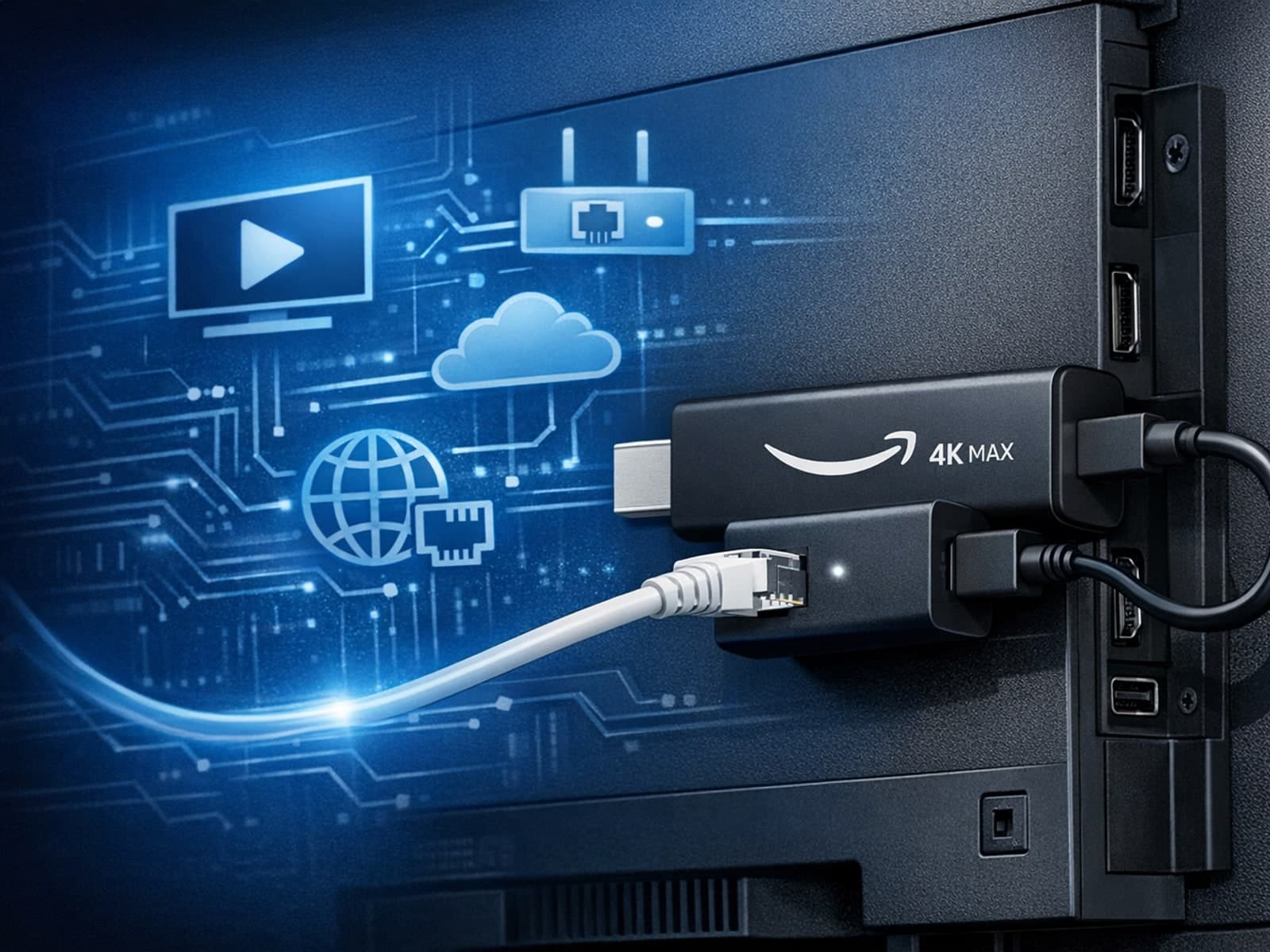
The Amazon Fire TV Stick 4K Max offers a powerful streaming experience with improved hardware and faster Wi-Fi connectivity. However, some users prefer the stability and reliability of a wired Ethernet connection over Wi-Fi.
When you see "Xtream Codes authorization failed" in TiviMate, it means the IPTV app cannot verify your login credentials with the IPTV server. This blocks access to your channels and streams, stopping playback.
If your m3u playlist is not loading in IPTV Smarters, this often results from issues with the playlist URL or file, app settings, or network connectivity.
When watching IPTV on your Firestick, the speed and reliability of how your device connects to IPTV servers greatly affect stream quality.
If you use TiviMate to watch IPTV channels, you rely on an EPG (Electronic Program Guide) source URL to show TV program schedules inside the app. When that URL stops working, your program guide goes blank or fails to load entirely.
To get the best IPTV experience on your Fire TV Stick, careful Wi-Fi setup is key. IPTV streams rely heavily on a steady internet connection, and Wi-Fi settings influence stability, buffering, and image quality.
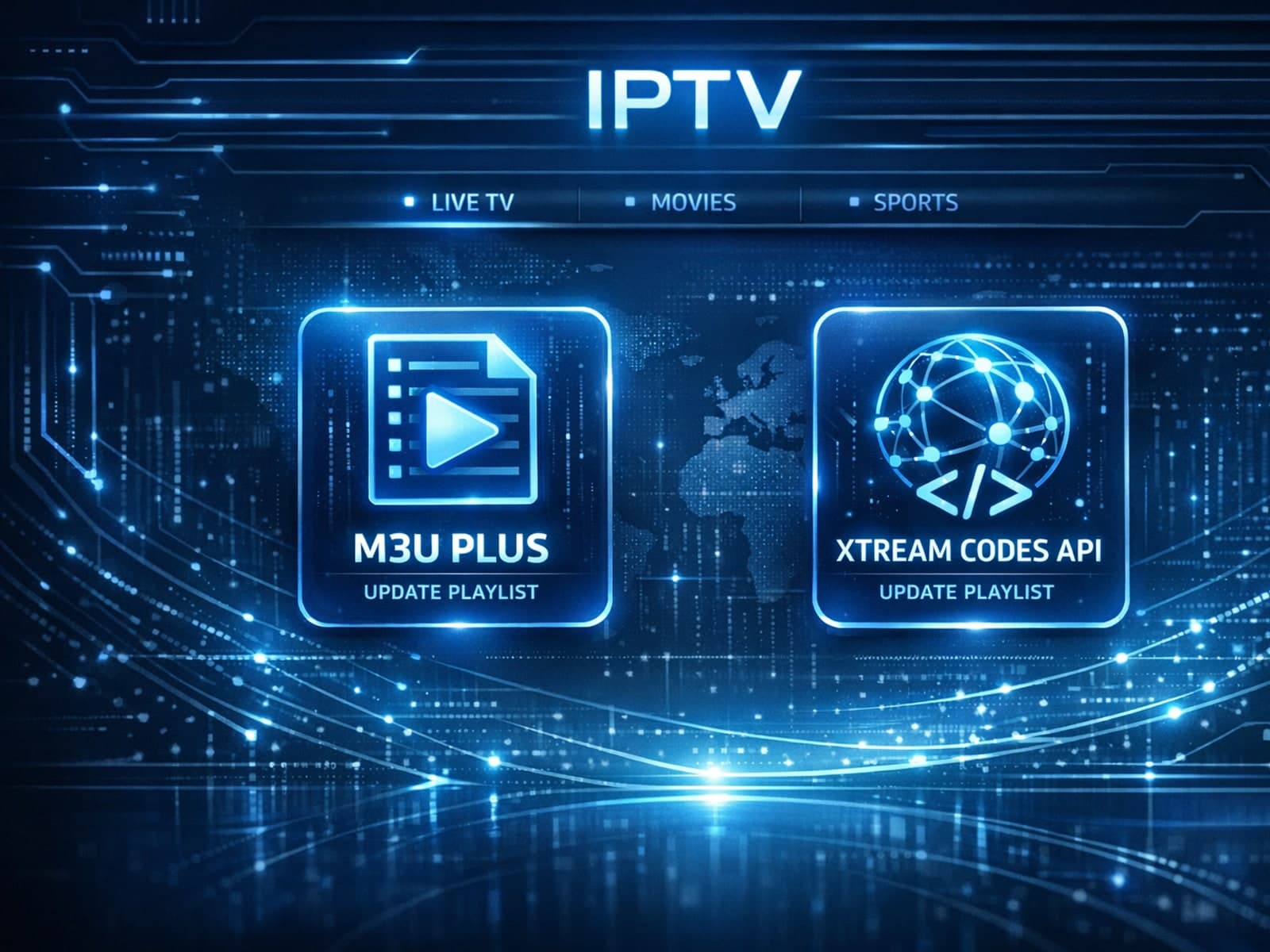
When managing IPTV subscriptions or services, updating the channel playlist is essential for accessing the latest content and avoiding interruptions. Two commonly used methods to update IPTV playlists are M3U Plus and the Xtream Codes API.
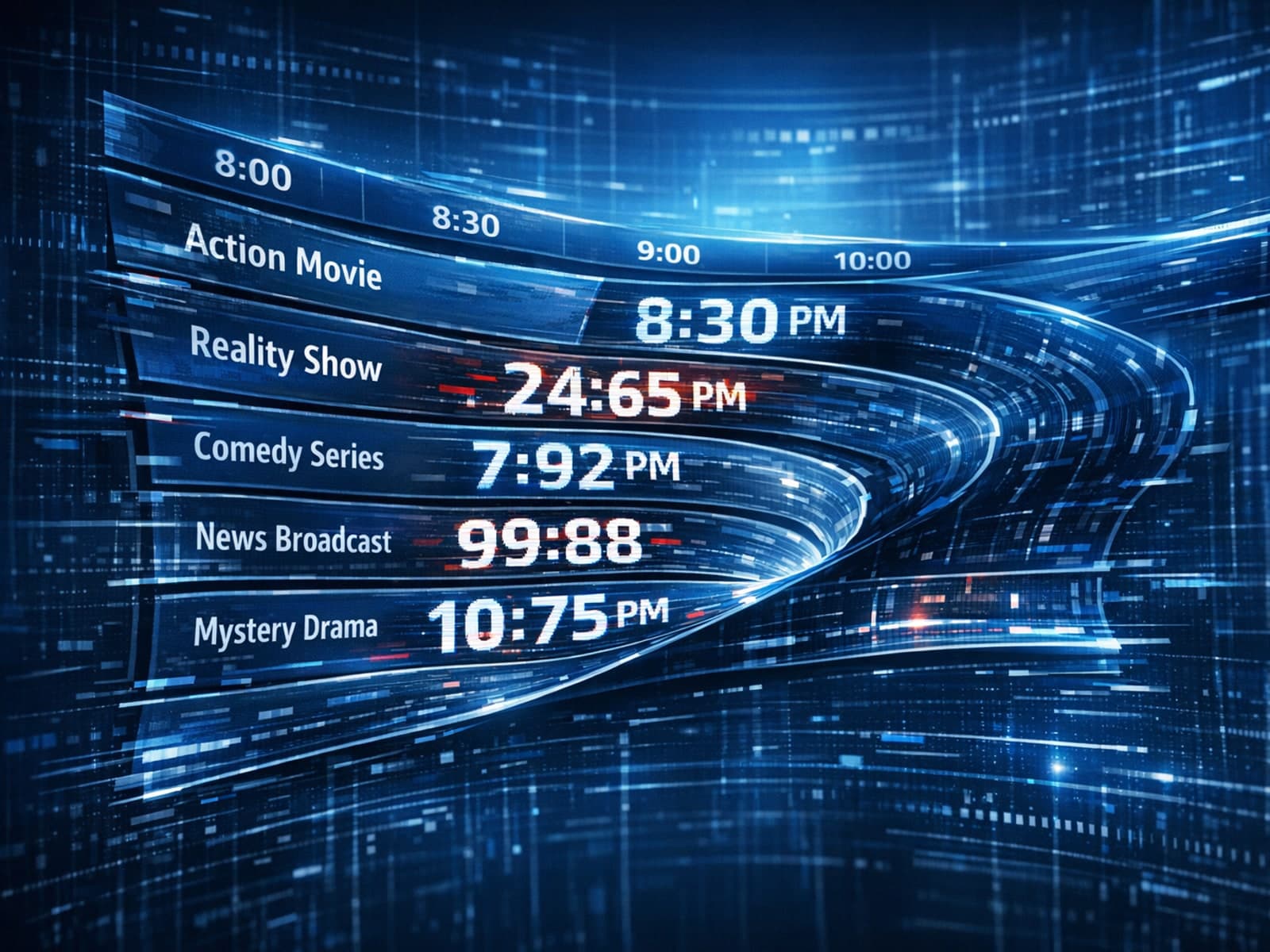
If your TiviMate app is showing program guide times that are off by one or more hours, the root cause is usually an incorrect EPG (Electronic Program Guide) time offset setting.
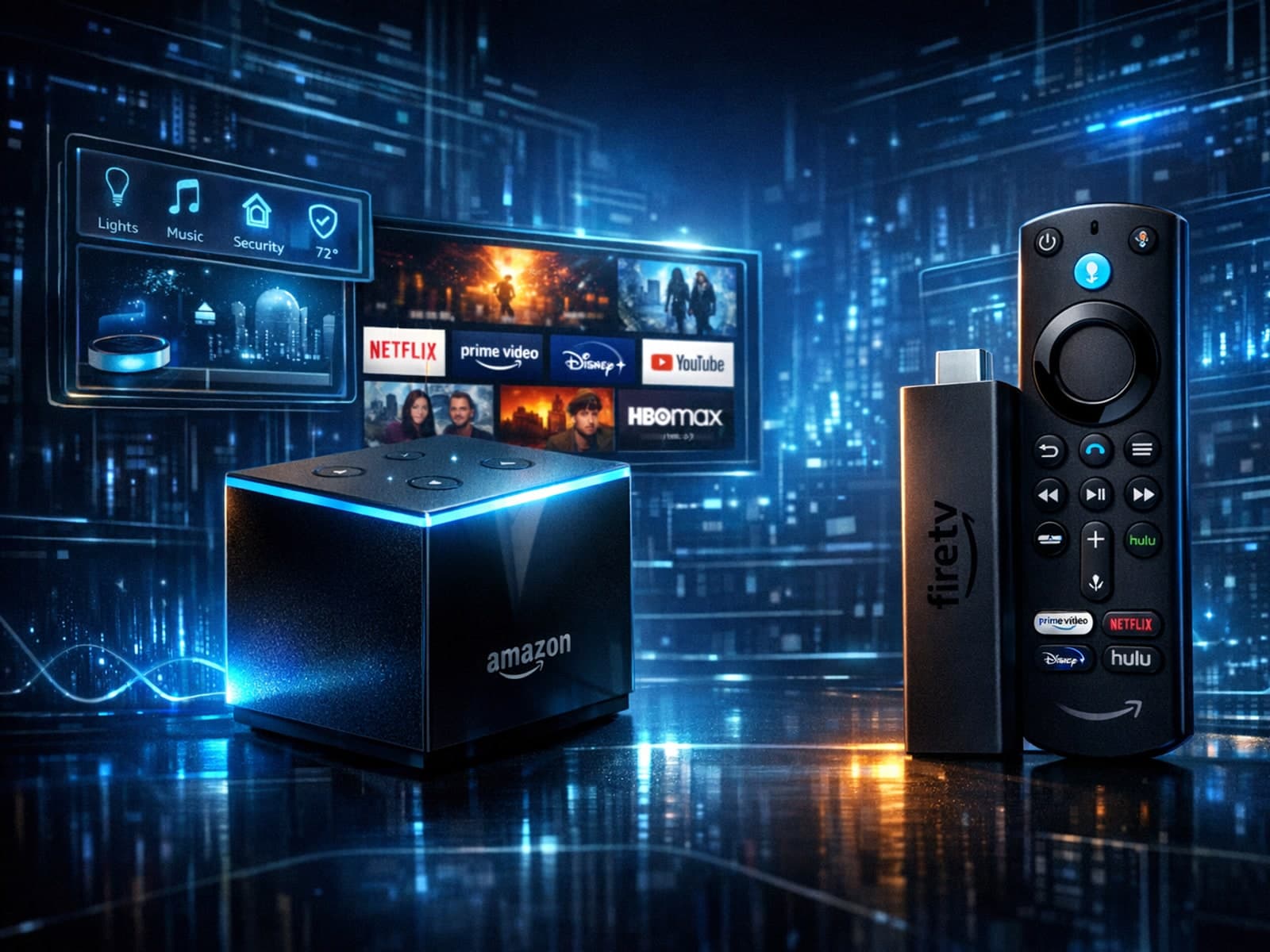
When choosing an Amazon Fire TV device for IPTV streaming, two popular options are the Fire TV Cube and the Fire TV Stick 4K Max. Both devices support IPTV apps and 4K streaming, but they differ in hardware, features, and user experience.
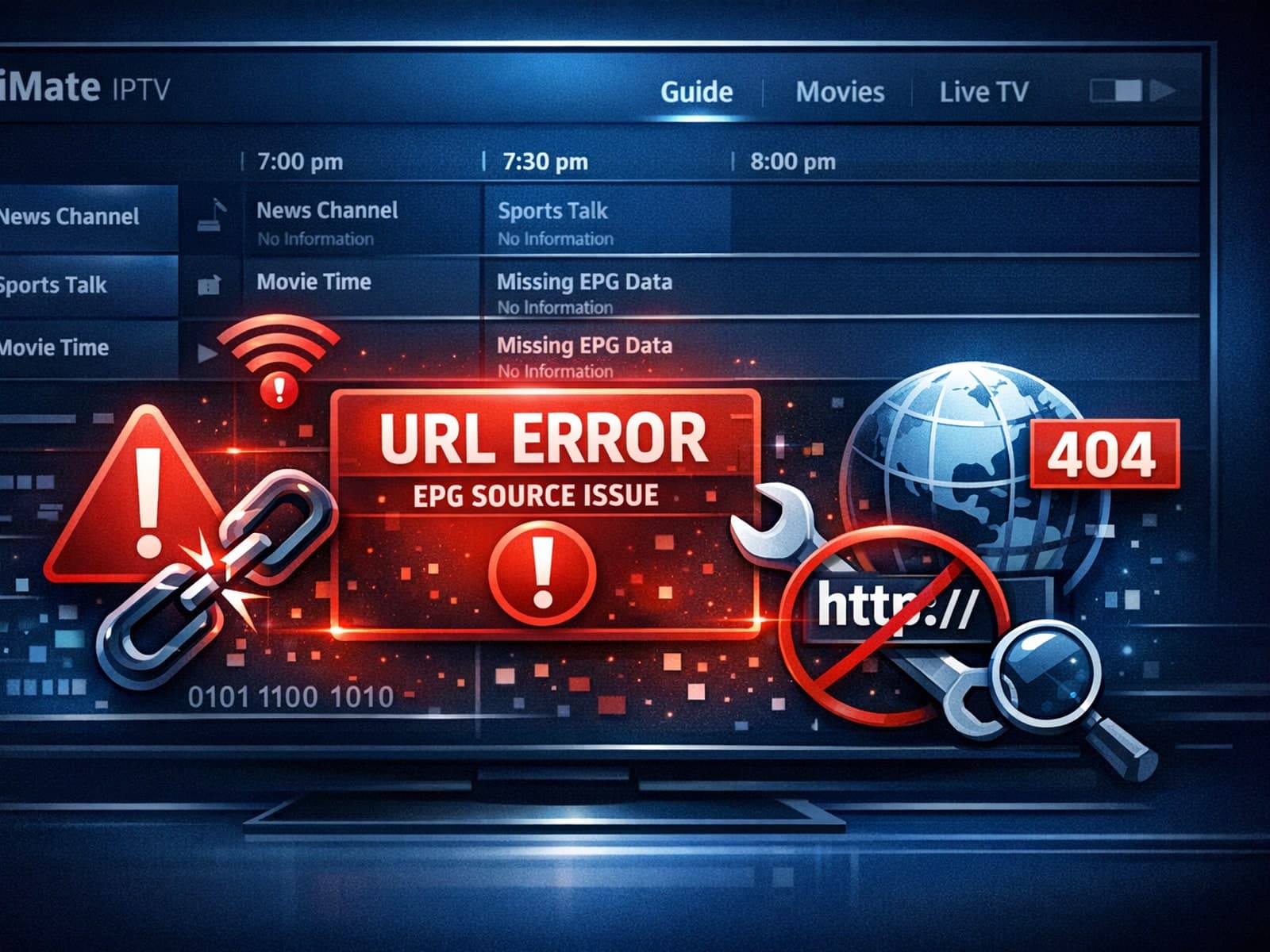
If your TiviMate app is showing that the EPG (Electronic Program Guide) source URL is not working, it means the app cannot retrieve the programming schedule data from the specified web address.
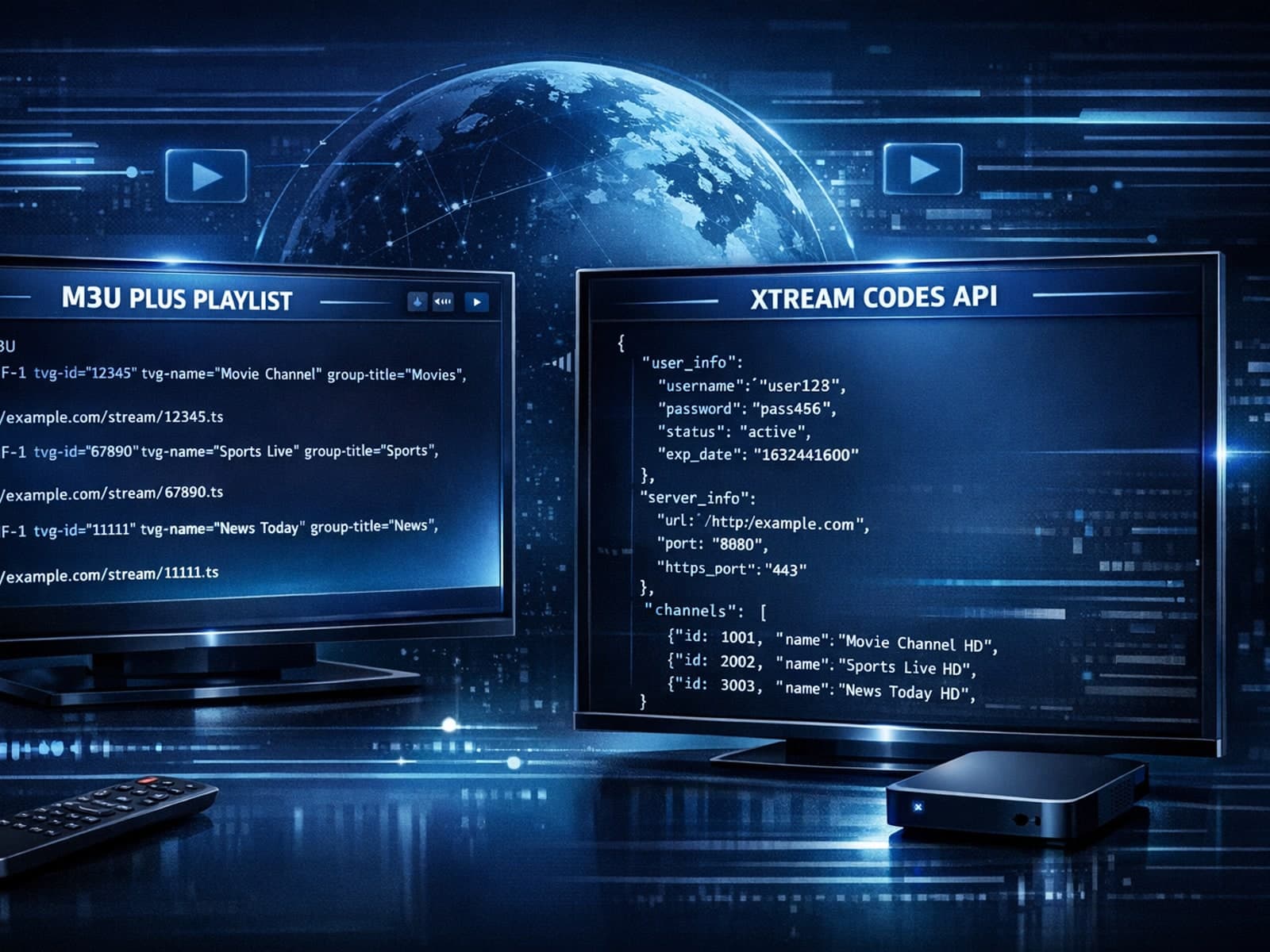
When managing IPTV playlists, two popular methods for playlist updates are M3U Plus and Xtream Codes API. Both serve to keep your channel lineup and electronic program guide (EPG) up to date, but they approach the task differently and fit.
If your TiviMate playlist isn't updating after you hit refresh, it can be frustrating when channels, content, or schedules don't appear as expected.
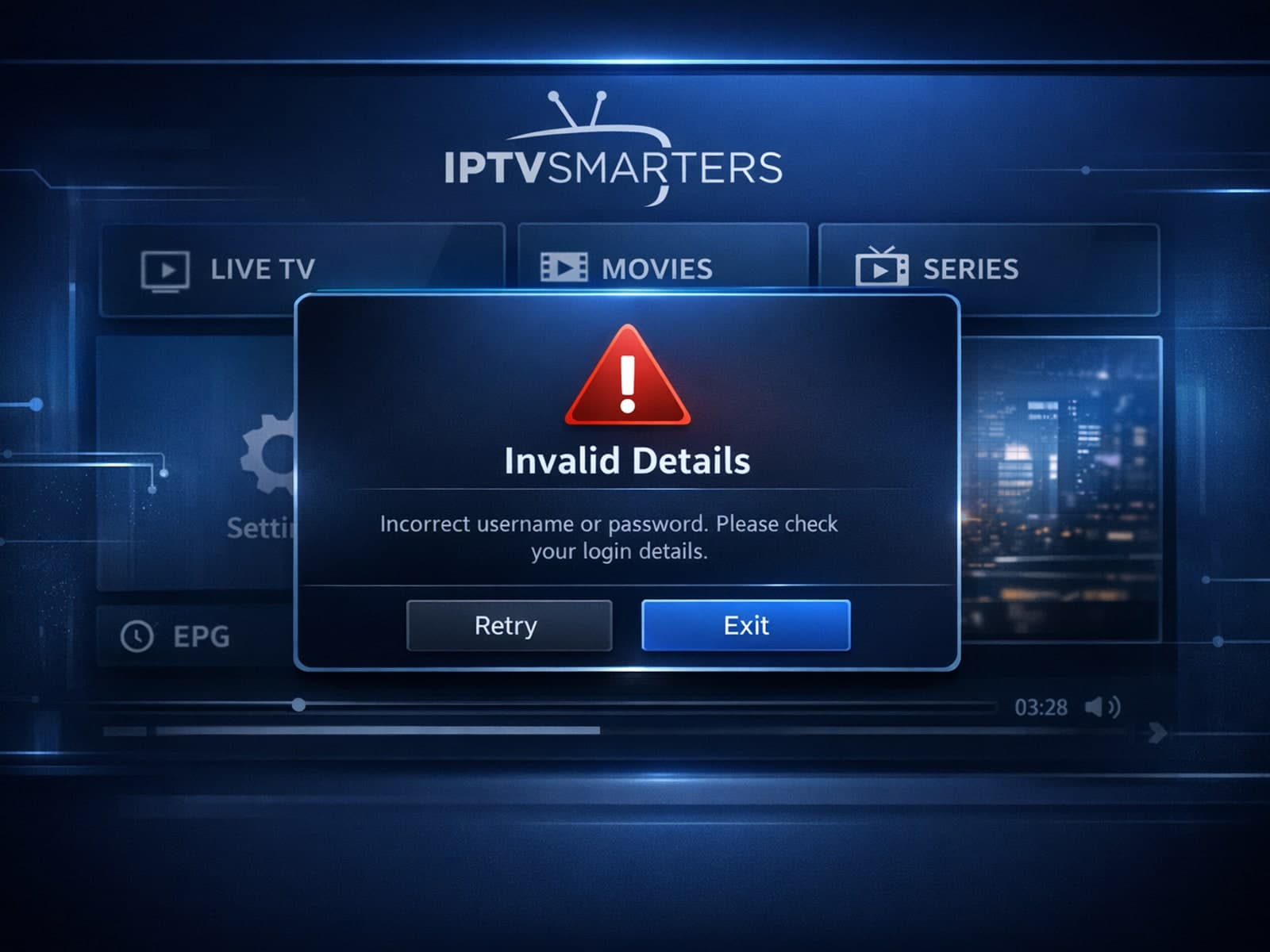
If you've encountered the "Invalid Details" error message when trying to log into IPTV Smarters, you're experiencing a common obstacle related to the app's authentication process.
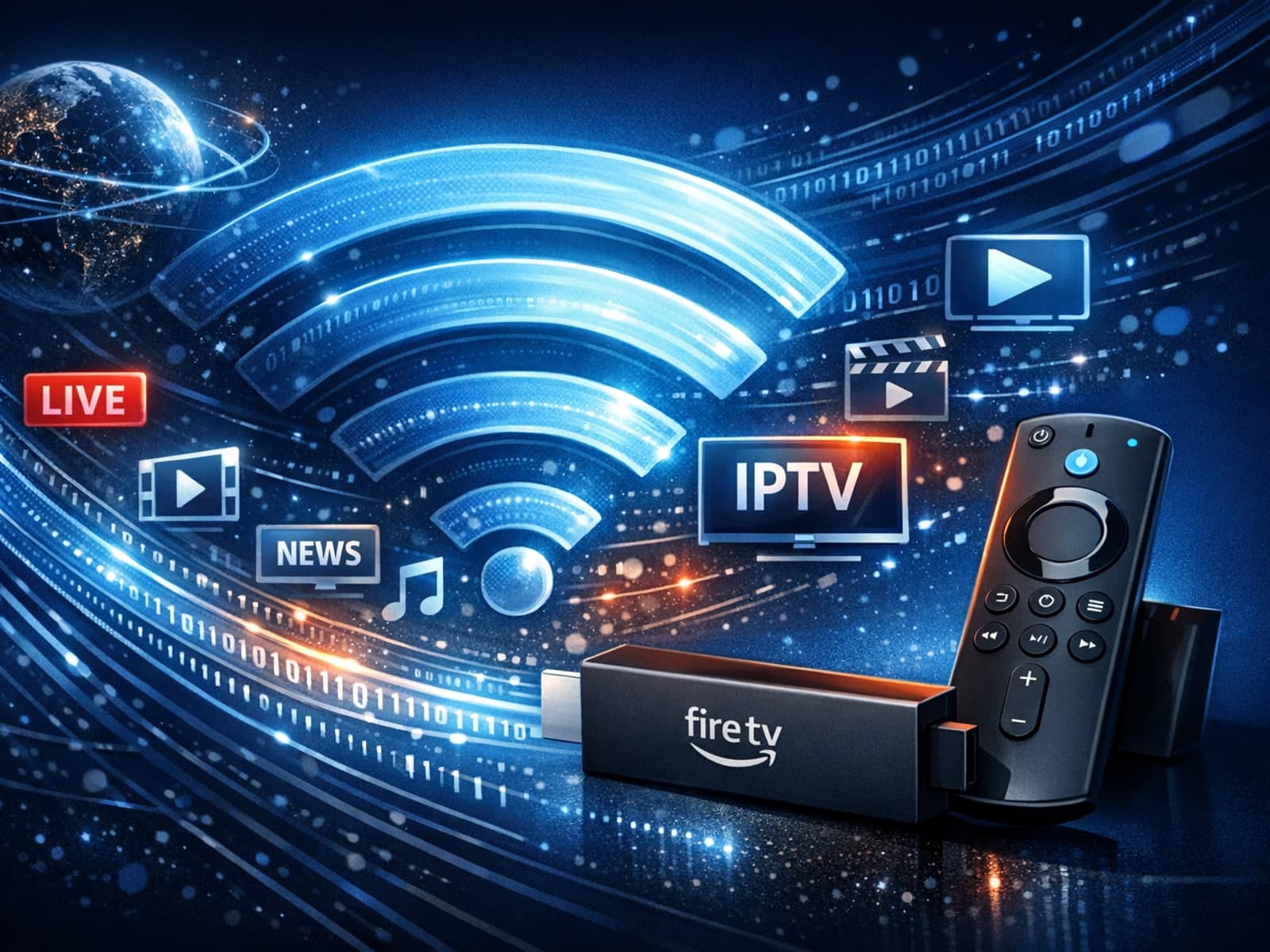
When streaming IPTV on a Fire TV Stick, selecting the right Wi-Fi settings is crucial for smooth playback and minimal buffering. The best Wi-Fi configuration includes using the 5 GHz band where possible, choosing a less congested Wi-Fi.
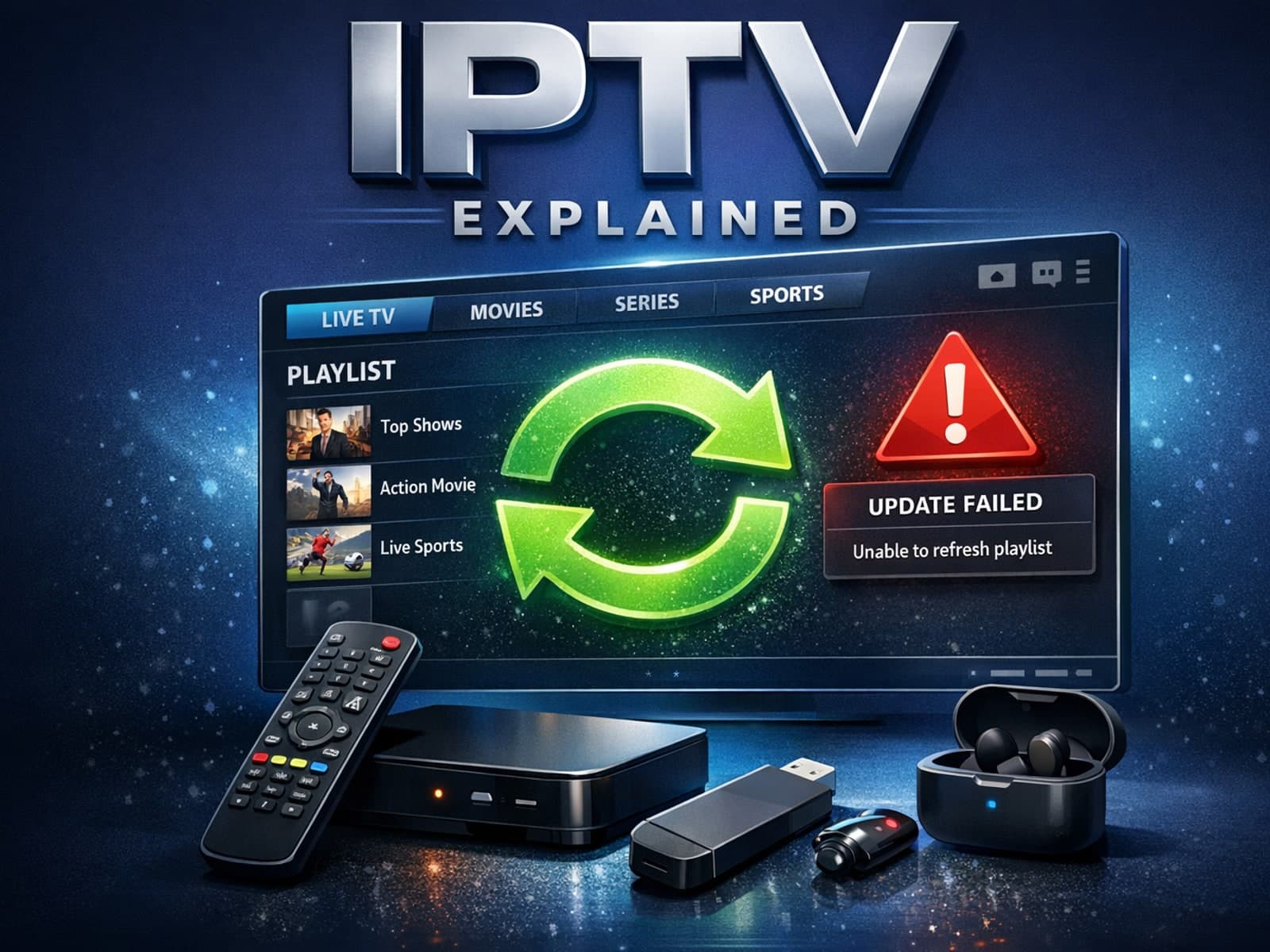
If your TiviMate playlist fails to update after you hit the refresh button, the cause often lies in cached data, expired or inaccessible playlist URLs, or temporary network problems.
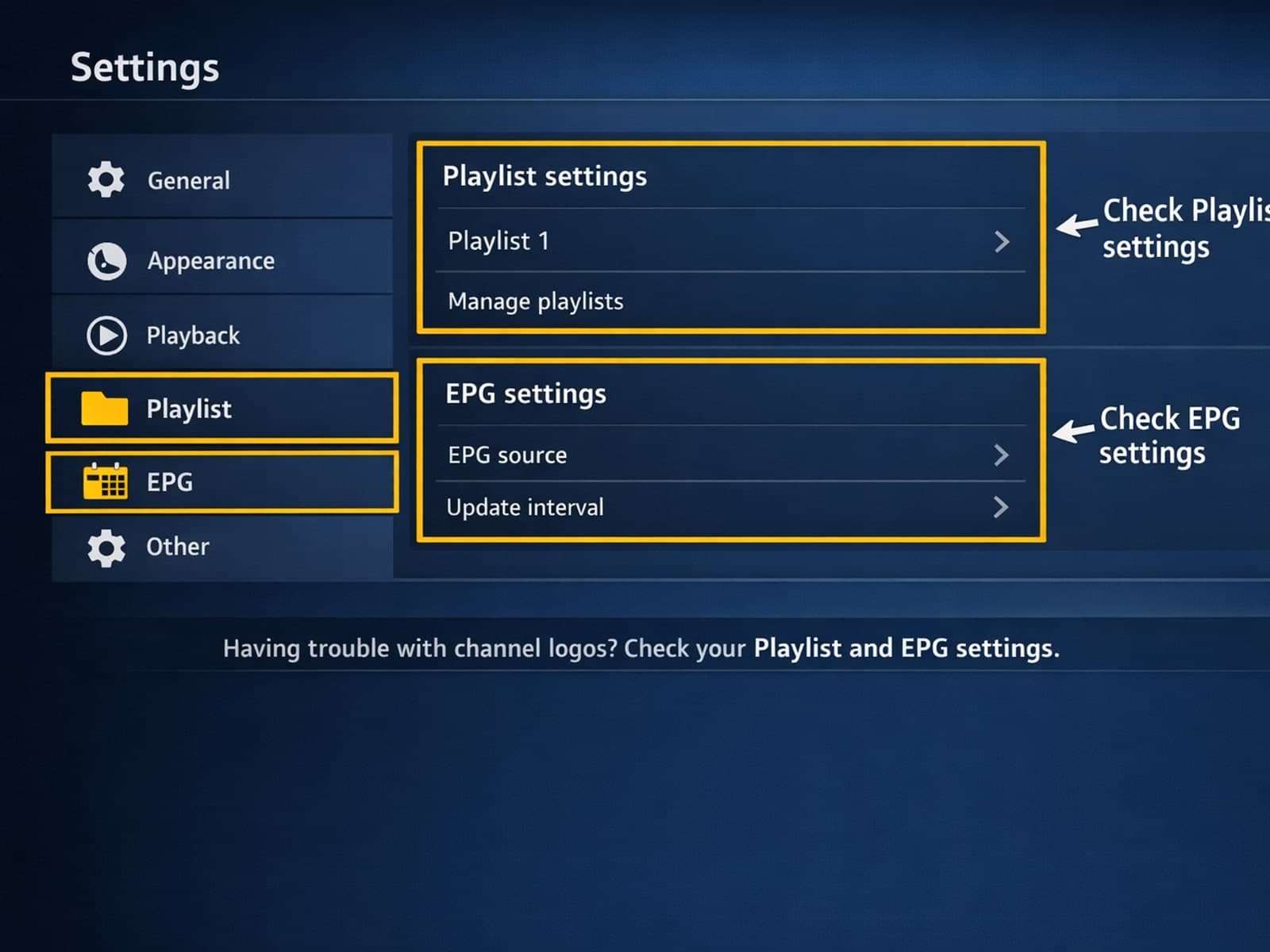
If your TiviMate IPTV player is showing channel names but missing the associated channel logos, there are several targeted steps you can take to resolve this.
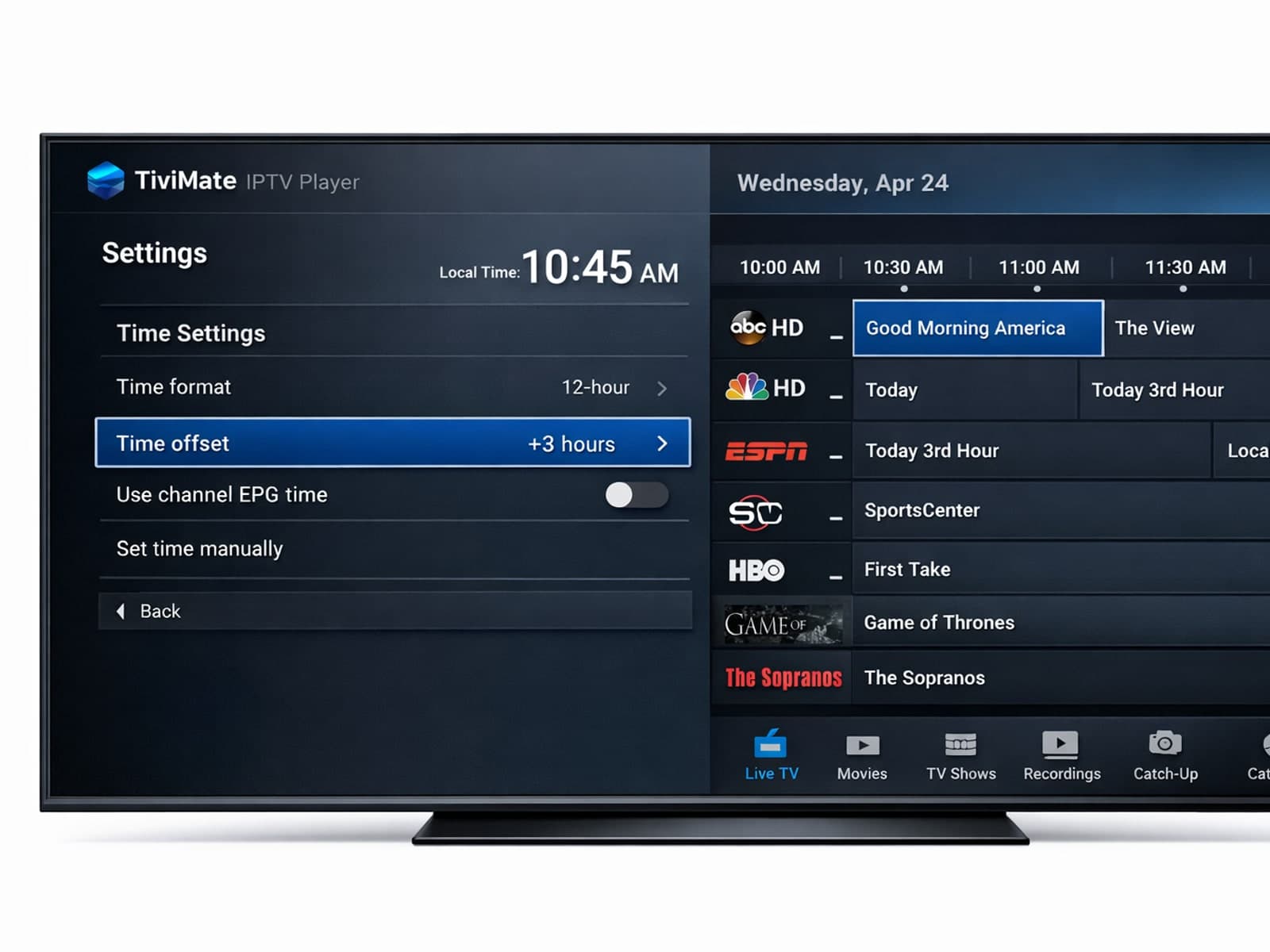
If you notice that your electronic program guide (EPG) in TiviMate is showing incorrect times—such as program listings starting too early or late compared to the actual broadcast—this is due to an EPG time offset problem.
If your TiviMate playlist does not update after you hit refresh, it usually indicates an issue with the playlist source, a caching problem in the app, or network connectivity troubles.
When using IPTV Smarters, encountering an "Invalid Details" error during login signals that the app cannot validate your user credentials or server information. This prevents access to your IPTV content until fixed.
If channel logos are missing in TiviMate, it's usually caused by issues with the IPTV playlist, incorrect app settings, or outdated app versions.
If you encounter the "Invalid Details" error in the IPTV Smarters app, it means the login credentials or server information entered do not match what the IPTV service requires.
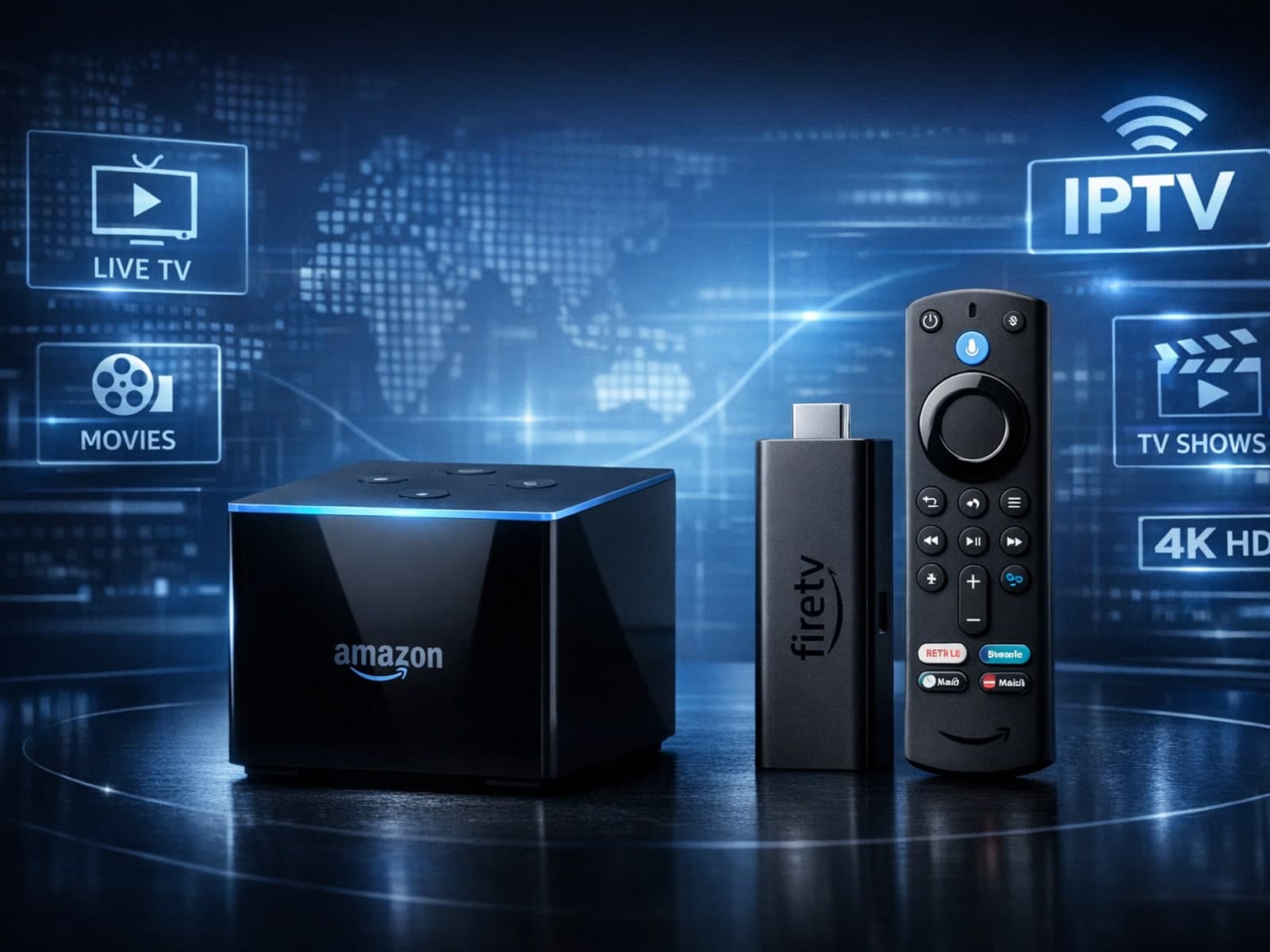
When deciding between the Fire TV Cube and the Fire TV Stick 4K Max for IPTV streaming, both devices can support high-quality IPTV apps and 4K content.
If your TiviMate IPTV app isn't showing updated content after you refresh your playlist, the issue is often tied to the playlist source, the app's cached data, or network connectivity.
To get the best streaming experience with IPTV apps on your Fire TV Stick, setting up your WiFi network properly is crucial. This means choosing the right WiFi frequency band, optimizing your network settings like IP and DNS, and ensuring.
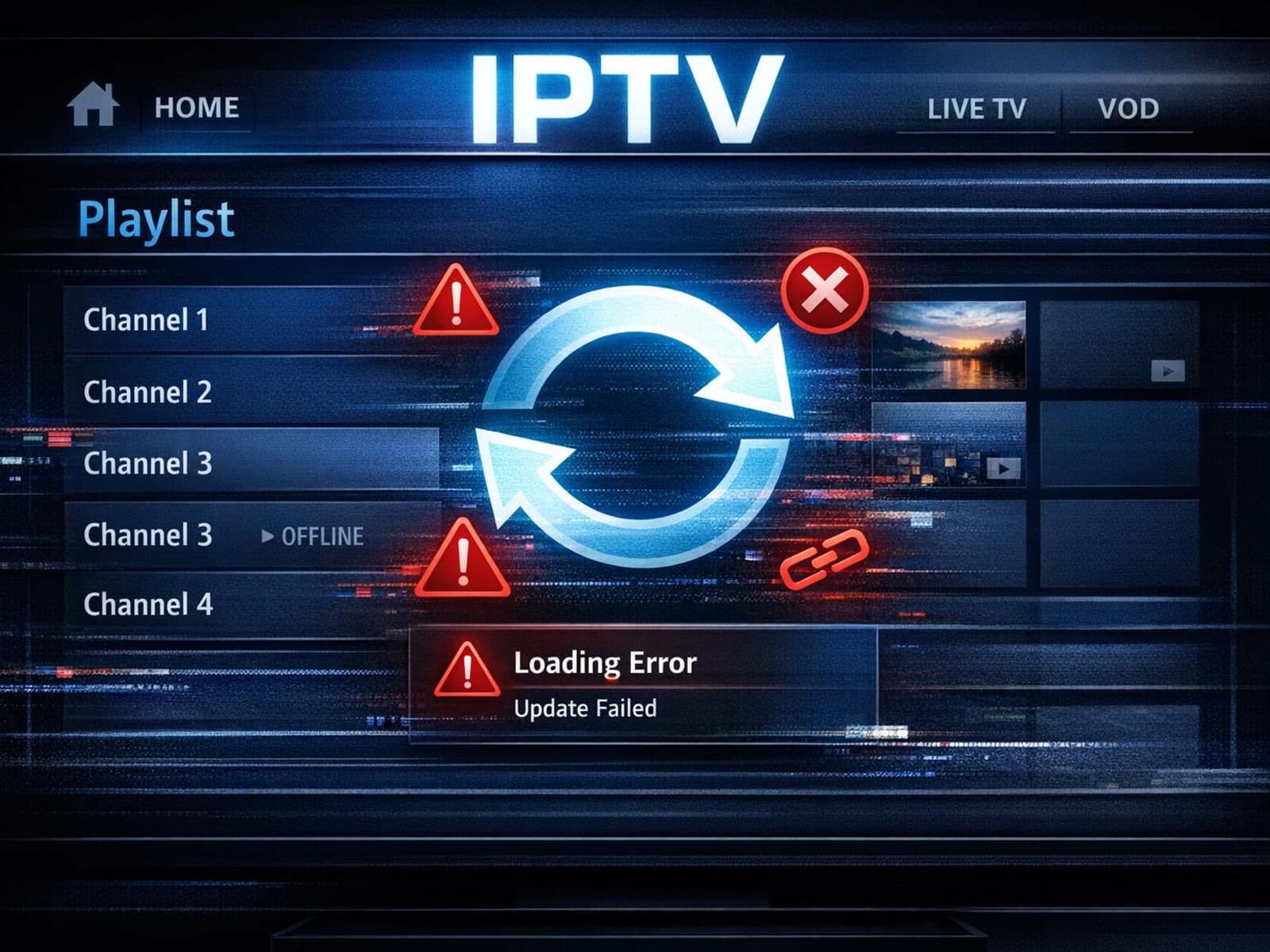
If your TiviMate playlist does not update after hitting the refresh button, it usually means the app isn't successfully reloading or retrieving the latest playlist data.
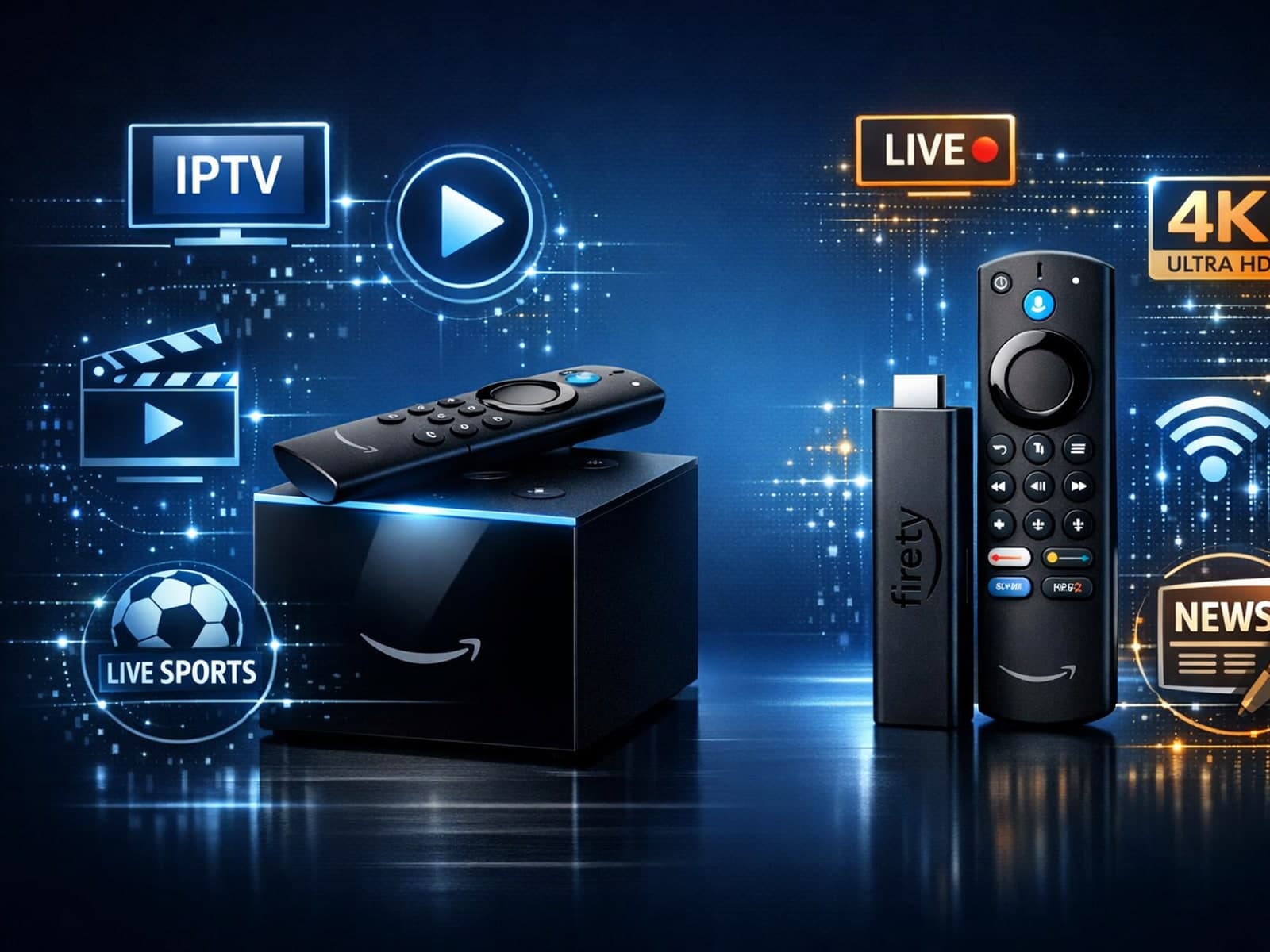
If you're choosing between the Amazon Fire TV Cube and Fire TV Stick 4K Max for IPTV streaming, the decision comes down to hardware capabilities, control options, and your specific IPTV setup needs.
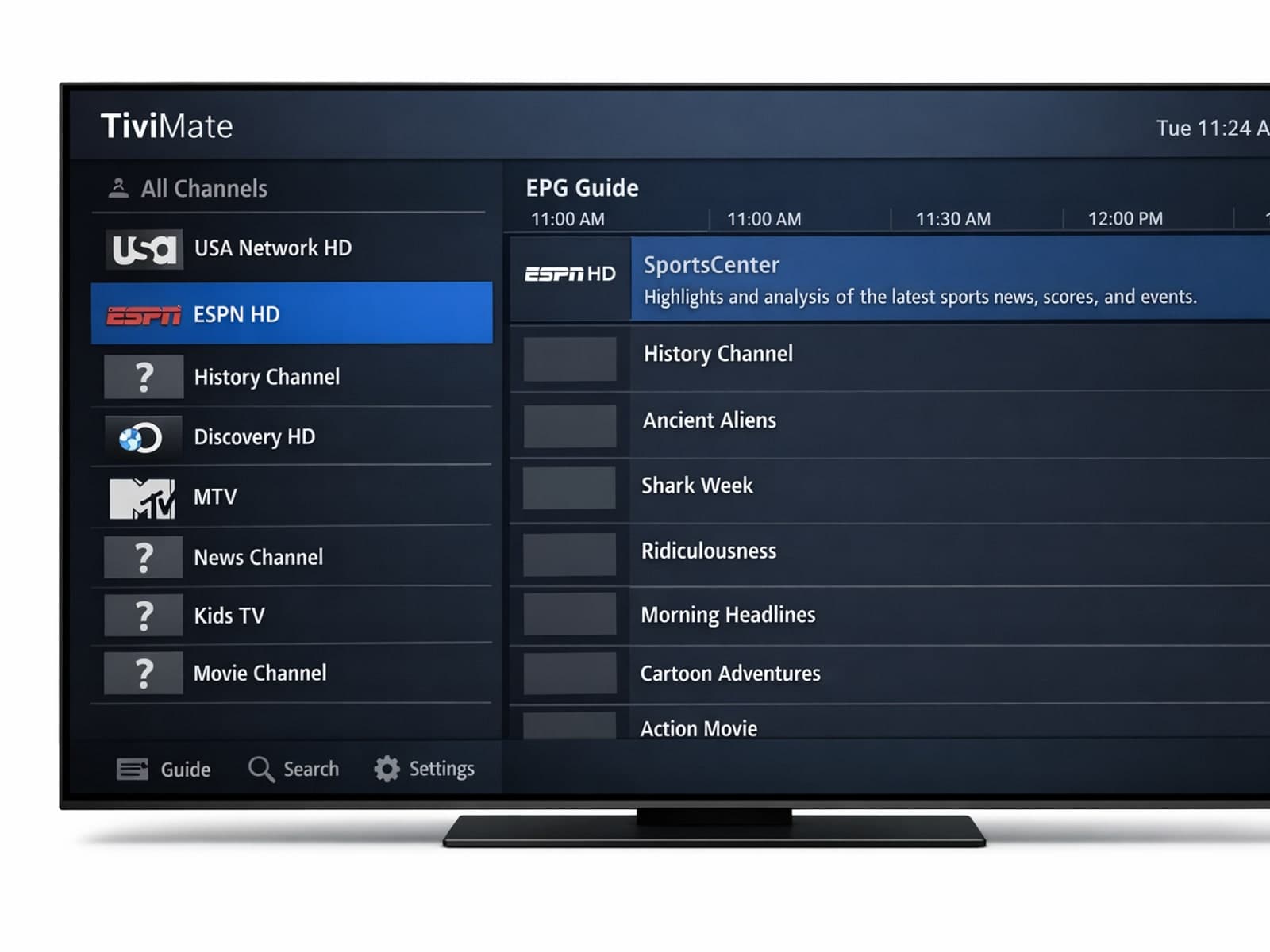
If you notice that channel logos are missing in your TiviMate app, the first step is to check whether your playlist supports logos and if TiviMate has loaded them correctly.
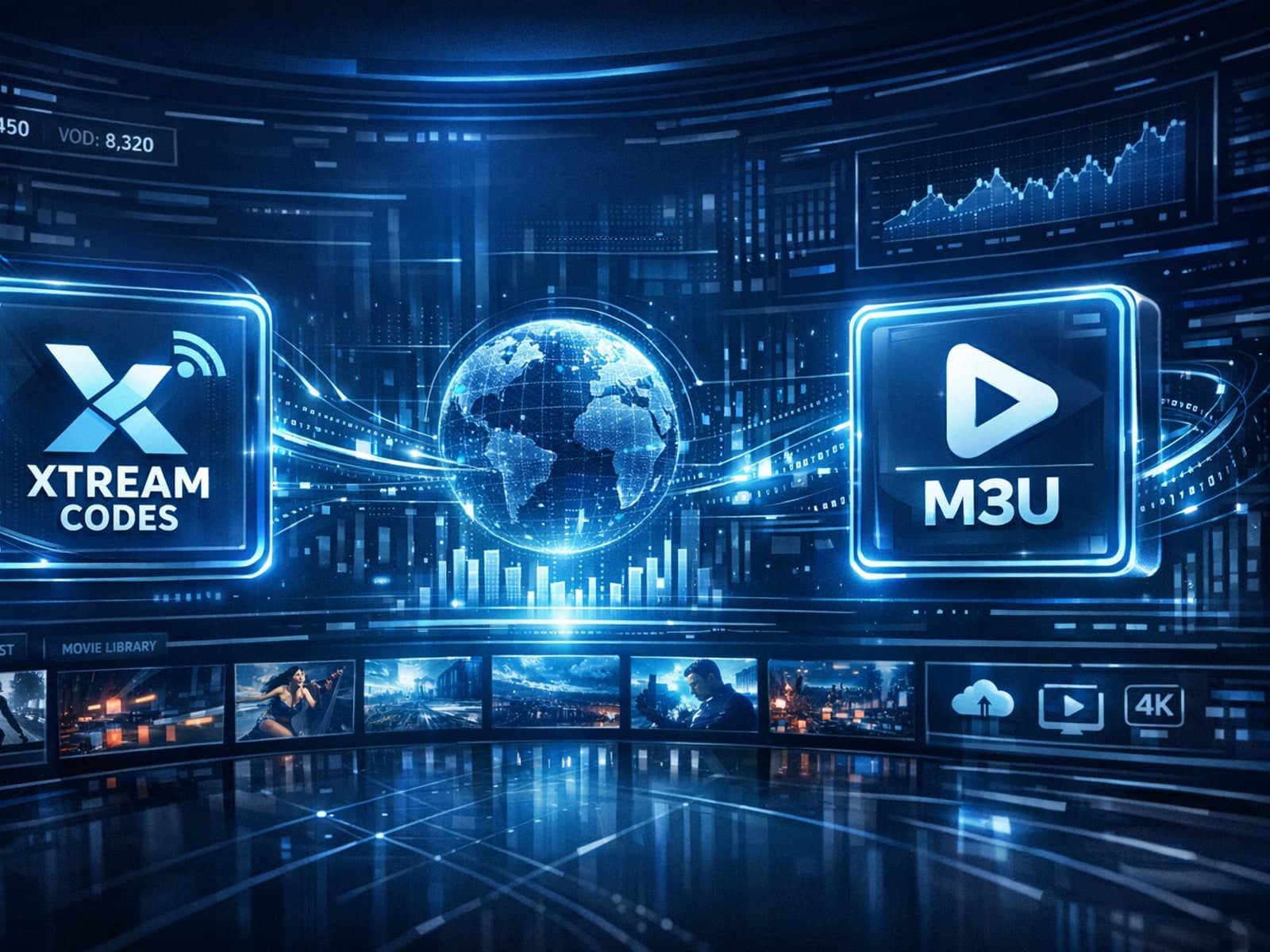
For IPTV users deciding between Xtream Codes and M3U playlist formats, understanding when Xtream Codes works better than M3U can improve streaming reliability and user experience.
TiviMate is a popular IPTV player app widely used on Android TV devices to stream digital TV channels from IPTV playlists. Organizing your favorite channels and groups in TiviMate significantly improves your viewing experience by allowing.
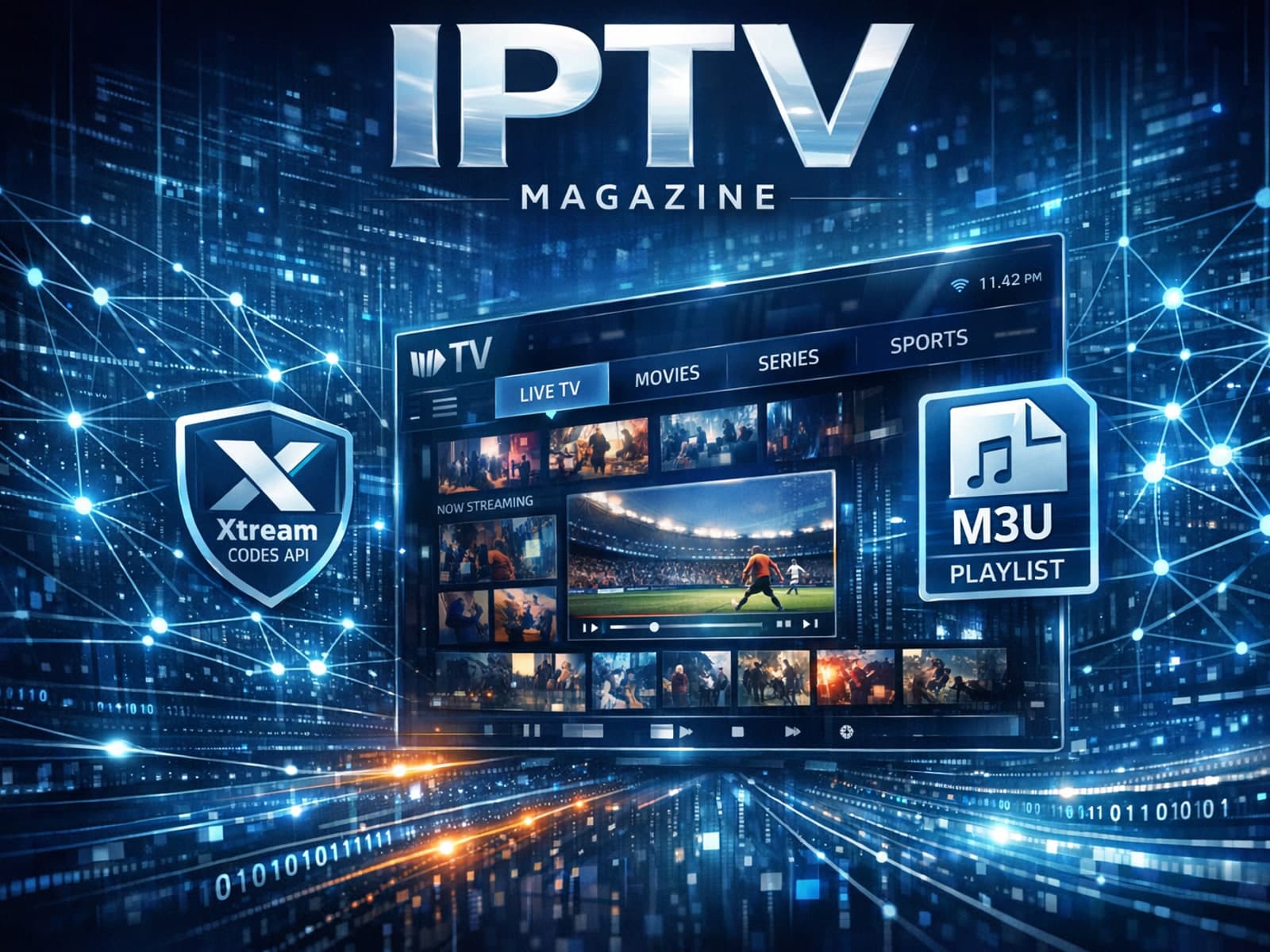
If you're managing IPTV streams, you might wonder when Xtream Codes works better than M3U. Simply put, Xtream Codes excels when you want dynamic playlist updates, seamless user authentication, and easier management across multiple devices.
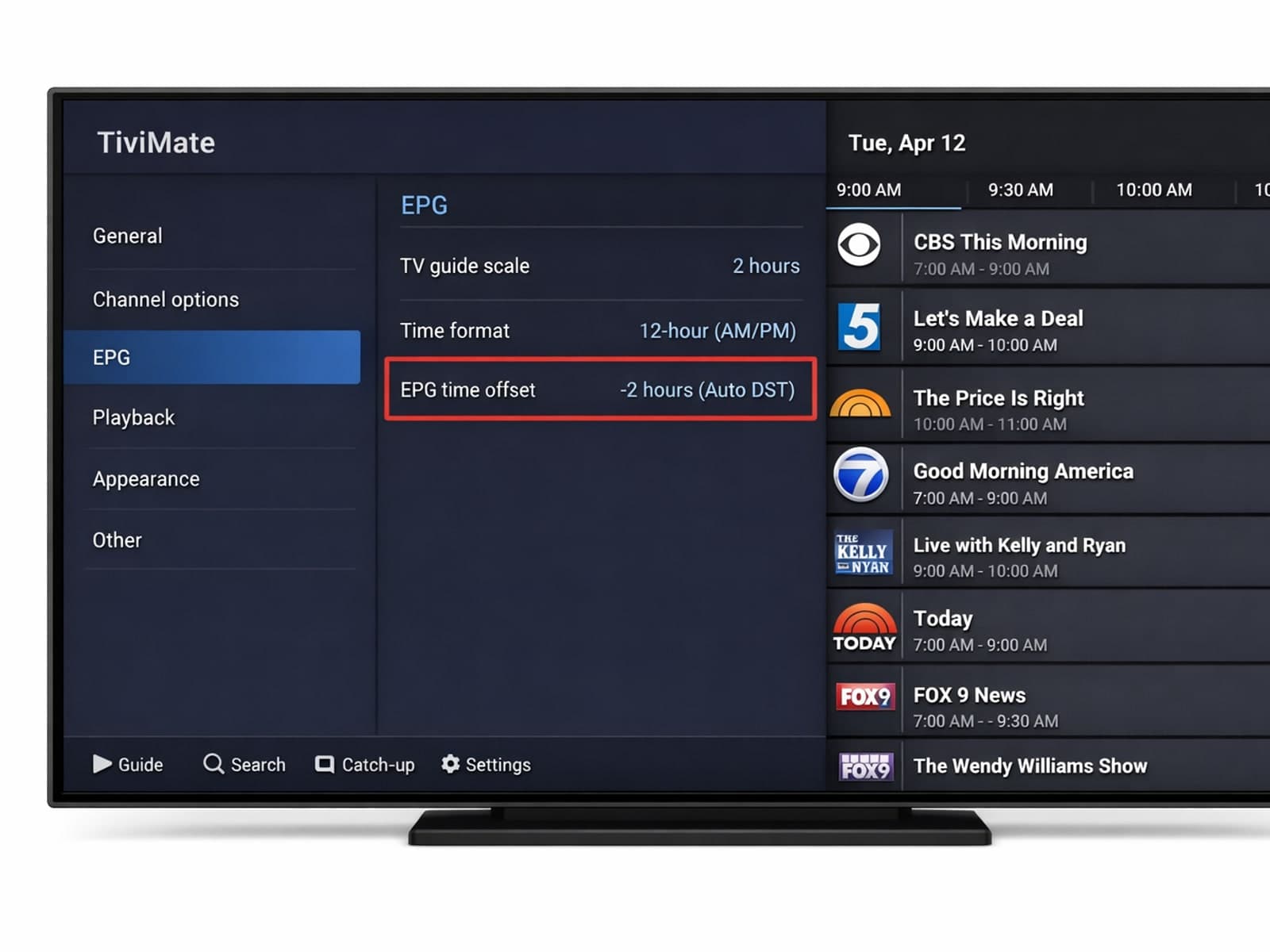
If the program guide in your TiviMate app shows TV schedules that don't match your local time—like shows starting too early or too late—then your Electronic Program Guide (EPG) time offset is incorrect.
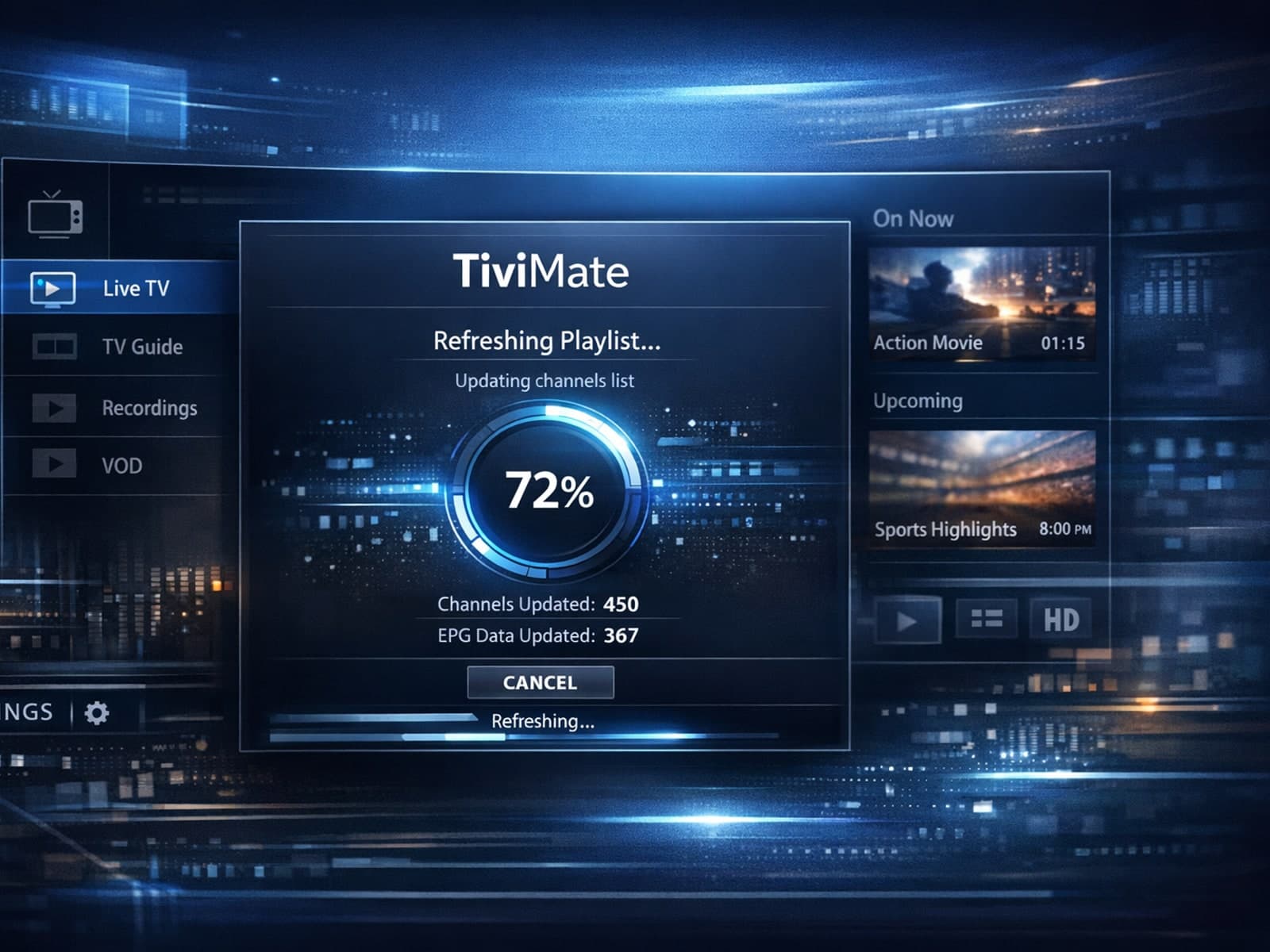
If your TiviMate playlist is not updating after you try to refresh it, you’re encountering a common but fixable problem in IPTV streaming.
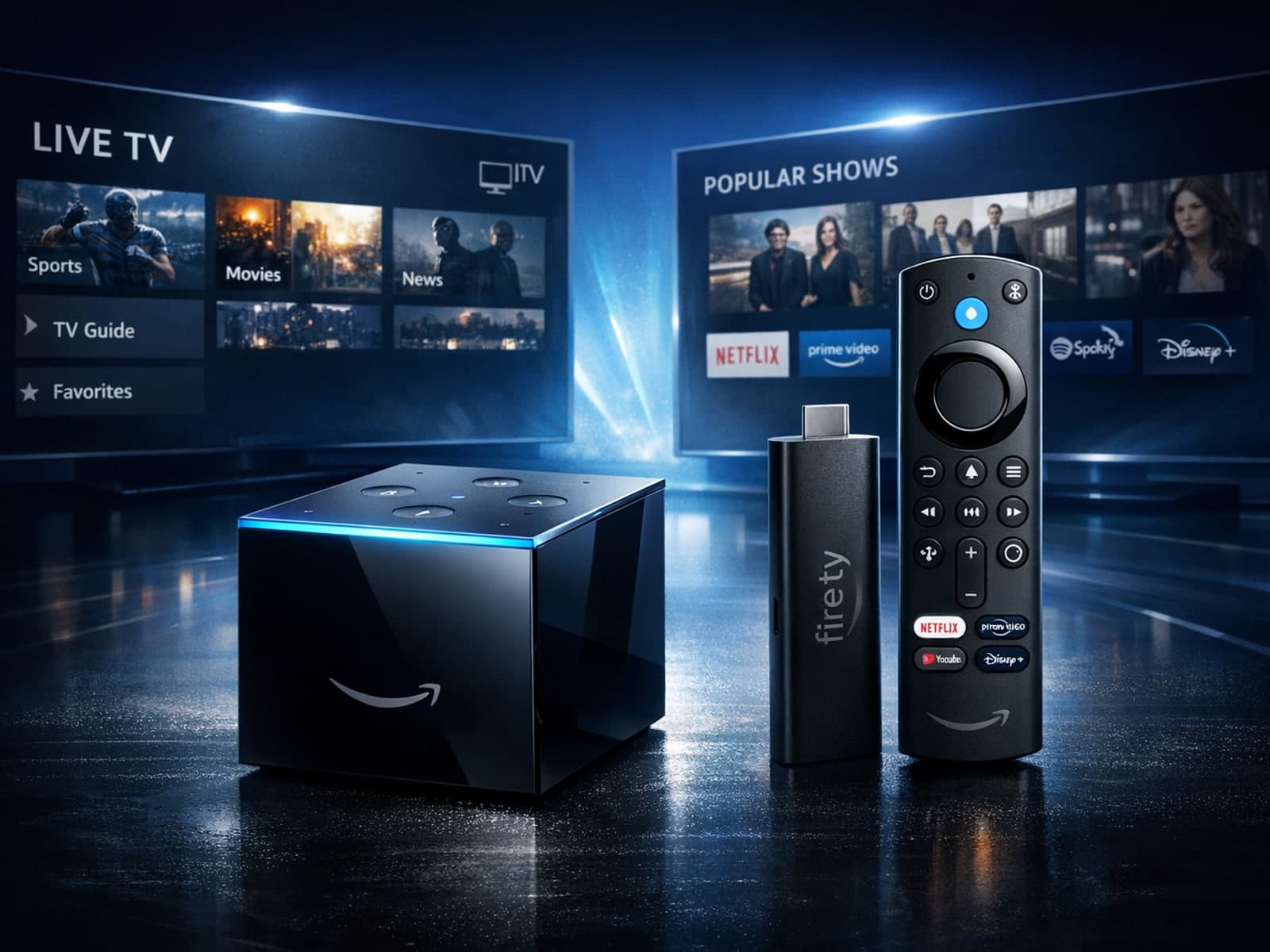
When choosing between the Fire TV Cube and the Fire TV Stick 4K Max for IPTV streaming, both devices can deliver excellent results, but they differ in design, connectivity, and user experience.
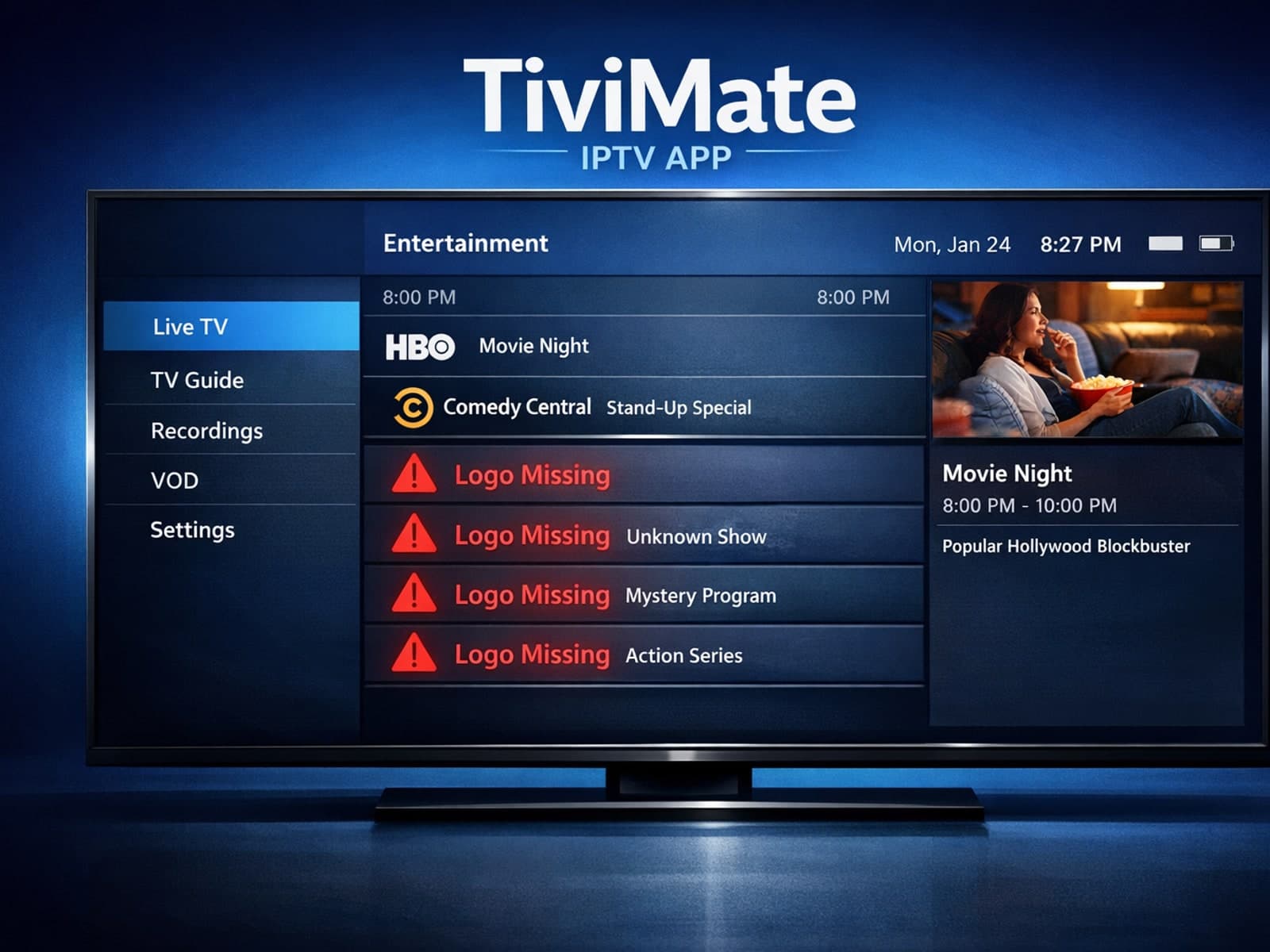
If you notice that channel logos are missing in your TiviMate IPTV app, the issue usually stems from how your playlist or Electronic Program Guide (EPG) handles logo metadata.

Organizing favorites and groups in TiviMate helps you quickly access your most-watched IPTV channels and categorize them by genres, languages, or personal preference.
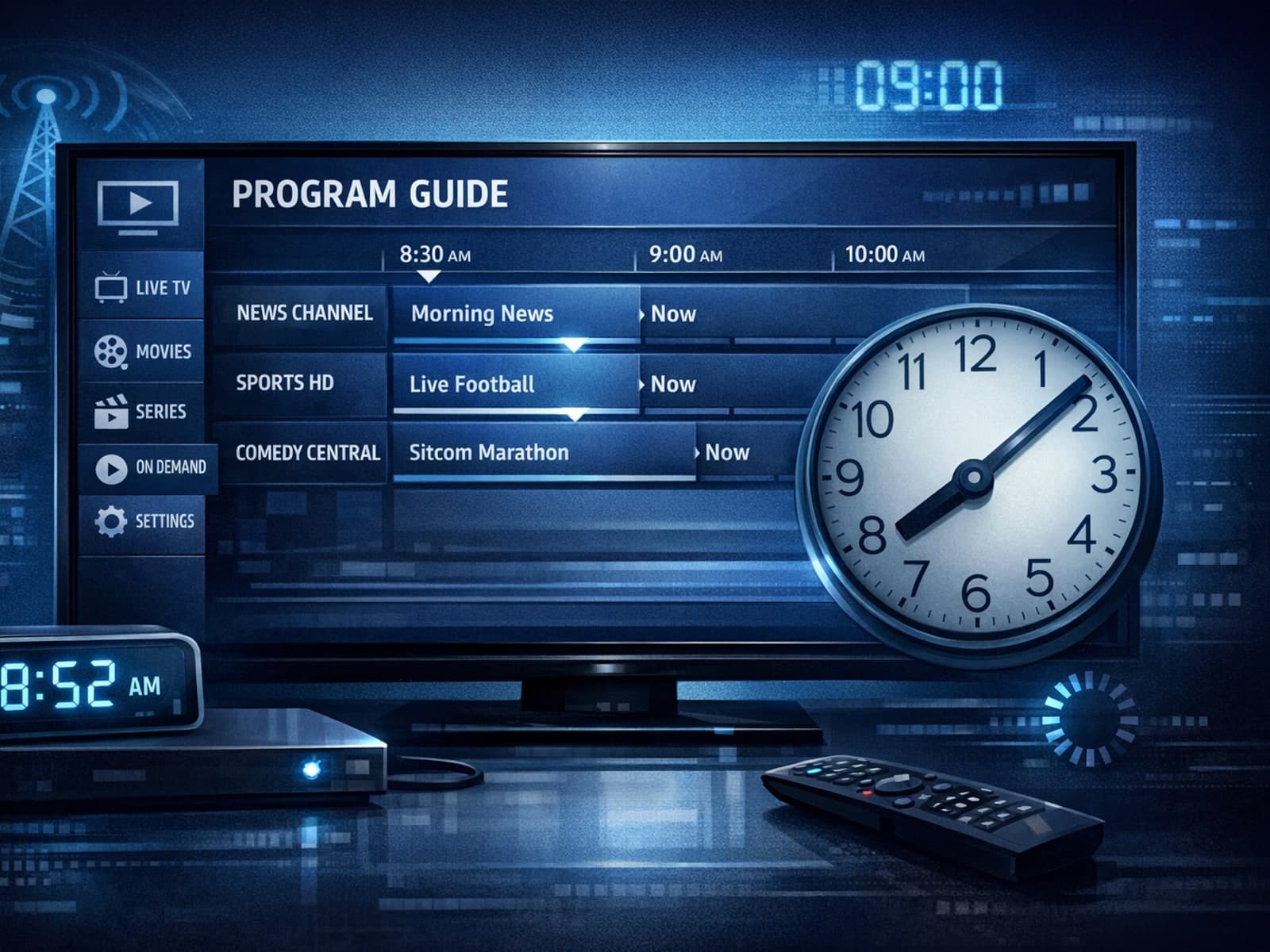
When your program guide on TiviMate shows wrong times—for instance, programs starting hours earlier or later than they actually air—it's often due to an incorrect EPG (Electronic Program Guide) time offset setting.
If your TiviMate playlist does not update after hitting the refresh button, it can be frustrating and disruptive to your viewing experience.
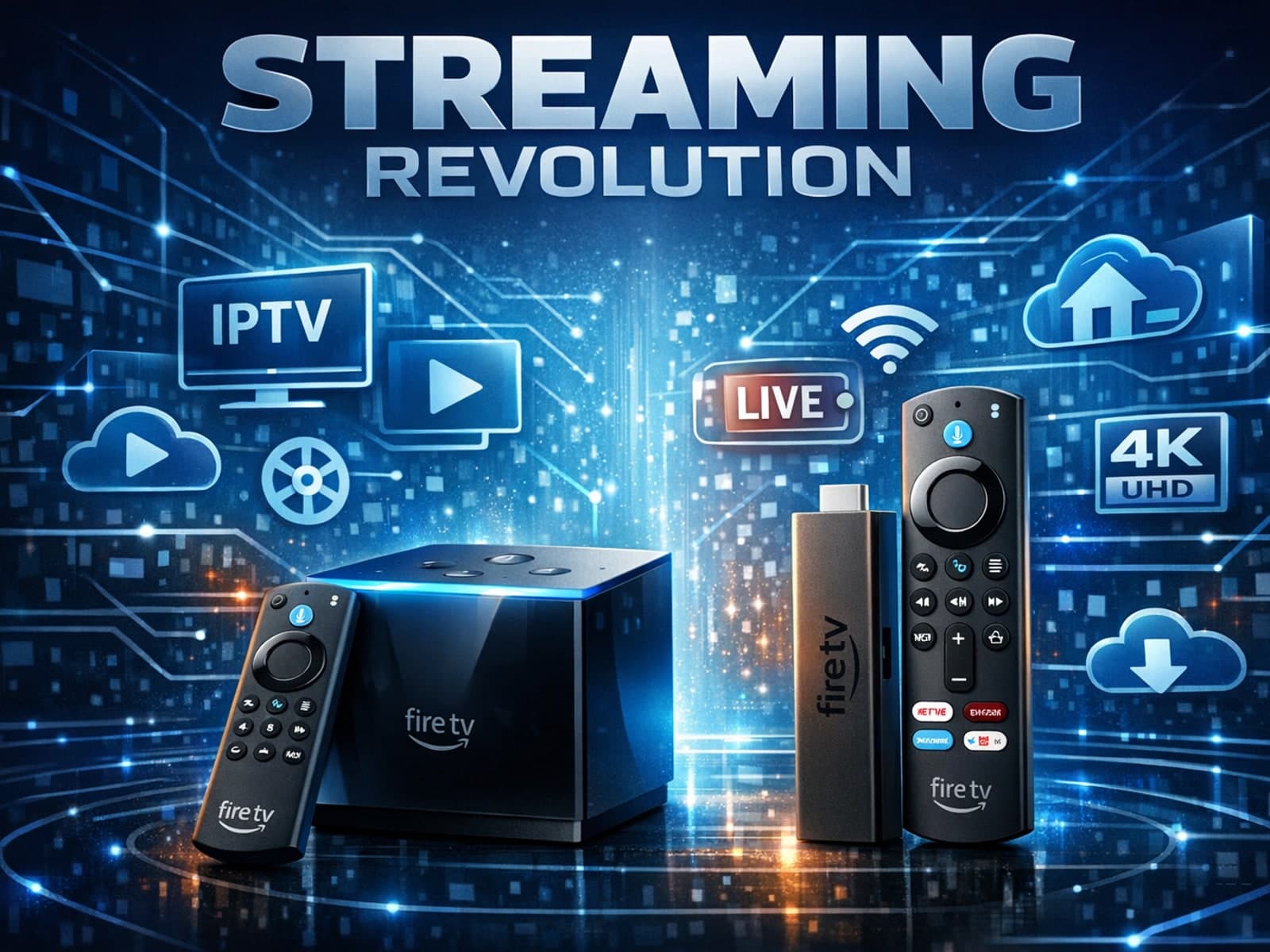
When choosing a device to stream IPTV on your TV, both the Fire TV Cube and Fire TV Stick 4K Max are popular options from Amazon’s Fire TV family. They both offer access to a broad library of IPTV apps and support 4K HDR playback.
If you notice that channel logos are missing in TiviMate, it usually means the app is not receiving or correctly displaying the logo images from your IPTV playlist.
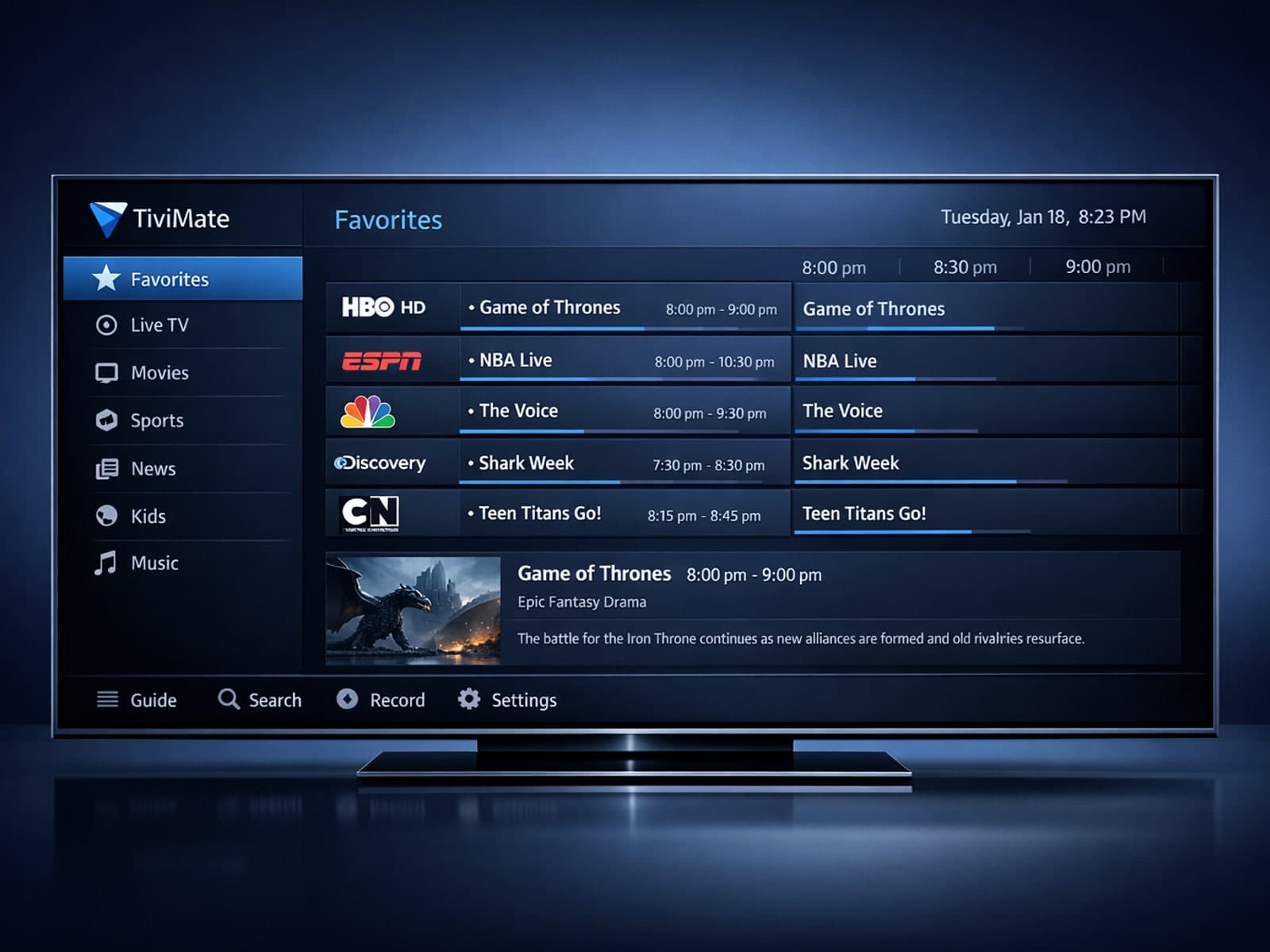
Organizing favorites and groups in TiviMate helps you quickly find and enjoy your preferred IPTV channels without sifting through long lists.
When you refresh your playlist in TiviMate and the content doesn’t update, it can be frustrating. This occurs because TiviMate relies on a functional playlist URL and an active IPTV service.
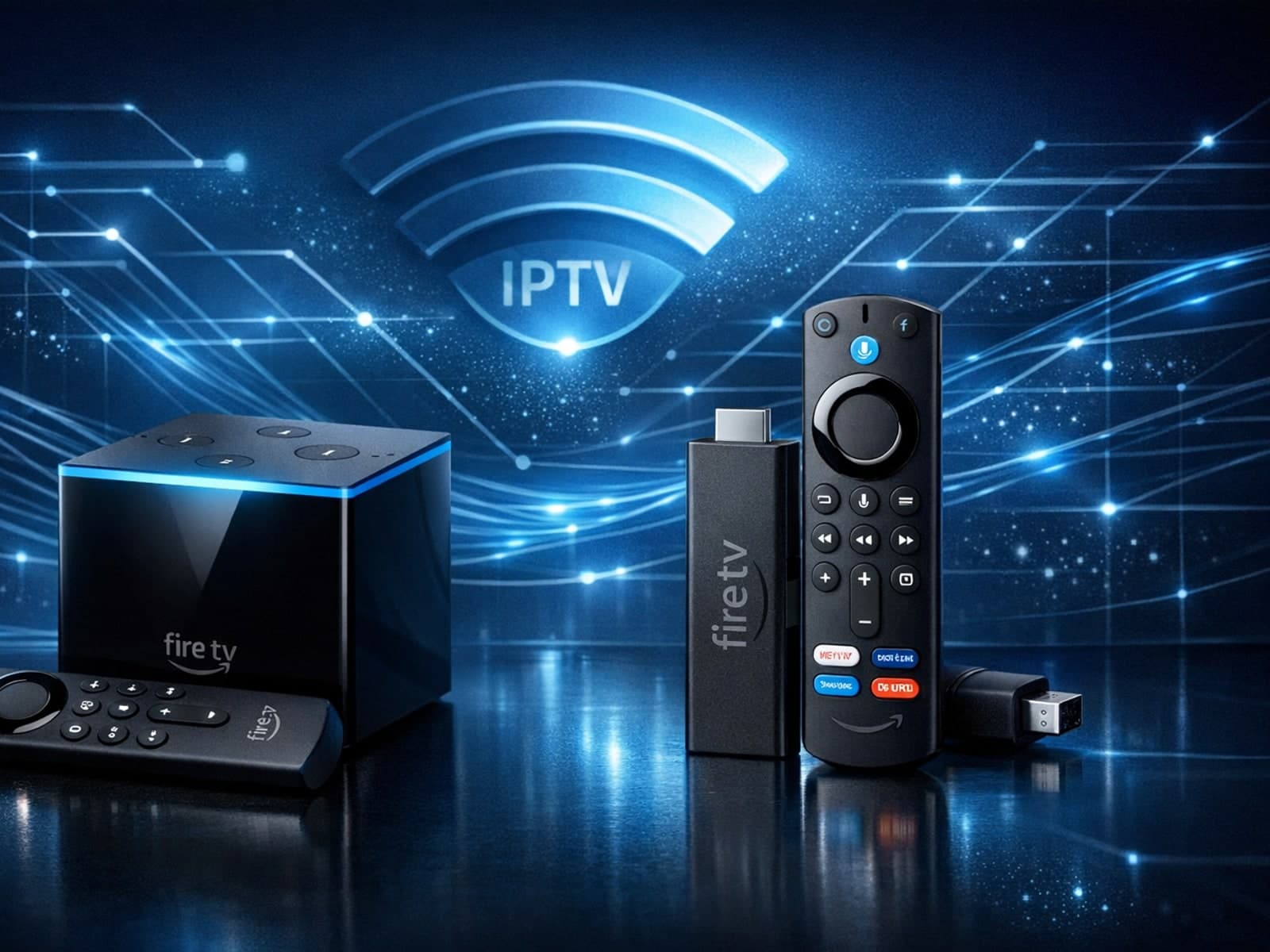
When choosing a streaming device for IPTV (Internet Protocol Television) on Amazon's Fire TV lineup, the Fire TV Cube and Fire TV Stick 4K Max are two top contenders.
Xtream Codes works better than M3U playlists when you need smoother channel management, reliable user authentication, and real-time data updates for IPTV streaming.
When managing IPTV playlists, M3U Plus and Xtream Codes API are two prominent methods used to keep channels and metadata updated. M3U Plus is an extended playlist file format that supports embedding metadata and EPG (Electronic Program.
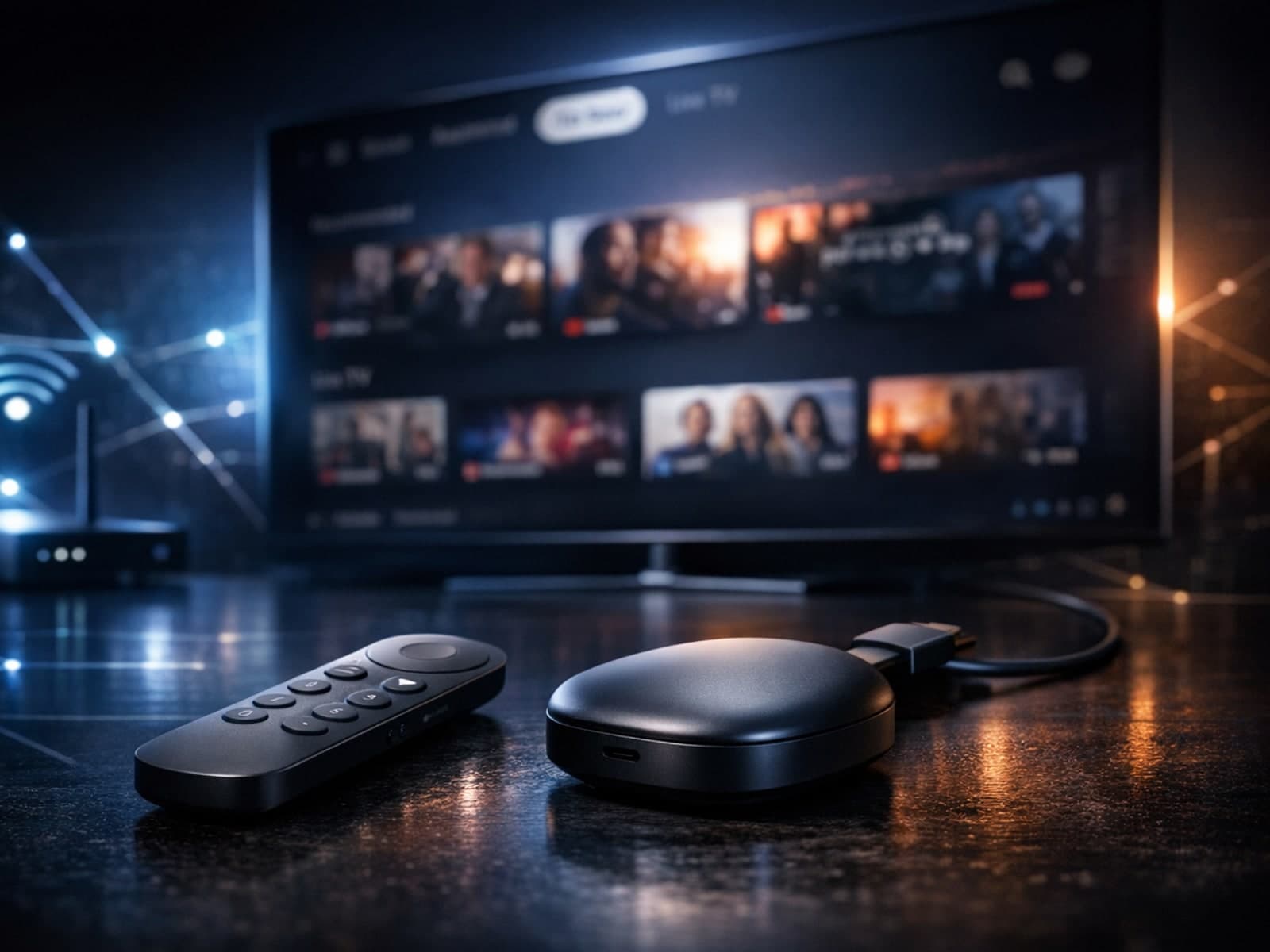
The Google TV Streamer is a compact device that transforms any compatible television into a smart entertainment hub by integrating streaming apps, live TV, and personalized content recommendations in one place.
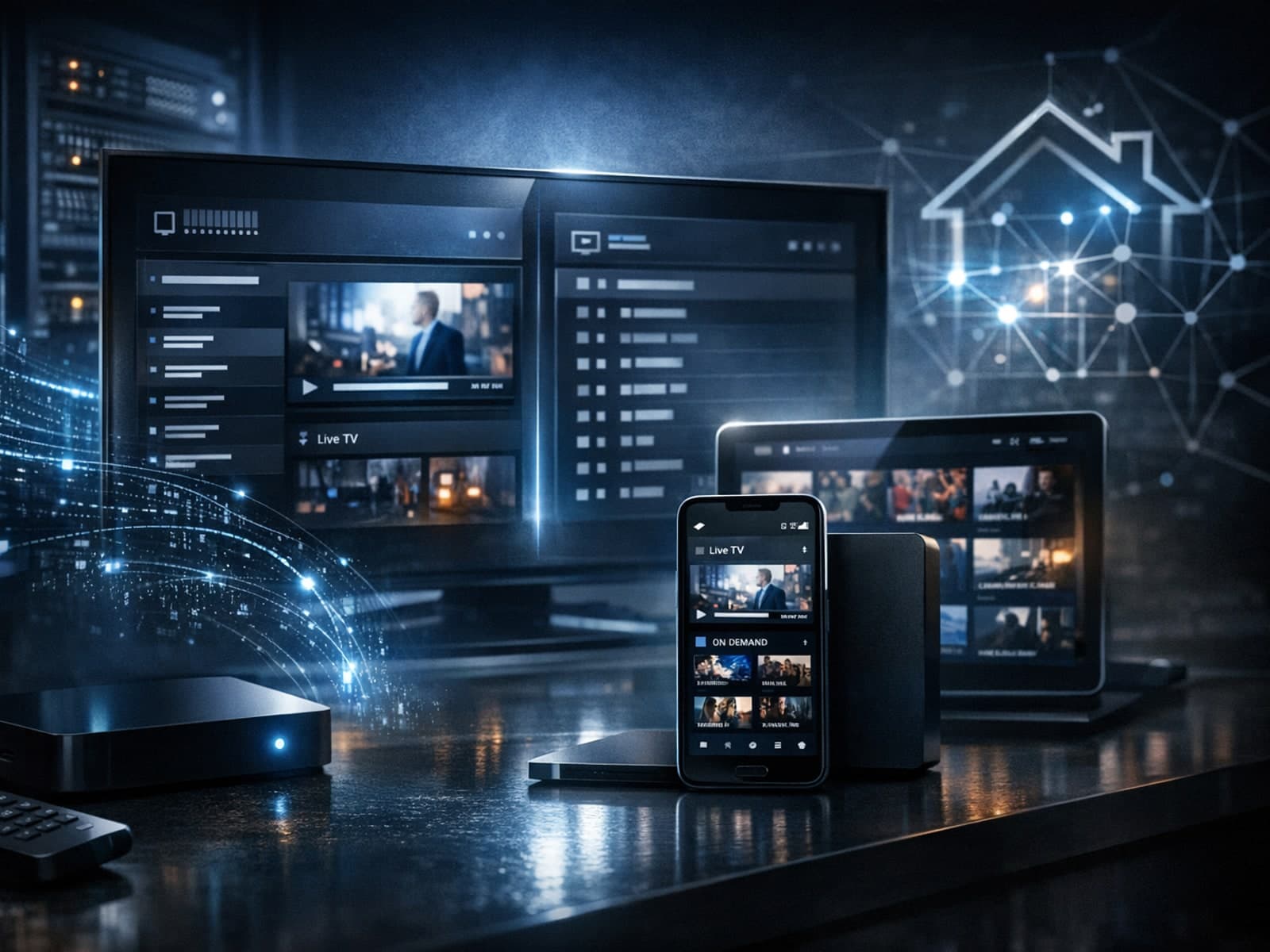
In IPTV streaming, choosing the right content delivery method can directly affect viewing experience. Xtream Codes and M3U are two common ways IPTV services provide channel lists and streams to users.
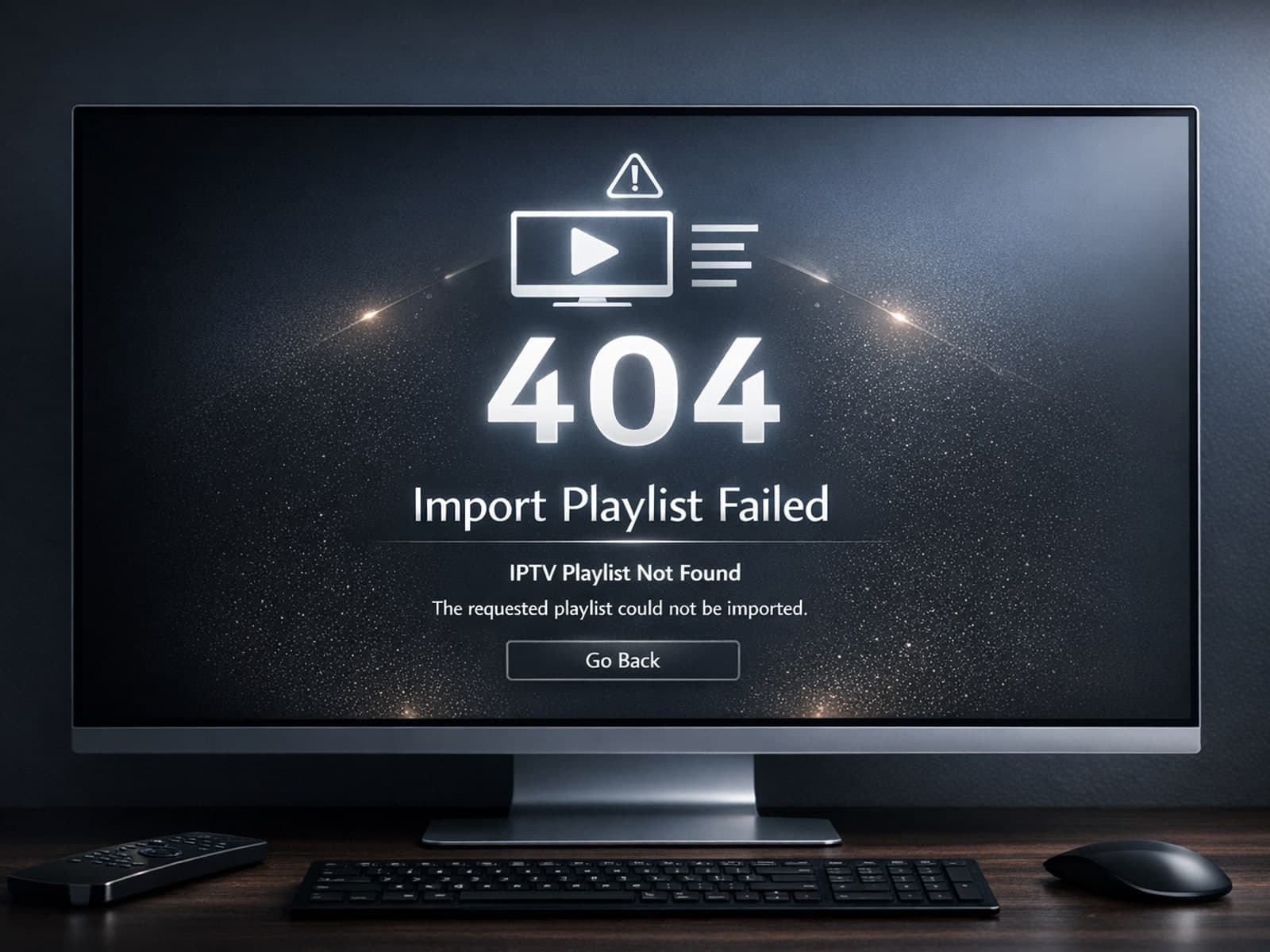
When you see errors like 404 or 512 while importing your IPTV playlist through a VPN, it means your device cannot correctly reach or process the playlist URL.
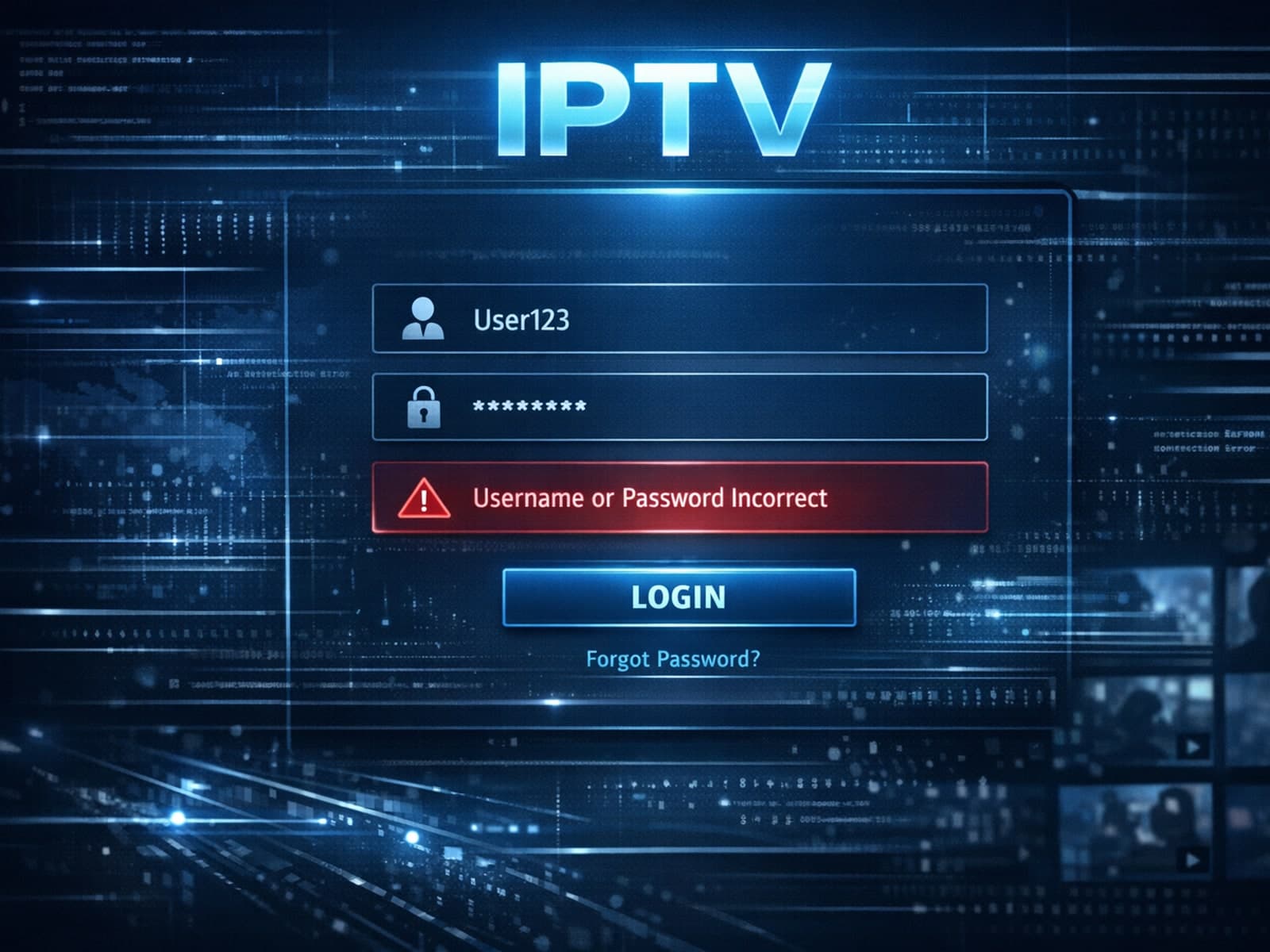
If you encounter an error saying "username password incorrect" when logging into Xtream Codes, it means the credentials provided do not authenticate successfully with the server.

The Xtream Codes server URL format is the standardized web address format used by many IPTV applications to connect to streaming servers.

When deciding how to access IPTV channels, two common formats you may encounter are M3U playlists and Xtream Codes portals. While both serve as methods to deliver IPTV content, they function quite differently, affecting how users set up.
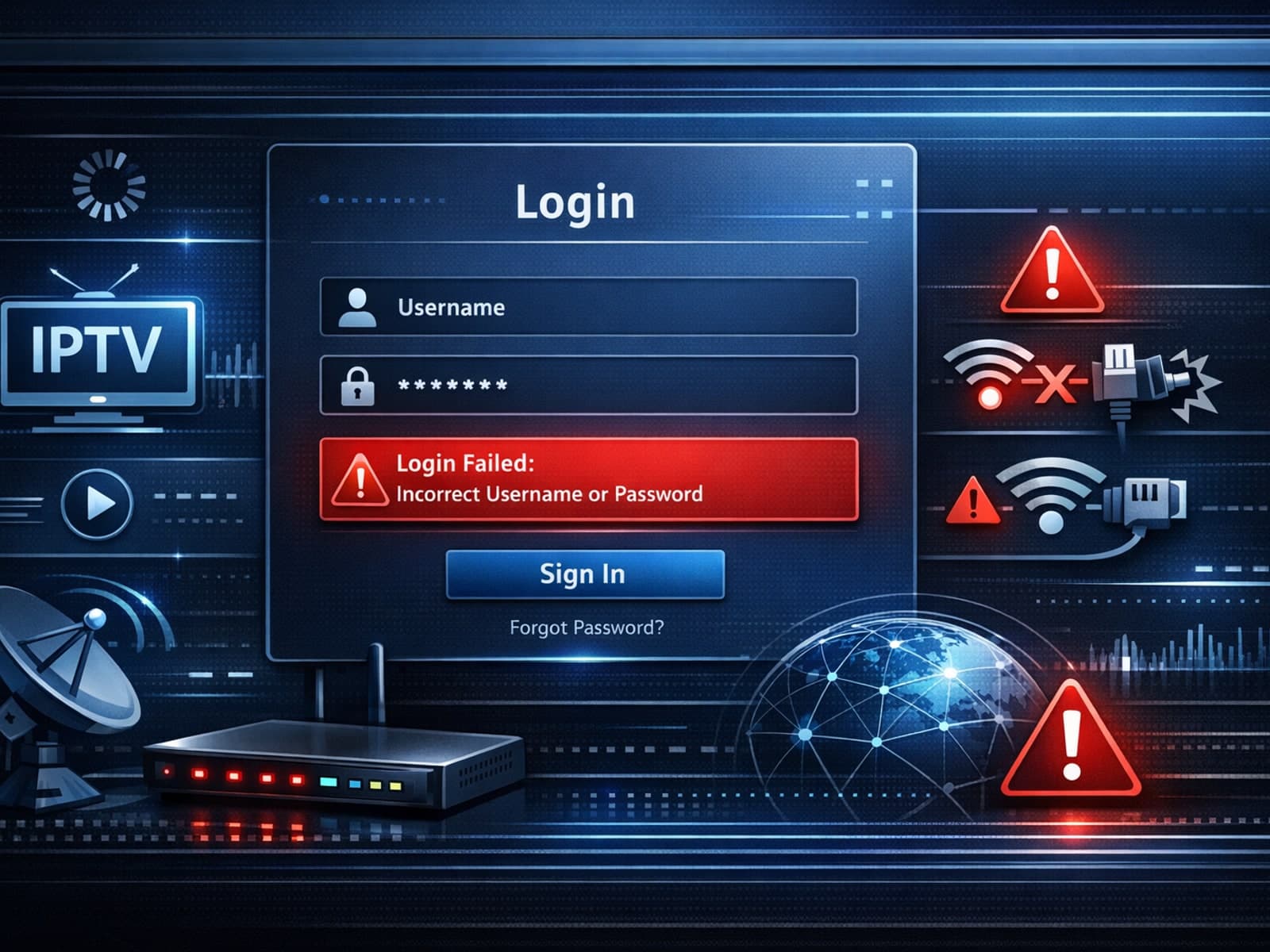
When you encounter "Xtream Codes login failed" errors, it means your IPTV client cannot successfully authenticate your credentials with the Xtream Codes server.
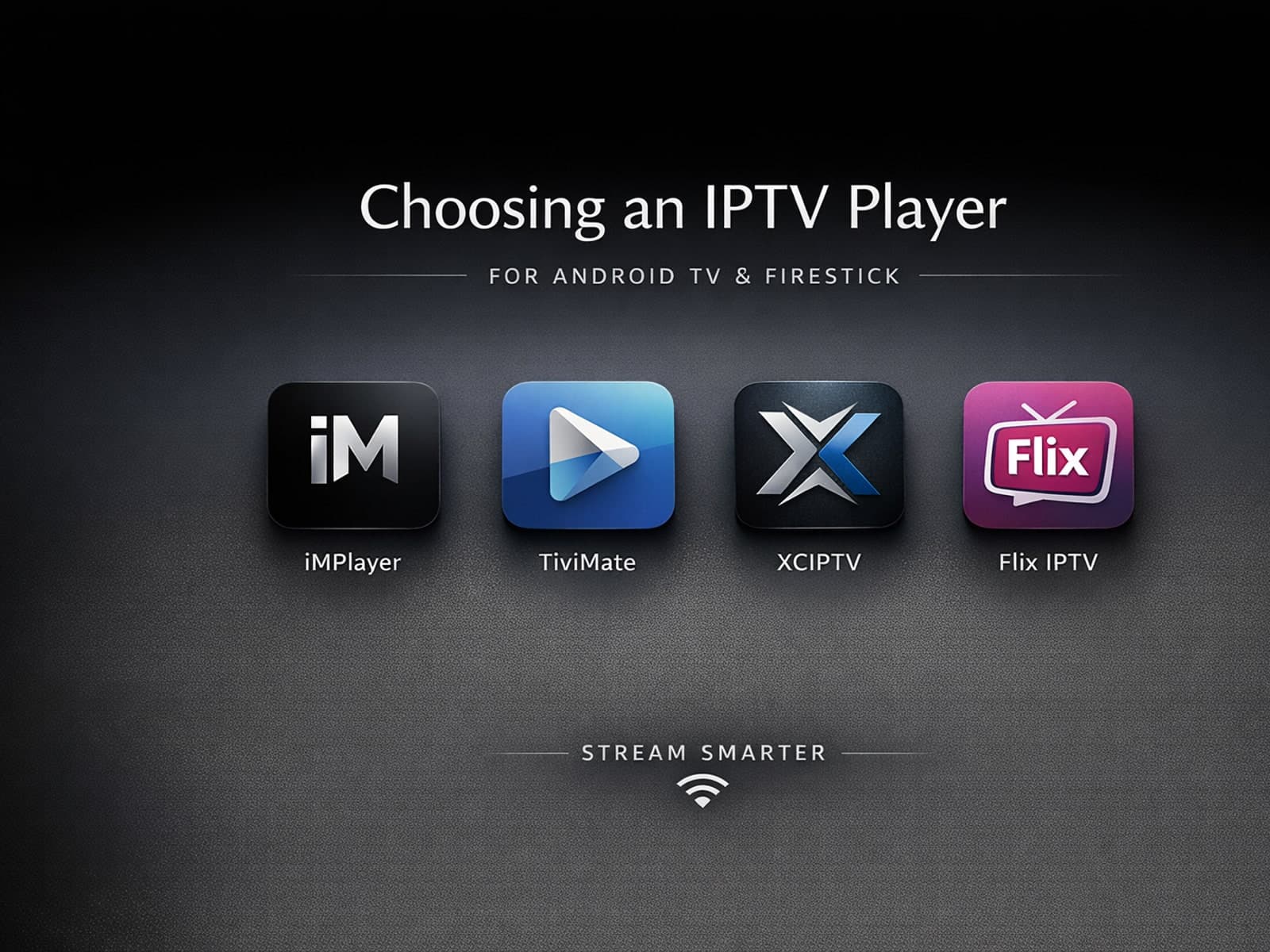
Selecting an appropriate IPTV player for your Android TV or Firestick device is essential for seamless streaming of IPTV content. IPTV players are specialized applications designed to receive and decode IPTV streams, allowing you to watch.