
M3U Plus vs Xtream Codes API for Playlist Updates

Quick answer
When updating IPTV playlists, the two main methods you will encounter are M3U Plus and Xtream Codes API. Both serve to refresh your channel and on-demand content listings, but they operate differently, require different inputs, and offer different benefits.
Reviewed Against
• Xtream Codes username, password, and server-URL login flows
• M3U and M3U Plus playlist URLs, refreshes, and import behavior
• Server-URL formatting, HTTP response handling, and account-entry failure patterns
Applies To
• Portal-style logins that need a server URL plus account credentials
• Playlist-based IPTV setups that rely on M3U or M3U Plus links for channel data
• Errors caused by malformed URLs, wrong credentials, expired tokens, or unreachable playlist endpoints
Does not apply when
• You are using only an M3U playlist URL with no Xtream-style portal login at all.
• Your app is using a portal or stalker-style workflow instead of a playlist URL.
• The provider confirms the service is down or the account has been deliberately blocked upstream.
Corroborating Resources
HTTP response status codesUseful when an IPTV app surfaces 401, 403, 404, or 5xx style errors during login or playlist refreshes.
URL structure referenceHelpful for checking server URLs, source links, and path/query mistakes in portal or playlist setups.
Topic Cluster
Part of the IPTV cluster
Browse practical IPTV articles about IPTV, including setup choices, troubleshooting paths, and follow-on guides. This page sits in compare options for that topic path.
On this page
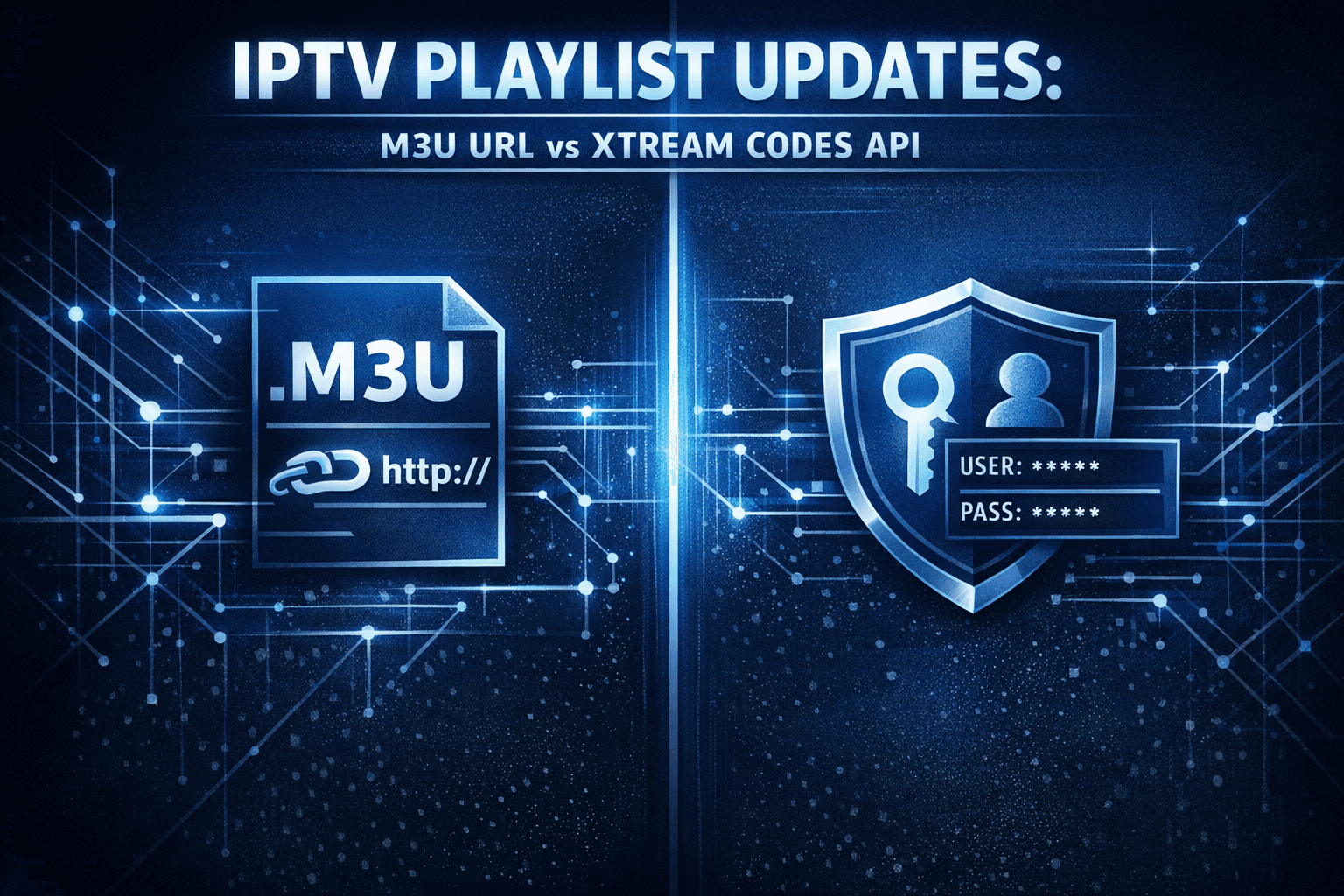
Introduction
When updating IPTV playlists, the two main methods you will encounter are M3U Plus and Xtream Codes API. Both serve to refresh your channel and on-demand content listings, but they operate differently, require different inputs, and offer different benefits.
In plain terms, M3U Plus relies on a playlist URL that your IPTV app fetches to update channels, whereas Xtream Codes API uses username, password, and server information allowing for more interactive data management. This article breaks down how these methods compare so you can pick the best fit for your IPTV setup.
What you'll learn:
- How M3U Plus and Xtream Codes API update playlists
- The setup requirements and workflow of each method
- Strengths and limitations of both update methods
- Troubleshooting common update issues
- When to choose one method over the other
How M3U Plus Updates Work
Understanding M3U Plus
M3U Plus is a variation of the traditional M3U playlist format, which is a plain text file type listing IPTV channel streams typically by URL. The "Plus" variant often includes additional metadata like channel logos, catch-up info, and grouping data embedded within the playlist.
Process
With M3U Plus, your IPTV app periodically fetches this playlist file from a URL you provide. When the app refreshes, it downloads the whole playlist anew, replacing the previous version. This way, any changes made by the IPTV provider—new channels, removed channels, updated logos—are reflected.
Setup Essentials
- You need a direct M3U Plus playlist URL.
- Some IPTV apps allow you to set update frequency.
- No login credentials are typically required.
When It Makes Sense
- If your IPTV provider gives you a static or frequently updated M3U Plus URL.
- When simplicity is preferred without managing usernames and passwords.
- If you’re using apps with limited API support.
How Xtream Codes API Updates Work
Defining Xtream Codes API
Xtream Codes API is a server-side application programming interface commonly used by IPTV providers. Unlike a simple playlist file, it provides structured data access using authentication credentials.
Process
You input three pieces of information into your IPTV app:
- Server URL
- Username
- Password
The app then communicates with the IPTV provider's backend via the API to retrieve channel lists, VOD content, EPG data, and more. This method supports real-time updates, detailed metadata, and dynamic content management.
Setup Essentials
- IPTV service must support Xtream Codes API.
- You need valid login credentials.
- Your IPTV app must have Xtream Codes API support.
When It Makes Sense
- If your IPTV provider uses Xtream Codes backend.
- When you want richer content metadata and faster update cycles.
- When using IPTV apps with advanced API features like authentication and EPG linking.
Side-by-Side Comparison
| Feature | M3U Plus | Xtream Codes API |
|---|---|---|
| Setup Inputs | Playlist URL | Server URL, Username, Password |
| Update Method | Full file download | API data fetch |
| Metadata Richness | Moderate (depends on playlist) | High (dynamic, includes EPG) |
| Authentication Needed | Usually no | Yes |
| Update Speed | Depends on fetch frequency | Typically faster updates |
| Compatibility | Very broad | Requires specific app support |
| Error Handling | Basic (URL fetch fail) | More robust (authentication, server responses) |
Common Troubleshooting and Mistakes
For M3U Plus
- Wrong playlist URL or expired link: Double-check the URL from your IPTV provider.
- Playlist not updating: Ensure your IPTV app refreshes the playlist manually or has an auto-refresh enabled.
- Corrupt playlist content: Request updated URL or corrected playlist from provider.
For Xtream Codes API
- Invalid login details: Confirm username, password, and server URL are correct.
- API server down: Check with provider if their backend service is functional.
- Unsupported app: Verify your IPTV app supports the Xtream Codes API method.
General Tips
- Always keep your IPTV app updated.
- Check network connectivity first when updates fail.
- Use the IPTV service recommended update method.
Who Should Use This Guide
This guide is meant for IPTV users who:
- Have intermediate knowledge of IPTV playlist management.
- Use apps supporting either M3U Plus or Xtream Codes API playlist updates.
If your device or IPTV app uses a proprietary format or a different backend system (e.g., Stalker Portal, generic HTTP live streaming outside M3U), consider searching for device-specific or app-specific troubleshooting.
Choosing the Right Playlist Update Method
When you need to decide between M3U Plus and Xtream Codes API, consider these factors:
- Your IPTV Service Provider's Supported Method: Some only offer M3U URLs, others provide Xtream Codes credentials.
- The IPTV App You Use: Compatibility with Xtream Codes API may be limited to apps like IPTV Smarters, while many others support M3U.
- Your Preference for Metadata and Update Frequency: Xtream Codes API generally offers enhanced metadata and quicker updates.
Checklist
- ✅ Confirm provider playlist update method
- ✅ Verify your IPTV app supports the method
- ✅ Gather necessary inputs (URL or API credentials)
- ✅ Set up and test playlist updates
Conclusion
M3U Plus and Xtream Codes API are both vital IPTV playlist update methods catering to different setups and needs. M3U Plus offers a simpler URL-based refresh suitable for a wide range of apps, while Xtream Codes API provides authenticated, dynamic data access for richer, faster updates. Your choice depends on your IPTV provider's setup, your IPTV app's compatibility, and your prioritization of metadata detail and update frequency. Understanding their differences ensures smooth IPTV streaming with up-to-date content.
FAQ
What is the main difference between M3U Plus and Xtream Codes API?
M3U Plus refreshes your entire IPTV playlist using a URL file, while Xtream Codes API authenticates you and provides a dynamic content feed with detailed metadata.
Can the same IPTV app support both M3U Plus and Xtream Codes API?
Some apps do support both; always confirm your IPTV app’s documentation.
Is one playlist update method faster or more reliable?
Xtream Codes API tends to be faster and produce more reliable metadata but depends on server and app support.
Are there security considerations when using Xtream Codes API?
Yes, since it uses credentials, keep your login info secure and use trusted apps.
What should I do if playlist updates fail with one method?
Check your input data, network, and service status. If problems persist, consider switching update methods if possible.
Frequently Asked Questions
What is the main difference between M3U Plus and Xtream Codes API?
M3U Plus uses URL-based playlist links that refresh the entire playlist file, while Xtream Codes API provides structured authentication and content access via server credentials and API calls.
Can the same IPTV app support both M3U Plus and Xtream Codes API?
Some IPTV apps support both methods, but many specialize in one. It's important to check your app's capabilities and input requirements.
Is one playlist update method faster or more reliable?
Xtream Codes API often provides faster updates and more detailed content metadata, but compatibility depends on your IPTV service and app.
Are there security considerations when using Xtream Codes API?
Yes. Xtream Codes API requires username and password, so secure handling of credentials in your app or device is important.
What should I do if playlist updates fail with one method?
Troubleshoot network issues, verify correct input settings, verify service status, or consider switching to the alternative update method if supported.
Related guides on IPTV Explained
Keep exploring
More explainers that connect naturally to this setup, workflow, or troubleshooting path.
TiviMate is a popular IPTV player app for Android TV and similar devices, known for its advanced channel management options. Organizing favorites and groups in TiviMate lets you customize your IPTV watching experience by categorizing.

When you switch channels on your IPTV service and the screen freezes or lags, it’s frustrating and disrupts your viewing experience. IPTV freezing during channel switching is most often caused by network delays, buffering, or the IPTV.

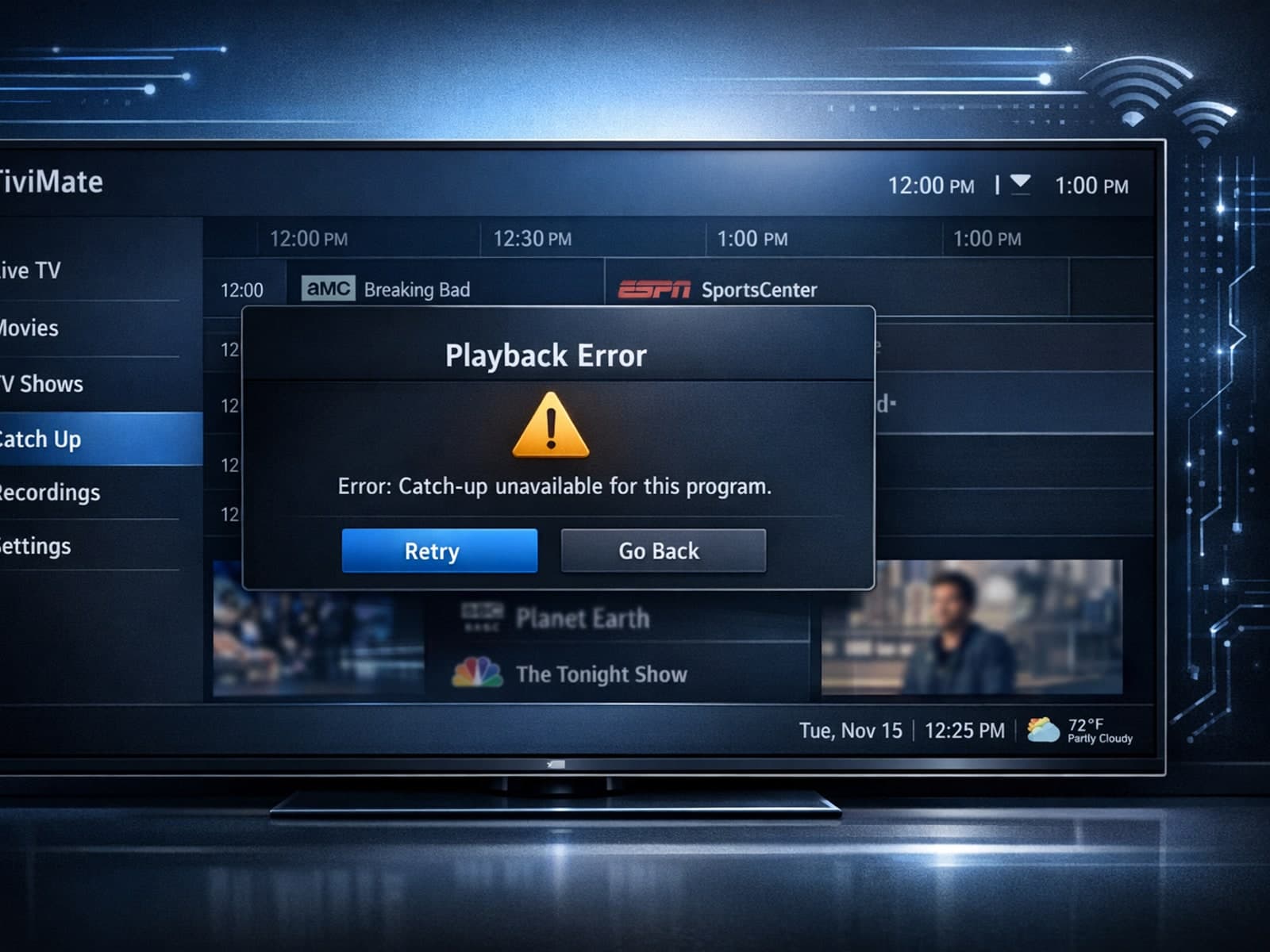
If your catch-up feature in TiviMate isn’t working, the fundamental reasons often lie in your IPTV playlist source or server configuration rather than the app itself.
