
Fire TV Cube vs Fire TV Stick 4K Max for IPTV: Comparison and Decision

Quick answer
When deciding between the Fire TV Cube and the Fire TV Stick 4K Max for IPTV streaming, the choice mainly comes down to your need for processing power, voice control convenience, and connection options. Both devices support 4K IPTV playback through popular apps, but the Cube d...
Reviewed Against
• Fire TV and Fire OS device capabilities, networking, and storage limits
Applies To
• Fire TV Stick, Fire TV Cube, and Fire OS playback or networking questions
Does not apply when
• You are troubleshooting a smart-TV app or set-top box with a different hardware and settings path.
Corroborating Resources
Fire TV device specifications overviewHelpful for checking Fire TV hardware families, platform differences, and device-level constraints.
Fire TV streaming media player specsUseful for codec, storage, Wi-Fi, and Ethernet-adapter expectations on Fire TV sticks and boxes.
Topic Cluster
Part of the Fire TV cluster
Browse practical IPTV articles about Fire TV, including setup choices, troubleshooting paths, and follow-on guides. This page sits in compare options for that topic path.
On this page
Fire TV Cube vs Fire TV Stick 4K Max for IPTV: Which to Choose?
When deciding between the Fire TV Cube and the Fire TV Stick 4K Max for IPTV streaming, the choice mainly comes down to your need for processing power, voice control convenience, and connection options. Both devices support 4K IPTV playback through popular apps, but the Cube delivers faster performance and hands-free Alexa voice control. Meanwhile, the Stick 4K Max offers a smaller, more affordable form factor with robust 4K support.
Understanding these differences can help you select the right Fire TV device to optimize your IPTV viewing experience.
What you'll learn
- Key technical distinctions between Fire TV Cube and Fire TV Stick 4K Max
- How device features impact IPTV streaming
- Setup and configuration specifics for IPTV apps on each device
- Common IPTV-related issues and troubleshooting tips
- When to choose one device over the other
Technical Comparison: Processing Power and Connectivity
CPU, RAM, and Performance
The Fire TV Cube houses a more powerful hexa-core processor with 16 GB of internal storage, compared to the Fire TV Stick 4K Max's quad-core CPU and 8 GB storage. This extra power helps the Cube handle multitasking and heavier IPTV apps smoothly, reducing lag when switching channels or using overlay guides.
While both support 4K Ultra HD streaming, IPTV apps can be resource-intensive depending on playlist size and EPG (electronic program guide) complexity. The Cube's faster hardware better suits users who run multiple IPTV apps or need smoother navigation.
Network Interfaces
A crucial IPTV factor is a stable internet connection. The Fire TV Cube supports both dual-band WiFi and wired Ethernet via a separate adapter, enabling more reliable IPTV streaming by bypassing WiFi instability. The Stick 4K Max only supports dual-band WiFi (2.4 GHz and 5 GHz bands) and must rely on wireless connectivity.
For users with strong, stable WiFi, the Stick 4K Max performs well. However, for those with inconsistent WiFi or high-demand IPTV usage, the Cube's Ethernet support provides a significant advantage.
IPTV App Setup and Usage
Both devices run Amazon's Fire OS and gain access to popular IPTV apps via the Amazon Appstore, including TiviMate, IPTV Smarters, and others. The installation steps for IPTV apps are identical:
- Navigate to the Appstore on your Fire TV device.
- Search for your preferred IPTV app.
- Download and install the app.
- Open the app and enter your IPTV provider's playlist (M3U playlist or Xtream Codes API credentials).
The major difference lies in responsiveness—navigation and loading in IPTV apps feel snappier on the Cube due to its better CPU.
Voice Control and Remote Usability
Fire TV Cube: Hands-Free Alexa
The Cube features built-in far-field microphones that allow hands-free Alexa commands without needing to pick up the remote. You can say things like, "Alexa, open IPTV Smarters" or "Play ESPN channel." For IPTV users who prefer voice navigation and channel switching without using remotes, this is a standout convenience.
Fire TV Stick 4K Max: Voice with Remote Button
The Stick 4K Max includes Alexa voice control but requires holding the microphone button on the remote to engage. This is less fluid for voice navigation, but still useful.
For users who rely heavily on voice commands and want a more integrated smart home experience, the Cube offers better voice functionality.
Common IPTV Issues on Fire TV Devices and How to Fix Them
IPTV Buffering or Lag
- Fire TV Cube: Less likely due to stronger CPU and availability of Ethernet connectivity.
- Stick 4K Max: May happen if WiFi is weak or congested. Consider placing your router closer or using a WiFi extender.
IPTV App Crashes or Freezes
- Clear app cache and data from Settings > Applications.
- Uninstall and reinstall the IPTV app.
- Reboot the Fire TV device.
Missing Channel Logos or EPG Data
- Check IPTV app playlist source health.
- For apps like TiviMate, verify EPG settings or consult articles such as Fix Missing Channel Logos in TiviMate.
Storage Issues Leading to IPTV Lag
- The Stick 4K Max's 8 GB storage fills faster; remove unused apps.
- The Cube's larger storage eases this problem.
This troubleshooting guidance applies primarily to Fire TV Cube and Stick 4K Max when using common IPTV apps. For unrelated devices or standalone IPTV boxes, follow device-specific guides.
Summary Table: Fire TV Cube vs Fire TV Stick 4K Max for IPTV
| Feature | Fire TV Cube | Fire TV Stick 4K Max |
|---|---|---|
| CPU and RAM | Hexa-core, 2.2 GHz, 16 GB storage | Quad-core, 1.8 GHz, 8 GB storage |
| Network Connectivity | WiFi + Ethernet (via adapter) | WiFi only (2.4 GHz & 5 GHz bands) |
| Voice Control | Hands-free Alexa (far-field mics) | Alexa via button on remote |
| 4K IPTV Support | Yes, excellent | Yes, very good |
| App Responsiveness | Faster, handles multitasking well | Good but can lag under load |
| Price | Higher price point | More budget-friendly |
| Best Use Case | Heavy IPTV use, stable connection needs, hands-free control | Cost-conscious, simple IPTV setups, good WiFi |
Step-by-Step: Setting Up IPTV on Fire TV Cube or Stick 4K Max
- Connect your Fire TV device to your TV via HDMI and plug into power.
- Connect to the internet using WiFi or Ethernet (Cube only).
- Sign in to your Amazon account or create one.
- Open the Amazon Appstore, search for your IPTV app (e.g., TiviMate).
- Download and install the app.
- Launch the app and enter your IPTV playlist details.
- Configure app options such as EPG and channel grouping.
- Start streaming IPTV.
Who Should Choose Which Device?
-
Fire TV Cube: Recommended if you want the best IPTV performance, use multiple IPTV apps, require hands-free voice control, or desire the option for wired Ethernet.
-
Fire TV Stick 4K Max: Ideal if you prefer a lower-cost, compact device with solid 4K support and have reliable WiFi.
-
Switch to other guides: If you use non-Fire TV IPTV devices or smart TVs with embedded IPTV apps, follow device-specific instructions instead.
Frequently Asked Questions
Can I use both devices interchangeably for IPTV?
Yes, IPTV apps function on both. Performance and convenience vary.
Does the Fire TV Cube support more IPTV apps?
No, both devices access the same Amazon Appstore.
Are there differences in IPTV app updates between devices?
No, app updates are identical across Fire TV devices.
Is the Fire TV Stick 4K Max's WiFi good enough for IPTV?
Yes, if you have a stable 5 GHz WiFi network.
Is Ethernet adapter for Fire TV Cube included?
No, it’s a separate purchase.
Conclusion
Choosing between the Fire TV Cube and Fire TV Stick 4K Max for IPTV depends on your performance needs, budget, and network setup. The Cube offers stronger hardware, hands-free Alexa voice control, and wired Ethernet support, delivering a premium IPTV streaming experience. The Stick 4K Max is a compact, affordable alternative that handles 4K IPTV well if you have robust WiFi.
By assessing your viewing habits and environment, you can select the device best suited to enjoy IPTV smoothly and conveniently on Amazon Fire TV.
For further IPTV performance tuning on Fire TV devices, explore resources like Fire TV Stick Storage Issues Causing IPTV Lag and Best WiFi Settings for IPTV on Fire TV Stick.
Frequently Asked Questions
Can both Fire TV Cube and Fire TV Stick 4K Max stream IPTV smoothly?
Yes, both devices support IPTV streaming smoothly, but Fire TV Cube offers more processing power for demanding apps or multiple tasks.
Is voice control helpful for IPTV on these devices?
Fire TV Cube provides hands-free Alexa voice control, which can be convenient for searching channels and controlling playback without the remote; Fire TV Stick 4K Max requires pressing the remote button for voice commands.
Does Fire TV Stick 4K Max support 4K IPTV streams?
Yes, the Stick 4K Max supports 4K HDR streams and is suitable for most 4K IPTV content.
Which device is better for users with slower WiFi?
Fire TV Cube supports wired Ethernet, which can provide more stable IPTV streaming if WiFi is unreliable; Stick 4K Max is WiFi only.
Are there storage or lag issues to consider for IPTV?
Both devices have sufficient storage for apps, but clearing cache or managing storage periodically can help maintain IPTV performance, especially on the Stick 4K Max.
Keep exploring
More explainers that connect naturally to this setup, workflow, or troubleshooting path.
TiviMate is a popular IPTV player app for Android TV and similar devices, known for its advanced channel management options. Organizing favorites and groups in TiviMate lets you customize your IPTV watching experience by categorizing.

When you switch channels on your IPTV service and the screen freezes or lags, it’s frustrating and disrupts your viewing experience. IPTV freezing during channel switching is most often caused by network delays, buffering, or the IPTV.

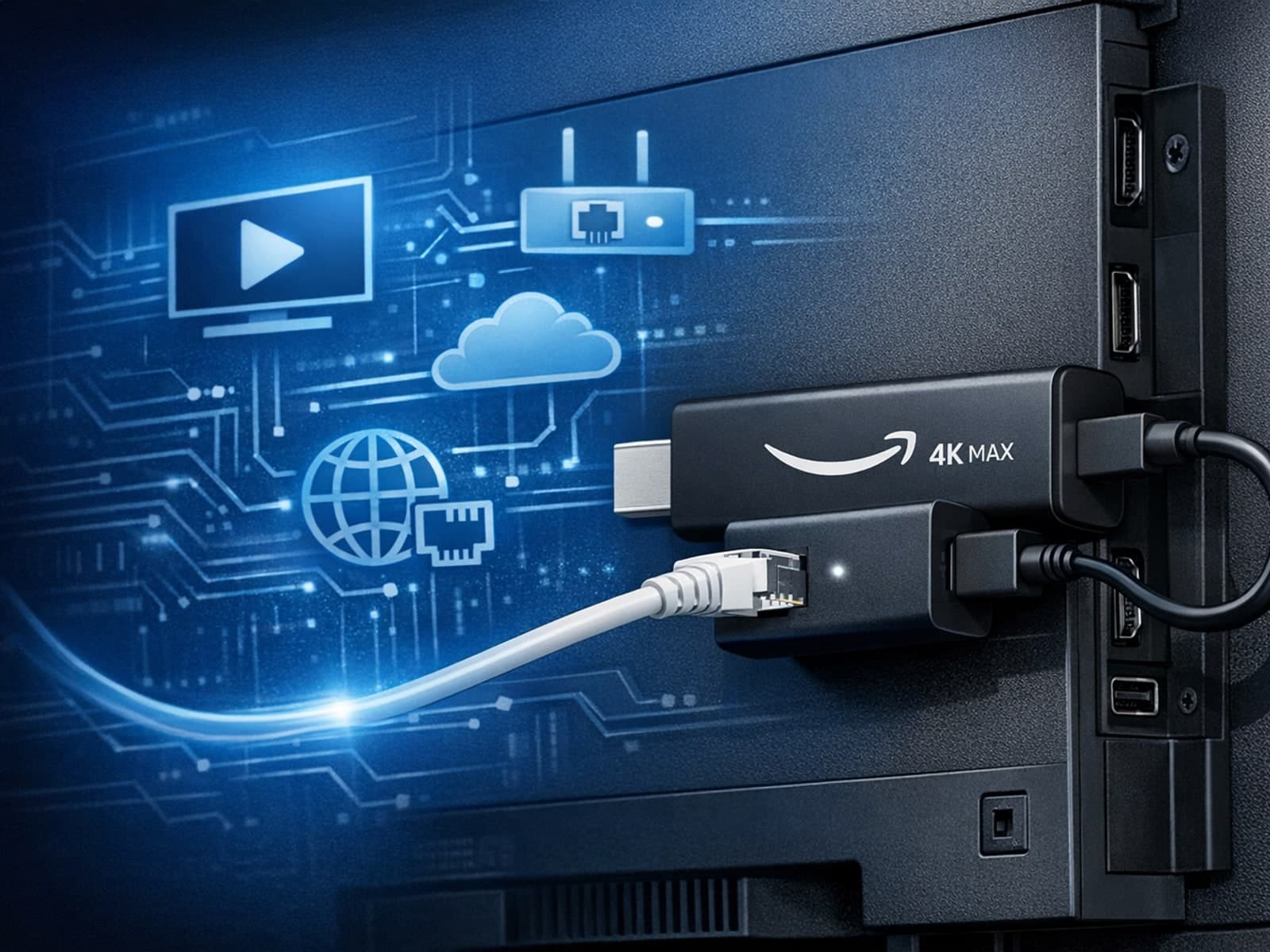
The Amazon Fire TV Stick 4K Max offers a powerful streaming experience with improved hardware and faster Wi-Fi connectivity. However, some users prefer the stability and reliability of a wired Ethernet connection over Wi-Fi.