
Contributor profile
Priya Desai
Senior Streaming Devices Analyst Specializing in Fire TV and Android TV Performance
Priya Desai is an experienced analyst focused on optimizing Fire TV and Android TV devices under real-world streaming conditions. She provides insights on device tuning, app behavior, and codec support.

Priya Desai has spent over a decade exploring the nuances of streaming-device performance, with a particular emphasis on Fire TV and Android TV ecosystems. Her practical experience in diagnosing and refining device behavior under everyday loads offers valuable guidance to both developers and consumers.
Her work delves deeply into app compatibility, device storage management, and codec efficiency, ensuring that streaming experiences are smooth and reliable across platforms. Priya combines hands-on testing with data-driven analysis to uncover subtle issues impacting user experiences.
Beyond technical evaluation, Priya contributes to industry discussions, helping demystify complex streaming technology topics for a broader audience. She is committed to fostering a clearer understanding of how devices perform in real-world environments.
- Expert in Fire TV tuning and system optimization
- Comprehensive knowledge of Android TV app ecosystems
- In-depth analysis of codec compatibility and device storage management
Articles by Priya Desai
Published explainers currently attributed to this contributor.
TiviMate is a popular IPTV player app for Android TV and similar devices, known for its advanced channel management options. Organizing favorites and groups in TiviMate lets you customize your IPTV watching experience by categorizing.

When your M3U playlist fails to load in IPTV Smarters, it usually means the app cannot retrieve or read the playlist file correctly. This stops your channels from appearing and prevents streaming.

When you switch channels on your IPTV service, the stream sometimes freezes or stalls. This interruption usually happens because your device or app needs to buffer the new channel stream, but something delays or disrupts that process.
If the catch-up feature in your TiviMate IPTV player is not working, the cause usually lies in playlist compatibility, EPG (Electronic Program Guide) data issues, or app configuration problems.
The "Invalid Details" error in IPTV Smarters signals that the app cannot successfully log in to your IPTV service with the credentials or server information you provided.
If your TiviMate app is not displaying channel program guides and shows an error or empty EPG data, the issue usually lies with the EPG source URL.
For streaming IPTV smoothly on your Fire TV Stick, fine-tuning your WiFi settings can drastically improve playback quality, reduce buffering, and prevent connection drops.
If your TiviMate playlist does not update after hitting refresh, the issue is usually related to either the playlist source itself, your network connection, or the way the app handles refreshing.
If you watch IPTV on your Fire TV Stick, having the right Wi-Fi settings can significantly improve your streaming experience by minimizing buffering and lag.
Limited storage on Fire TV Stick can cause IPTV lag by restricting app cache and performance. Clearing cache, uninstalling unused apps, and restarting helps smooth playback.
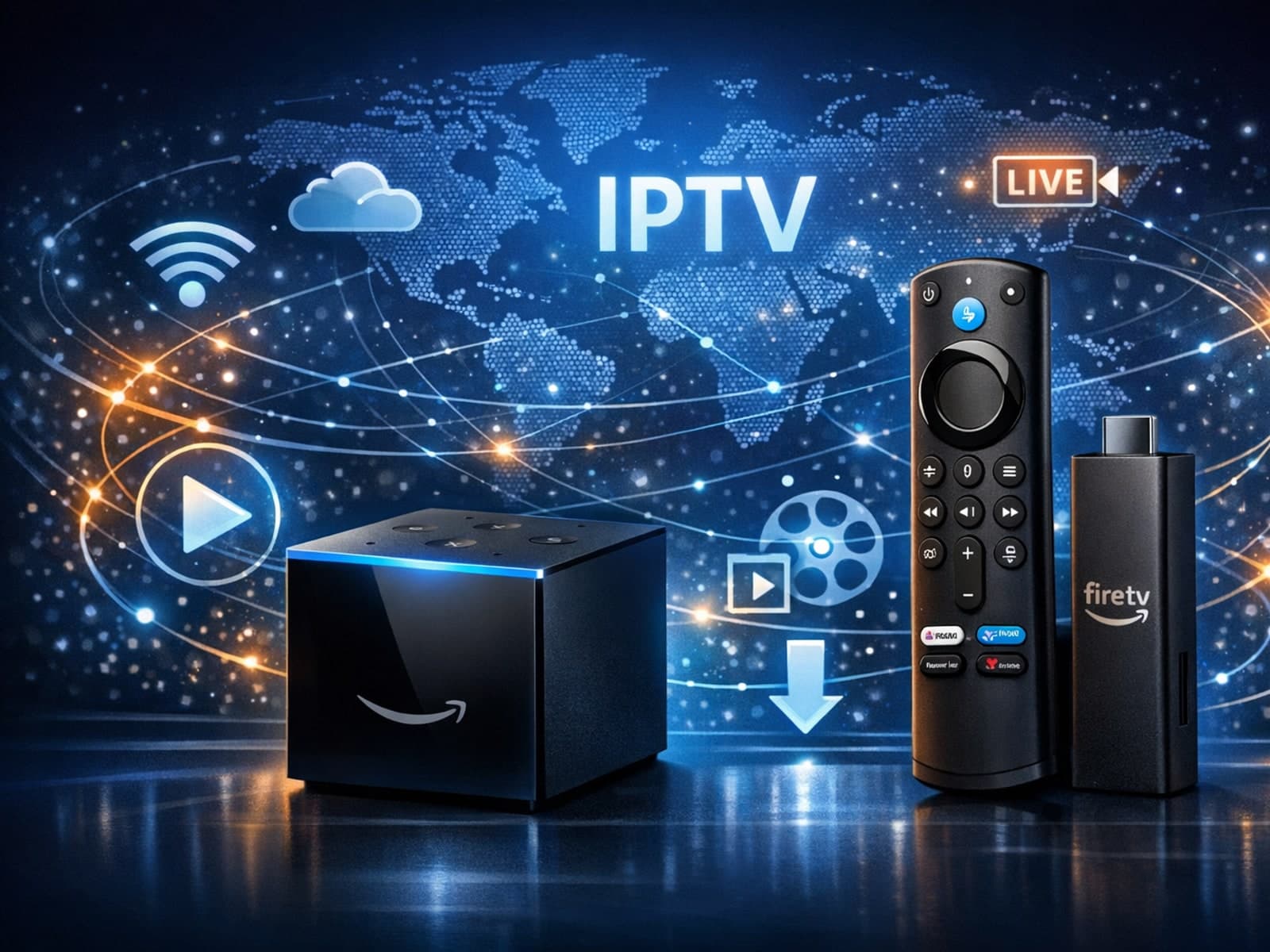
When deciding between the Fire TV Cube and the Fire TV Stick 4K Max for IPTV streaming, your choice should focus on your specific setup needs, desired features, and network environment.
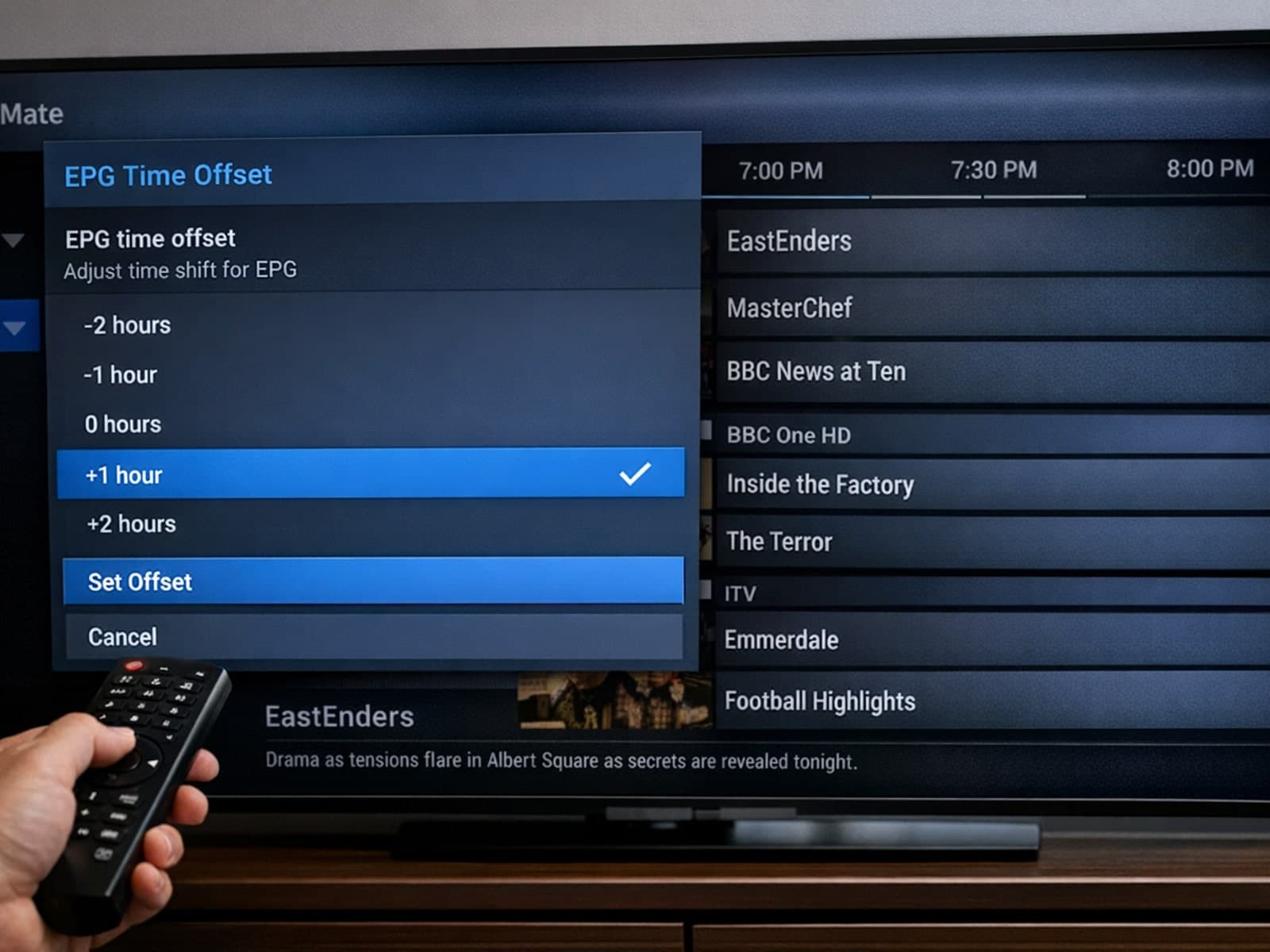
When using TiviMate, a popular IPTV player, you might notice that the Electronic Program Guide (EPG) shows program times that do not correspond with your local time. This typically indicates that the EPG time offset setting is incorrect.
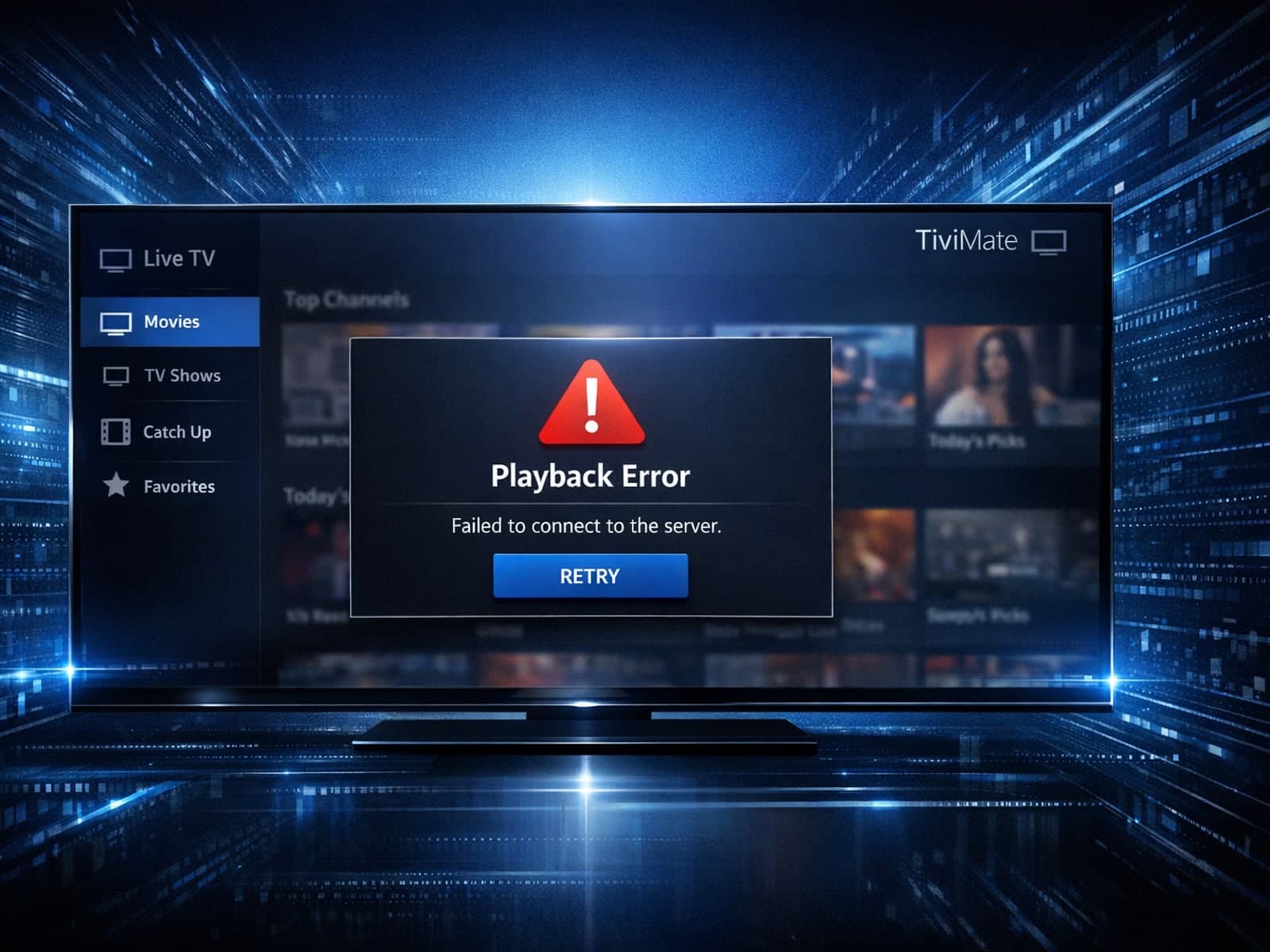
If your TiviMate Electronic Program Guide (EPG) source URL isn't working, it means the app cannot retrieve or parse the TV schedule data from the provided link. This stops program listings from appearing correctly in the app.
To achieve smooth IPTV streaming on your Fire TV Stick, optimizing your WiFi settings is essential. The best approach focuses on using the 5 GHz WiFi band for improved speed and reduced interference, choosing the optimal router channel.
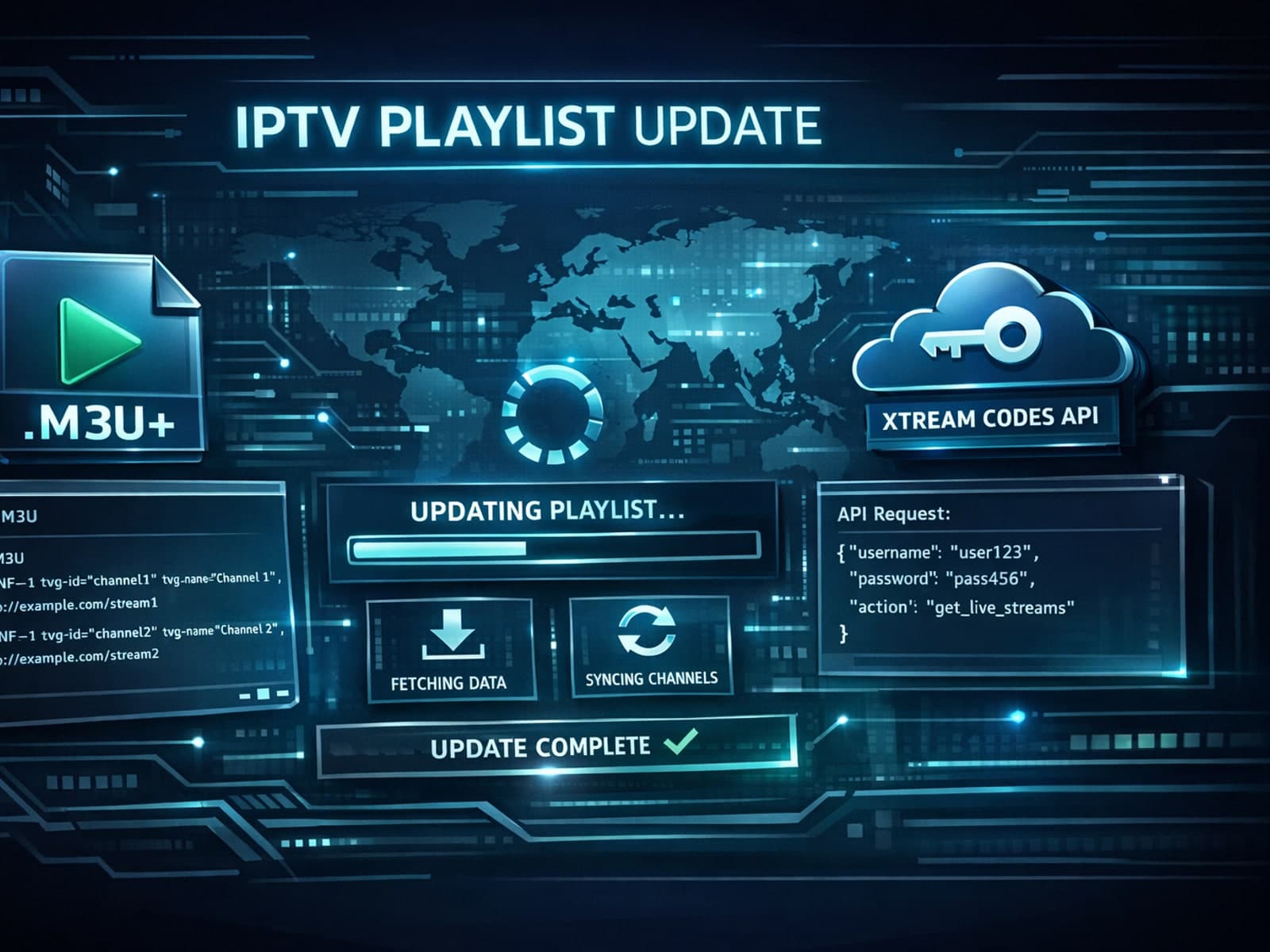
When managing IPTV playlists, choosing between M3U Plus and Xtream Codes API for updates can shape your user experience significantly.
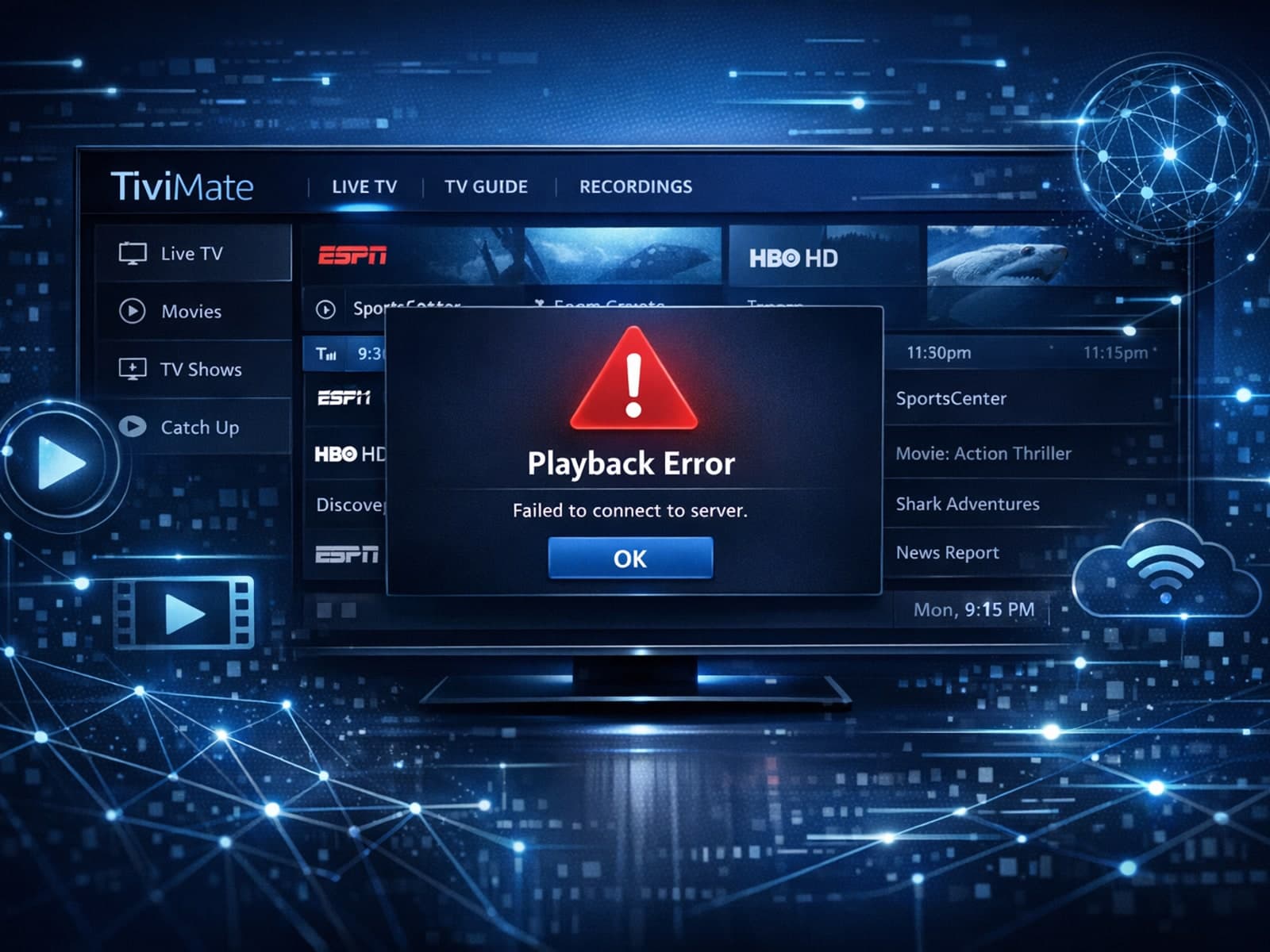
If your TiviMate EPG (Electronic Program Guide) source URL is not working, it means the app cannot load or update the programming guide data for your IPTV channels. Without this data, you lose TV schedules and show information.
When managing IPTV services, updating playlists efficiently and reliably is essential. Two common methods for playlist updates are M3U Plus and the Xtream Codes API. Both offer advantages but operate differently and suit differing needs.
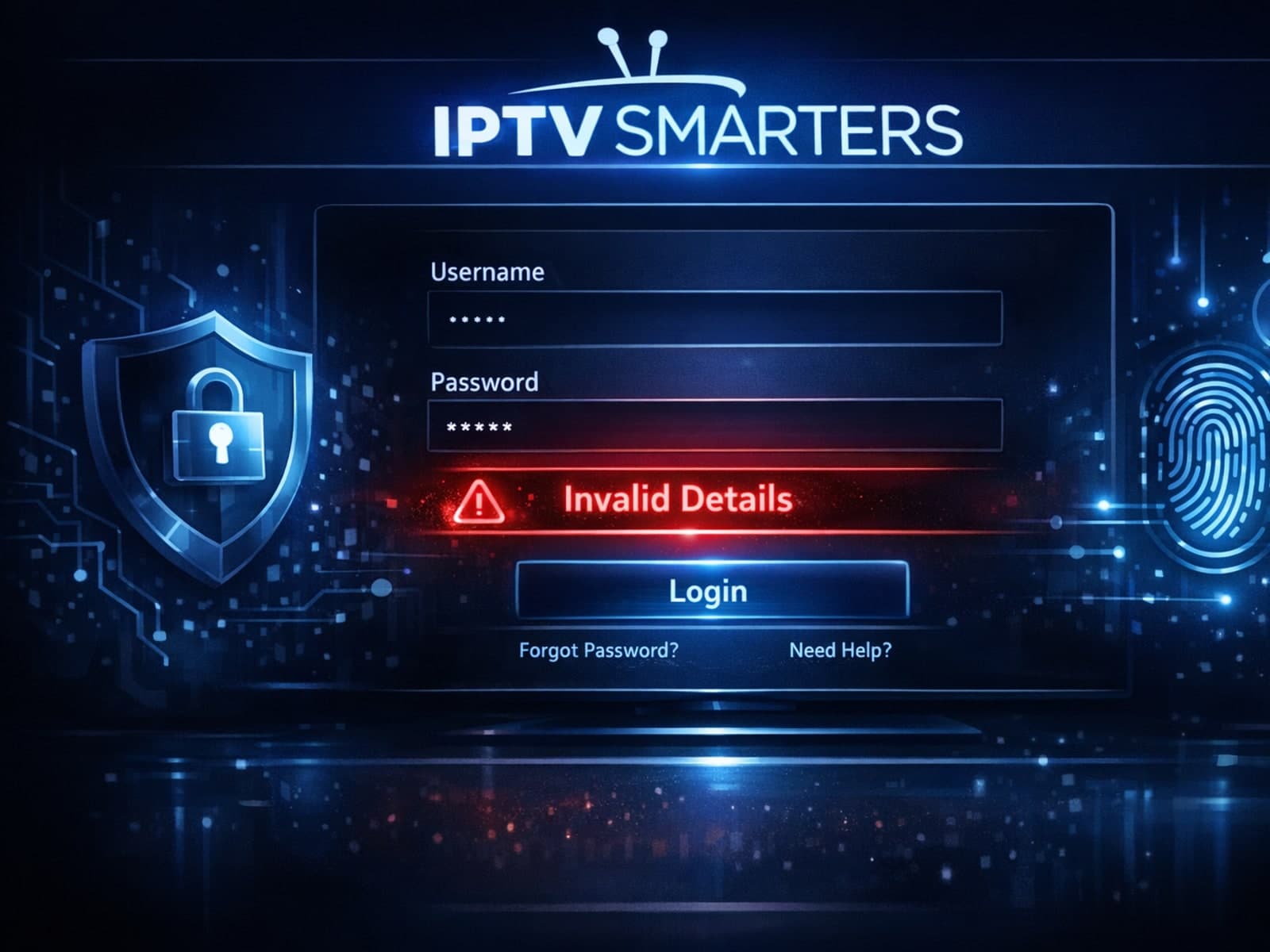
The "Invalid Details" error in IPTV Smarters occurs when the app cannot authenticate your login credentials. This usually means that the username, password, or server URL you entered is incorrect or that the IPTV server itself is.
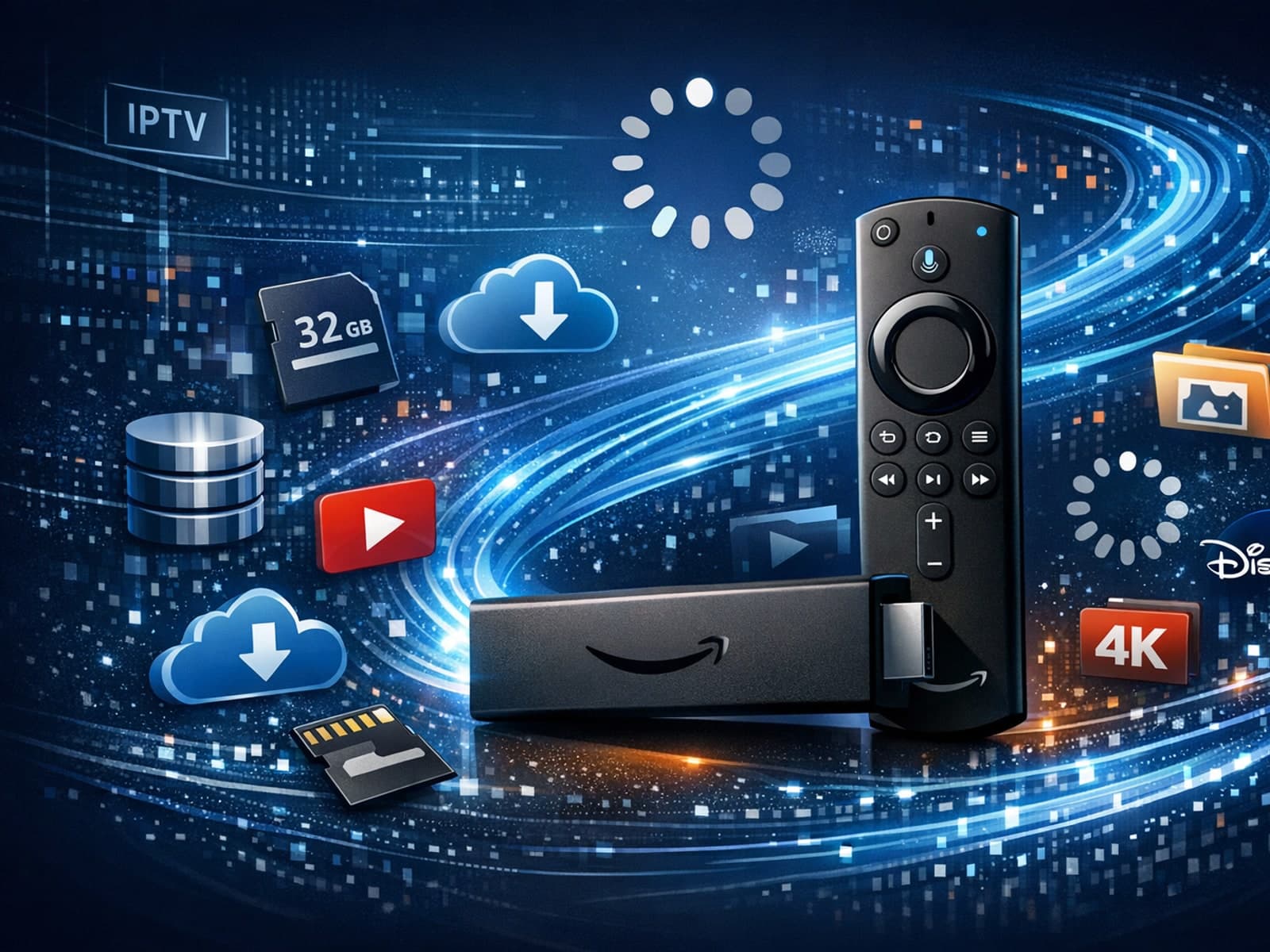
If your IPTV streams on a Fire TV Stick lag or buffer frequently, one common but often overlooked cause is limited device storage. The Fire TV Stick uses its internal storage for app data, temporary cache files, and buffering.
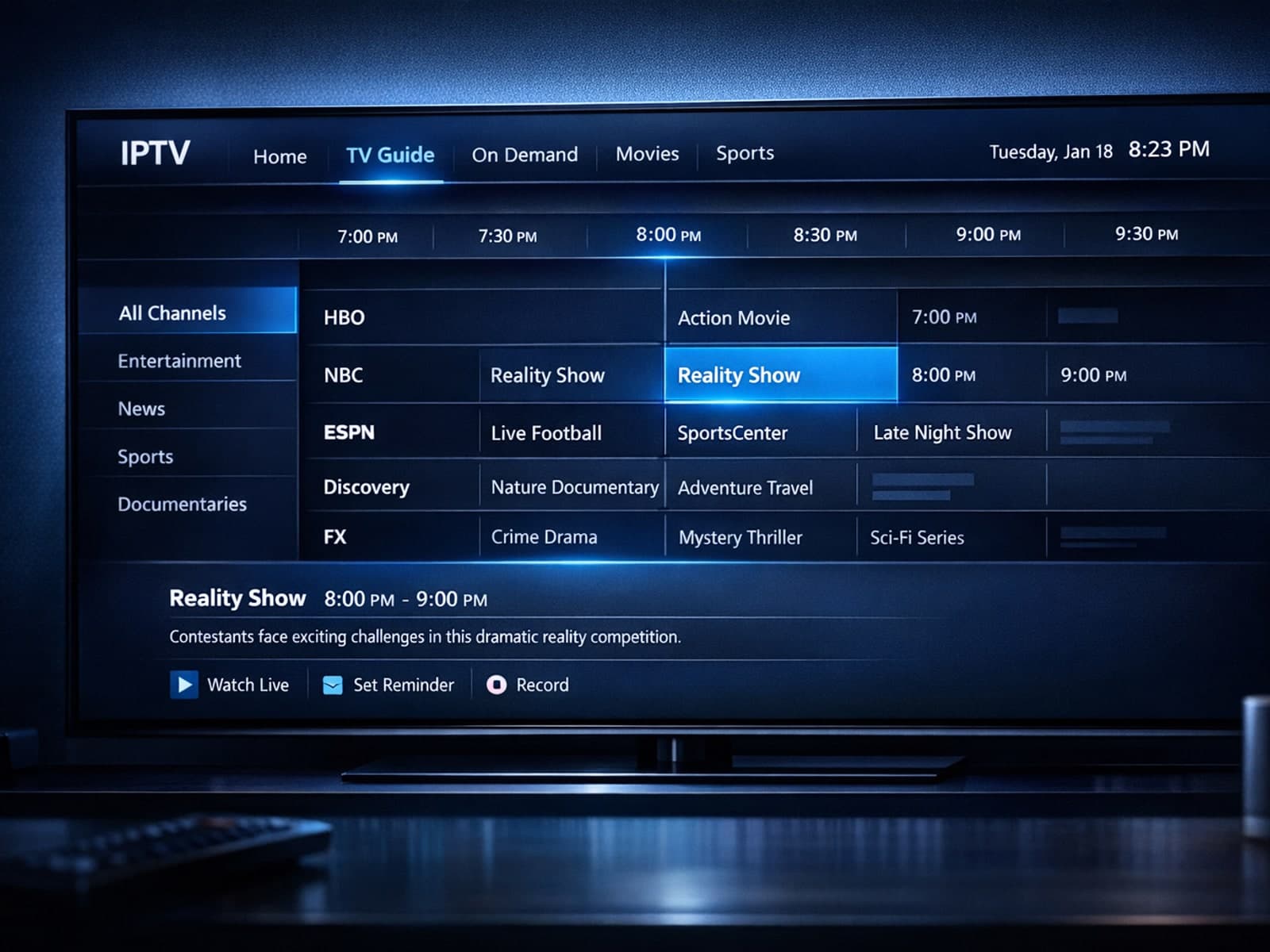
If your Electronic Program Guide (EPG) in TiviMate shows program times incorrectly, the root cause is often a wrong EPG time offset setting.
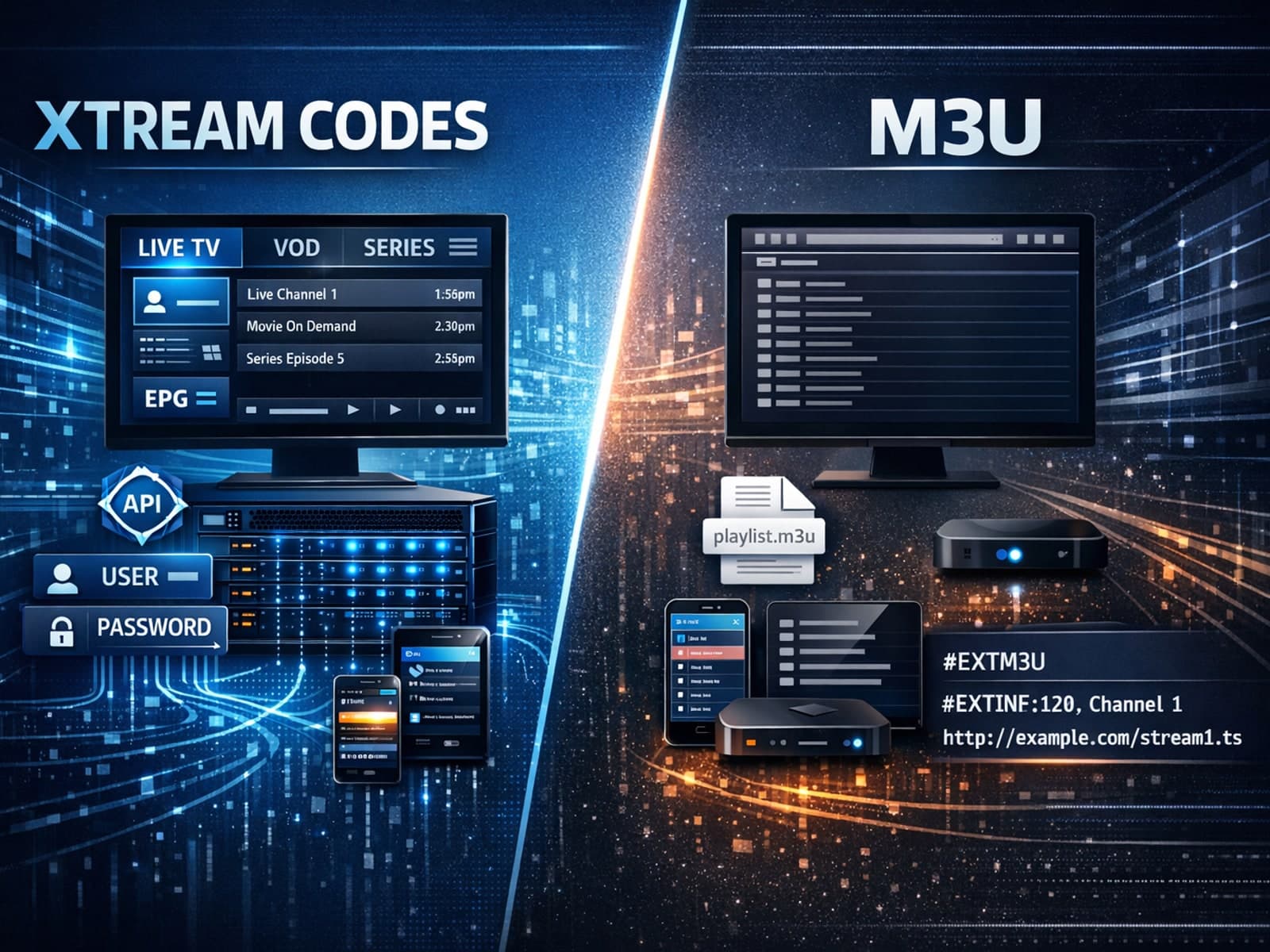
Xtream Codes can work better than M3U for IPTV streaming when you need more than just a static list of channel URLs. Unlike M3U playlists, which are simple text files listing media stream locations, Xtream Codes uses an API-based system.
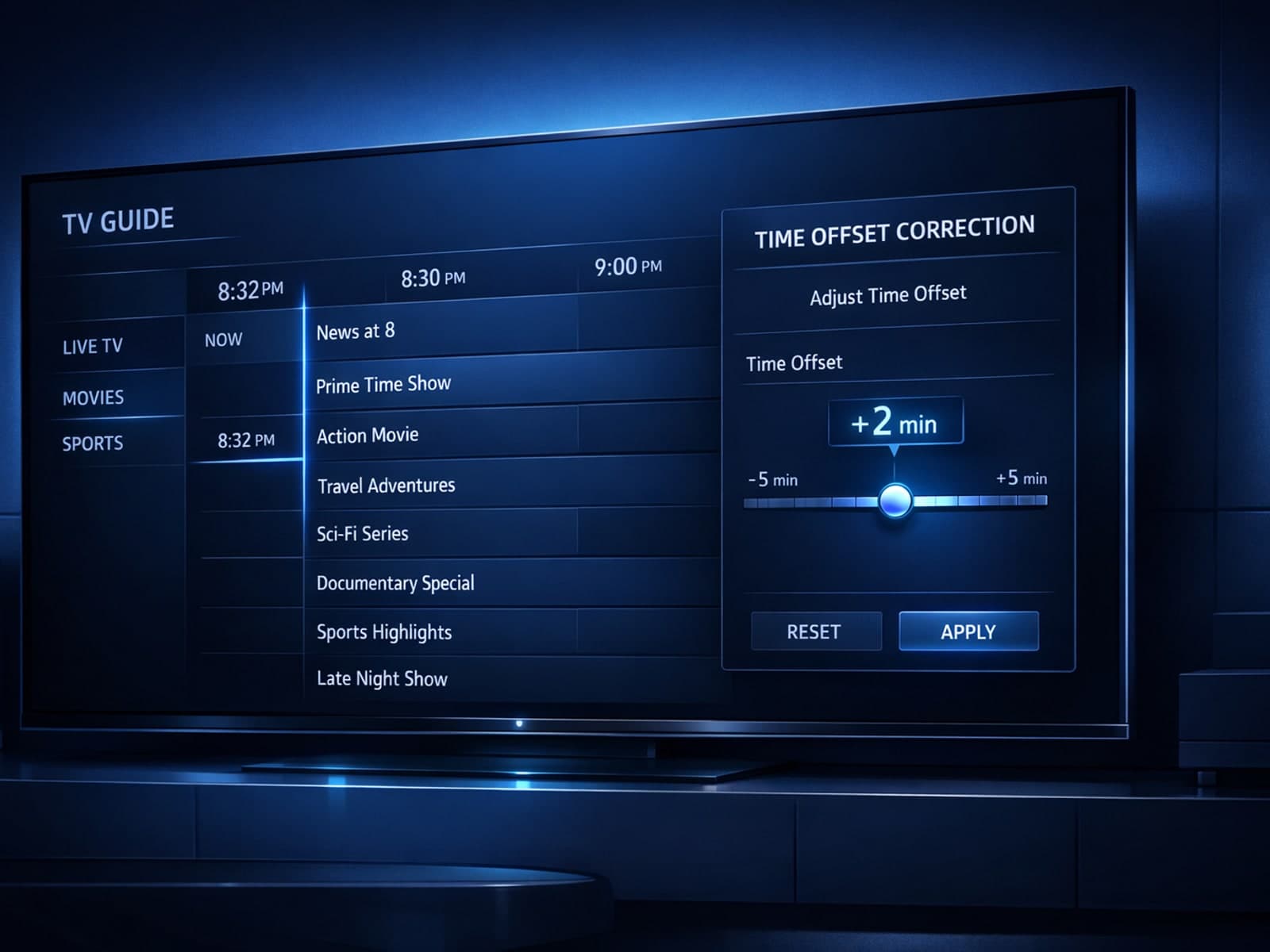
If you notice that the channel program guide (Extended Program Guide, or EPG) in TiviMate shows incorrect times — for example, programs starting an hour early or late — this usually indicates a misaligned EPG time offset.
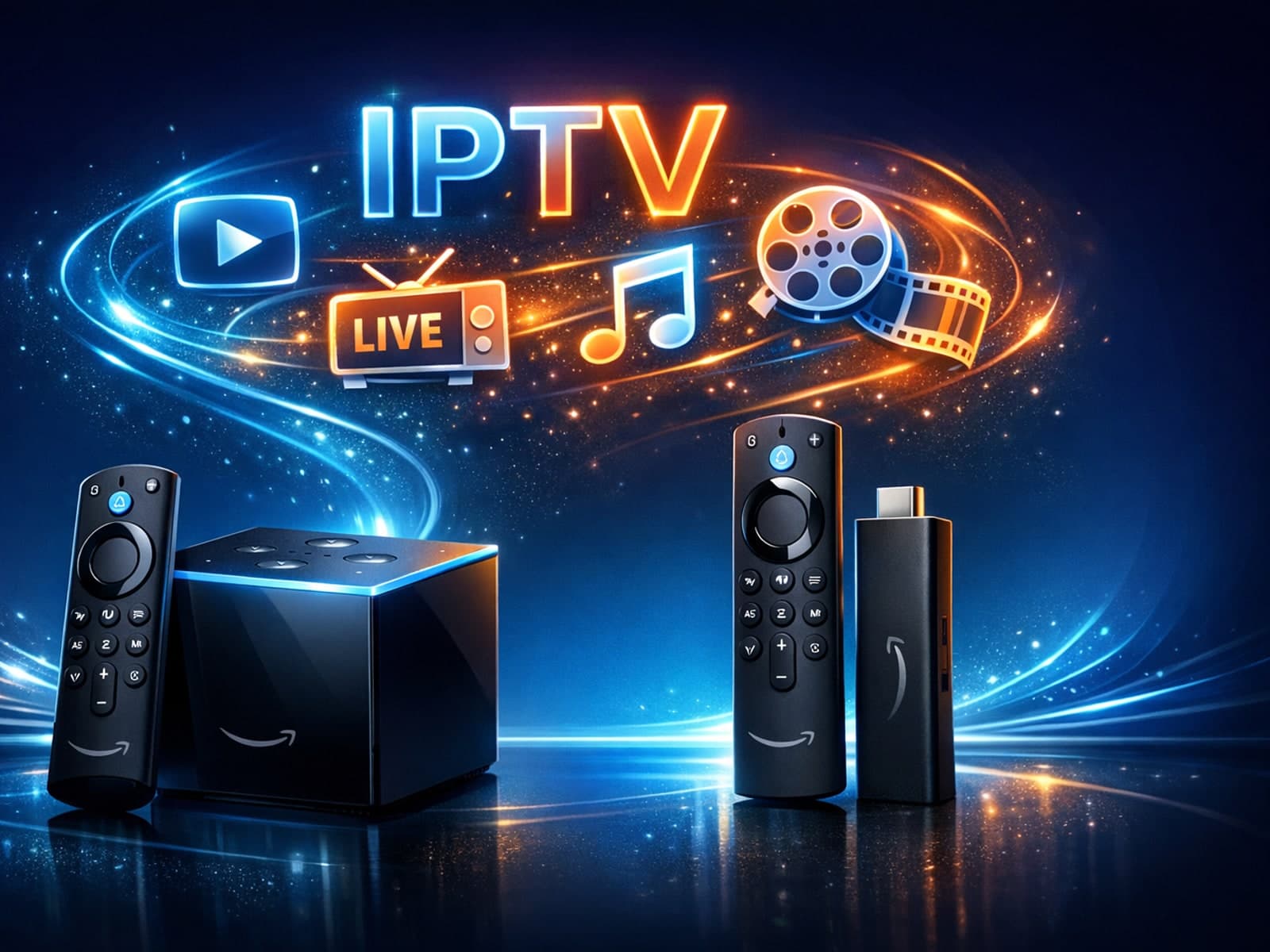
If you're deciding between the Fire TV Cube and the Fire TV Stick 4K Max for IPTV, the choice hinges largely on your preferences for control, hardware features, and budget.
If you notice that channel logos are missing or not displaying correctly in TiviMate, it usually points to issues with your IPTV playlist's metadata, playlist format, or app cache.
M3U Plus uses static playlist URLs needing manual refresh, while Xtream Codes API enables dynamic, authenticated playlist updates in IPTV apps. Choose based on your provider and app support.
If you see missing or blank channel logos in TiviMate, it's typically due to issues with your IPTV playlist or the Electronic Program Guide (EPG) data. These logos are linked to metadata provided by your IPTV source and managed by the app.
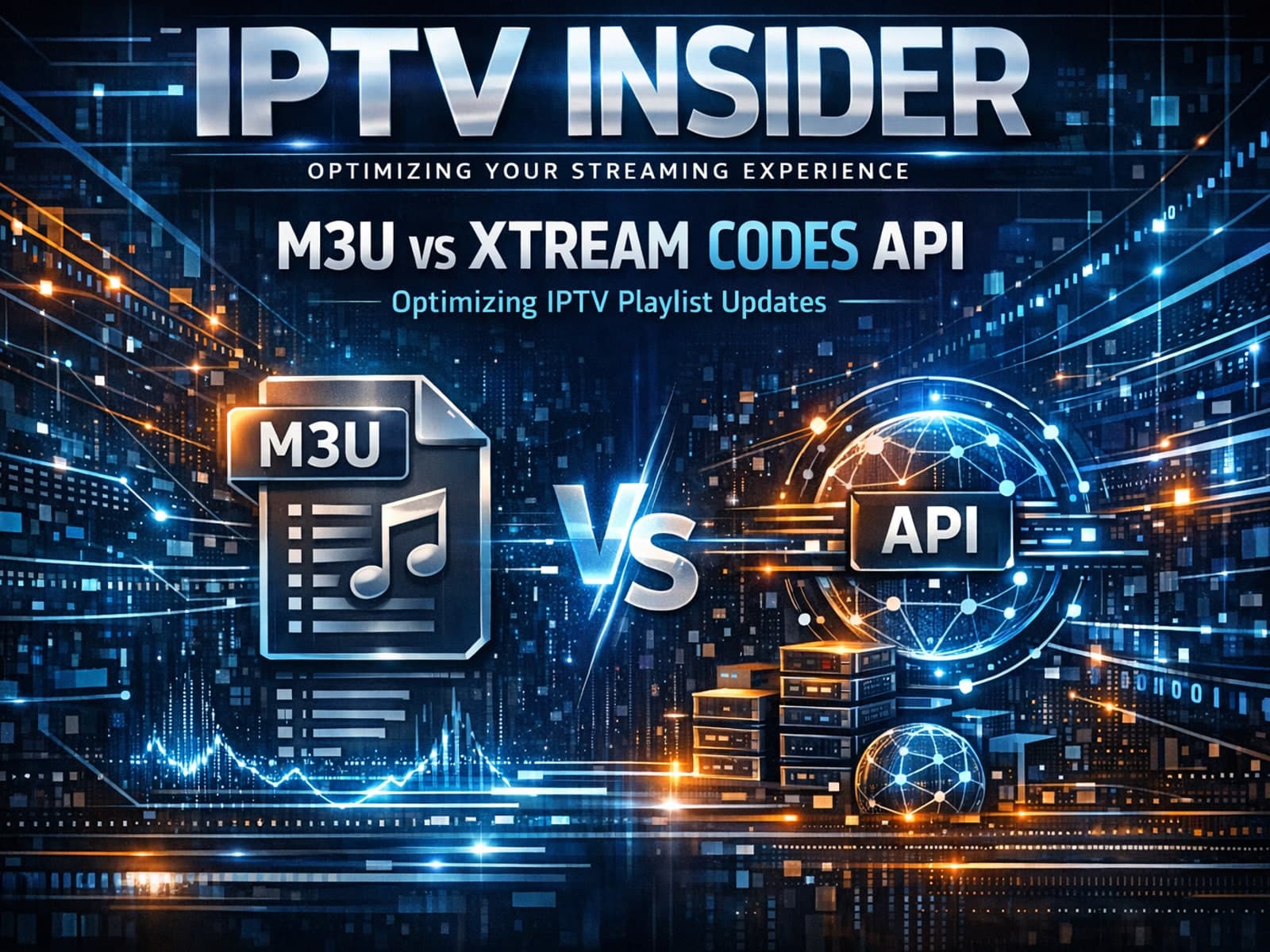
M3U Plus uses static playlist URLs with embedded metadata, while Xtream Codes API offers dynamic, authenticated IPTV playlist updates with richer data and faster refreshes.
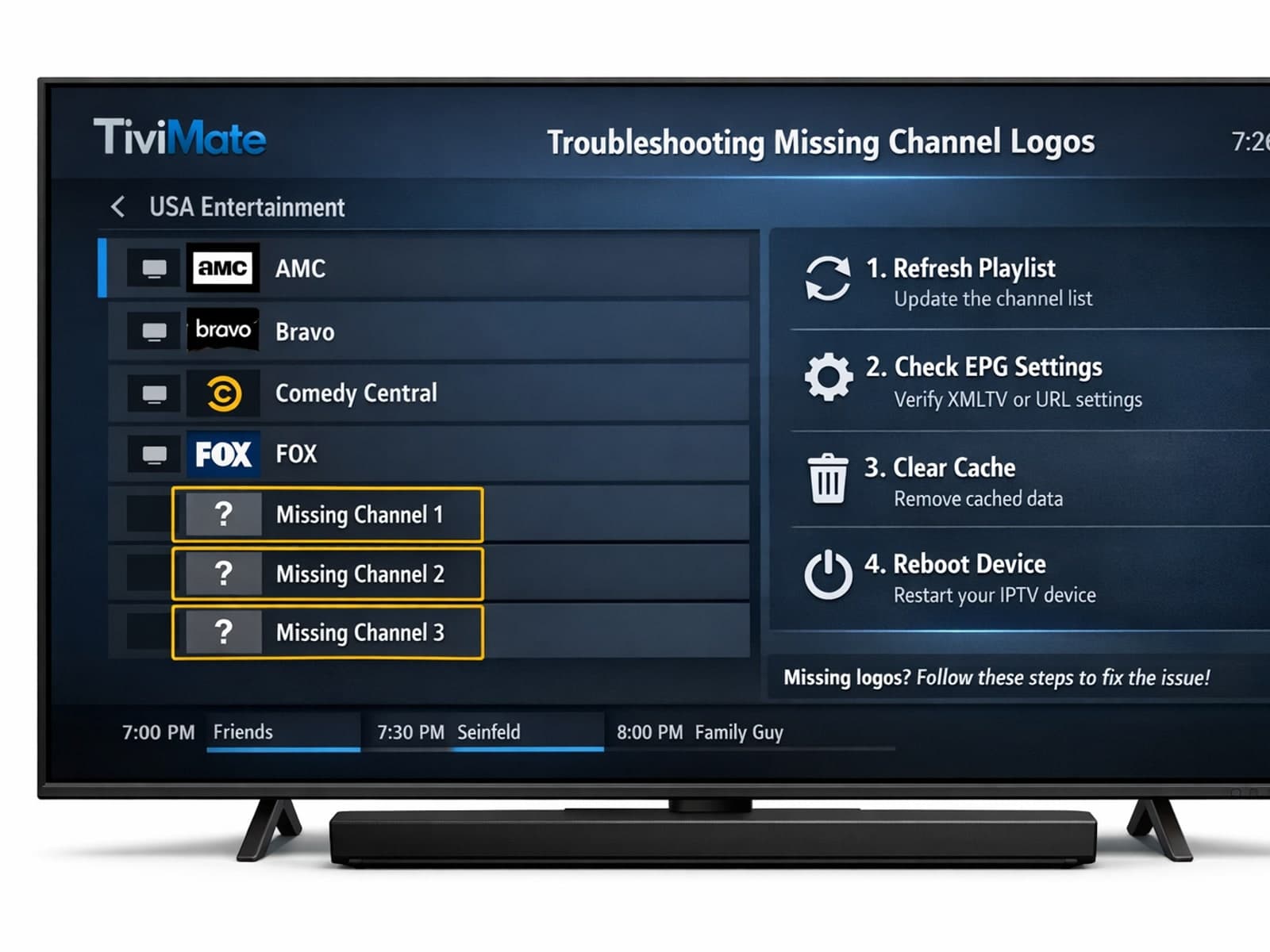
If your channel logos are missing in TiviMate, the issue usually stems from your IPTV playlist, app cache problems, or connectivity issues.
If you’re using IPTV services, you’ve likely encountered M3U playlists, a common method to organize streaming channels. However, Xtream Codes — an API-based IPTV login format — often outperforms M3U playlists in specific scenarios.
Organizing your favorites and channel groups in TiviMate is essential for a smooth IPTV experience. By structuring your channels, you save time navigating menus and quickly access the content you watch most.
Optimizing Wi-Fi settings on a Fire TV Stick enhances IPTV streaming quality by focusing on frequency bands, channel selection, encryption, and network placement. Clear steps help improve your experience.
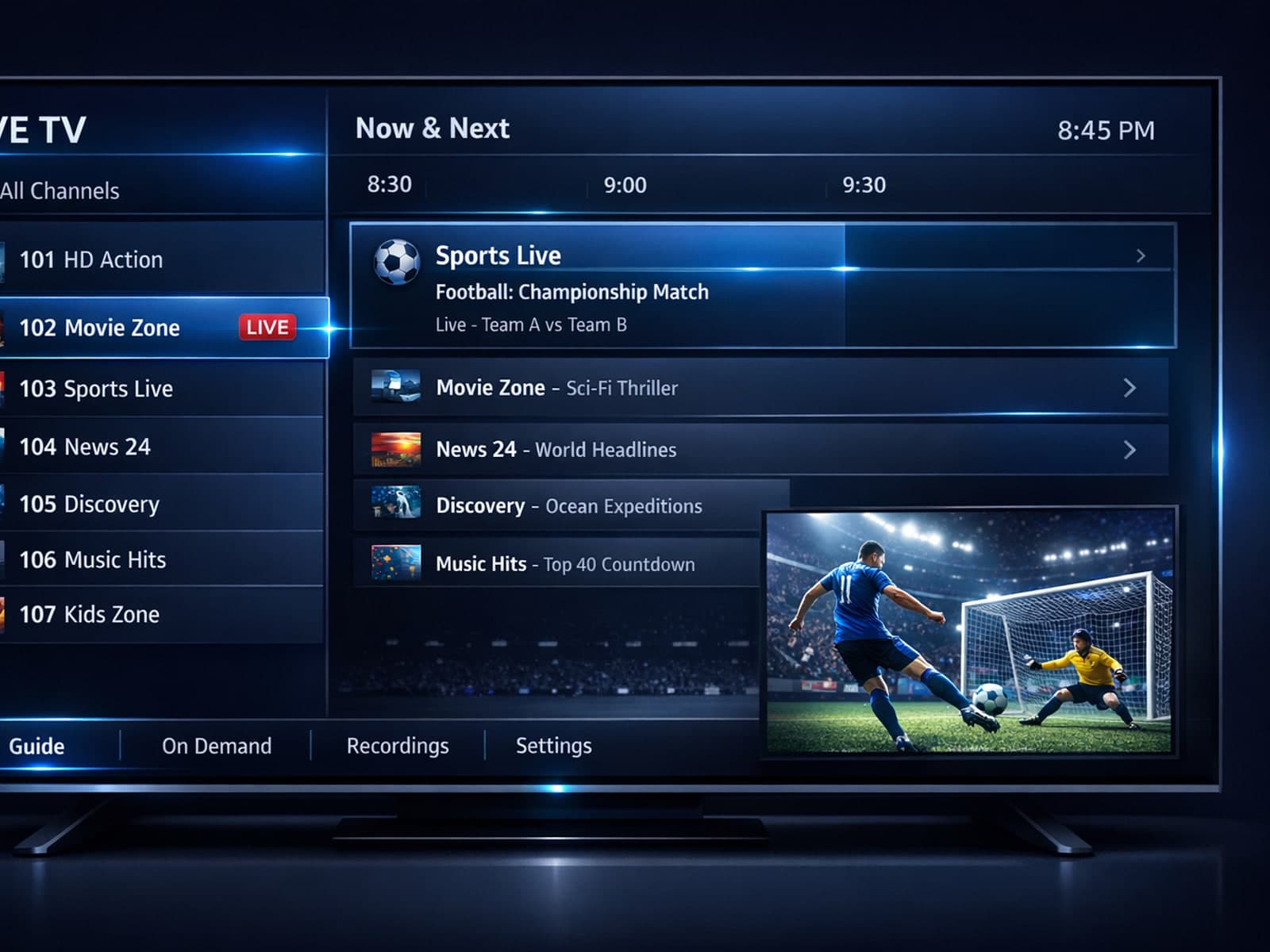
When deciding between using Xtream Codes and M3U playlists for IPTV streaming, Xtream Codes works better when you require dynamic, real-time content updates, secure user authentication, and enhanced Electronic Program Guide (EPG).
If your channel logos are missing in TiviMate, the problem usually stems from your IPTV playlist lacking logo information, incorrect logo paths, or caching issues within the app.
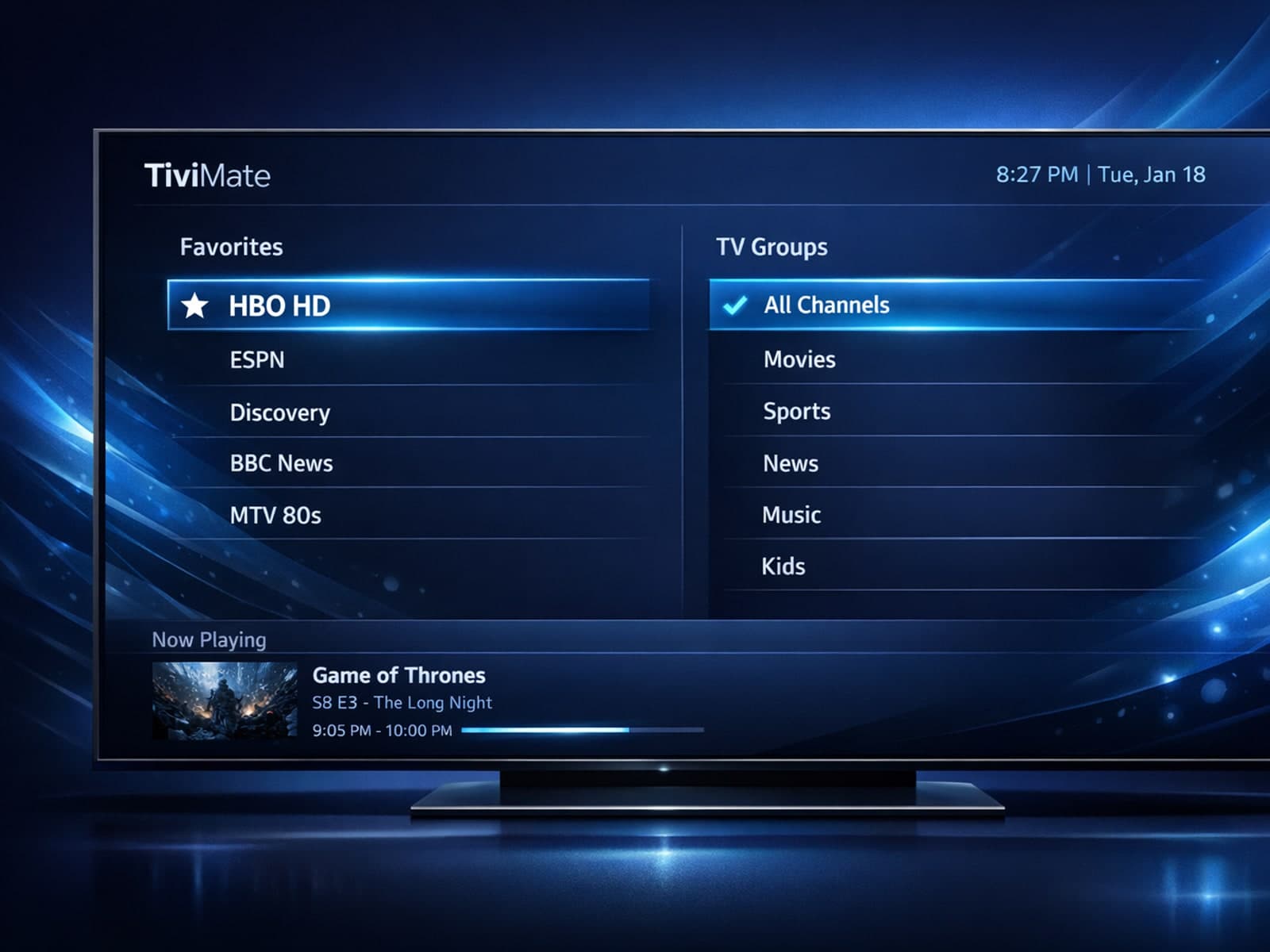
TiviMate is a popular IPTV player that allows users to watch streaming channels with an intuitive interface. A key feature to improve navigation and personal content management is organizing favorites and channel groups.
IPTV often freezes when switching channels due to buffering delays caused by slow network speeds, playlist errors, or device processing issues.
Organizing favorites and channel groups in TiviMate is a straightforward way to simplify your IPTV viewing experience. By grouping channels meaningfully and marking favorites, you reduce menu clutter, speed up navigation, and tailor your.
Missing channel logos in TiviMate can diminish usability and make navigation confusing. The issue often arises when the playlist or app fails to supply or fetch the logo metadata correctly.
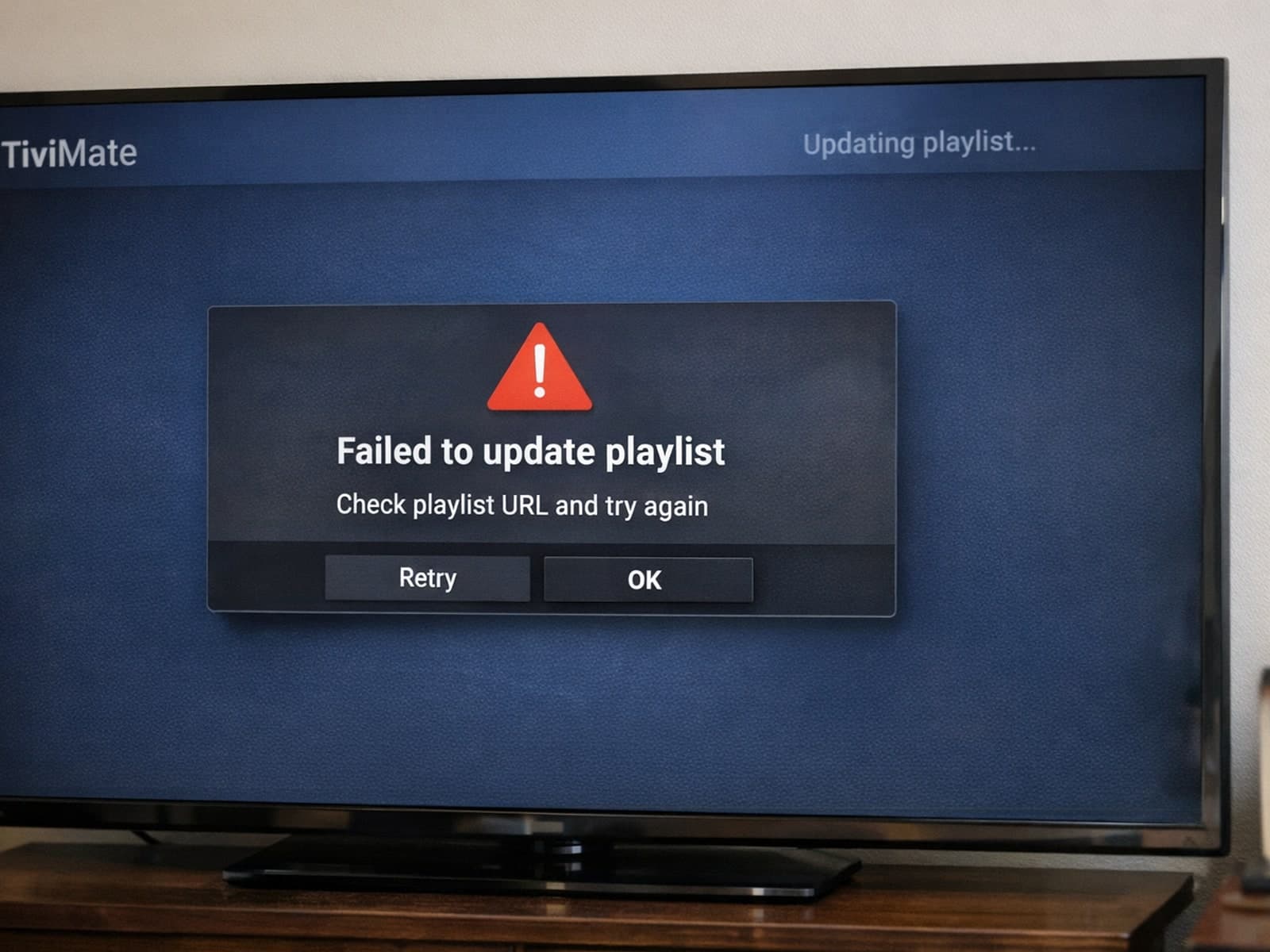
If your TiviMate playlist isn't updating after you hit refresh, it usually means the app isn't able to download or recognize the latest version of your playlist.
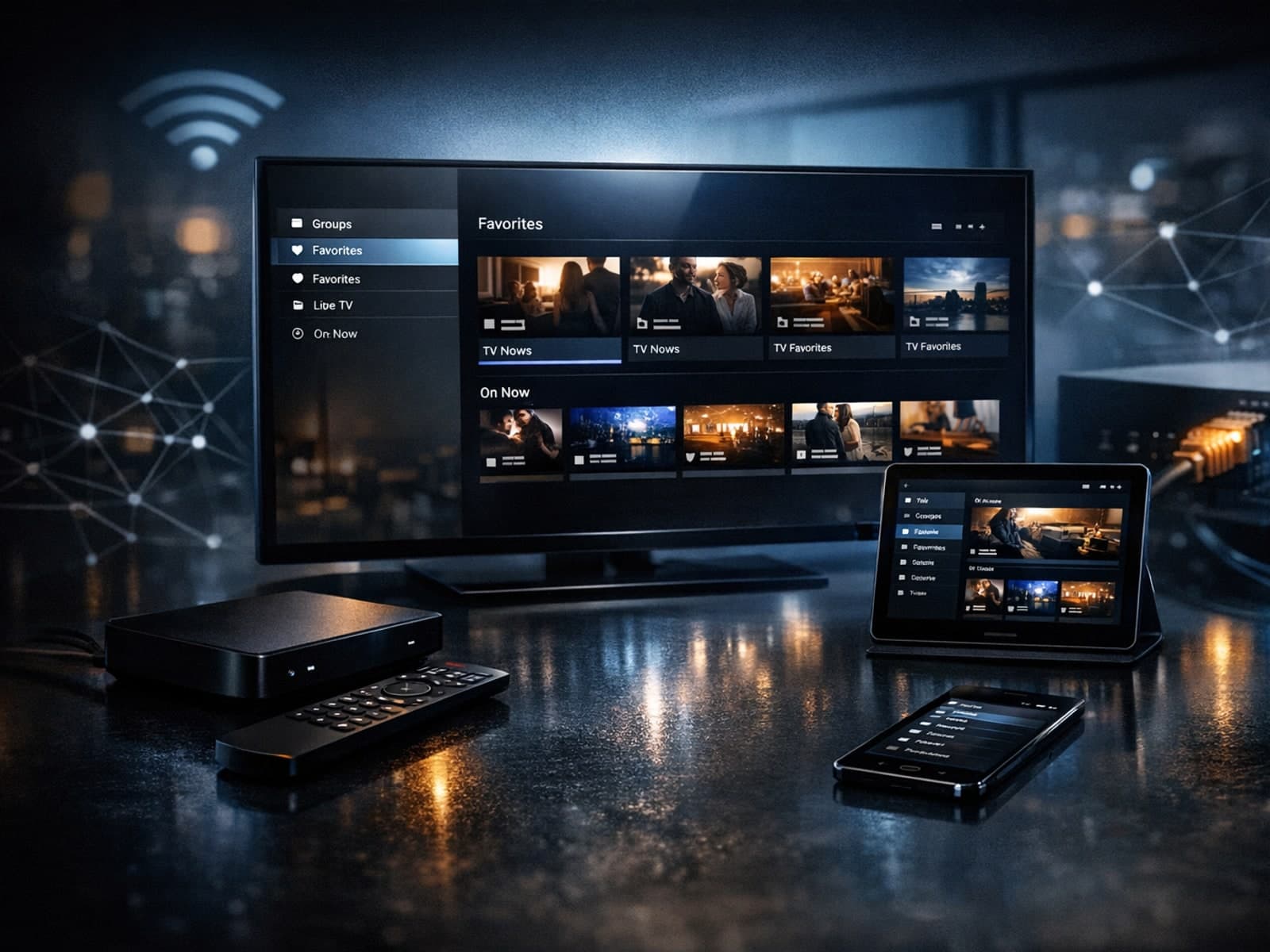
Organizing favorites and groups in TiviMate helps IPTV users streamline channel navigation and create personalized viewing experiences.
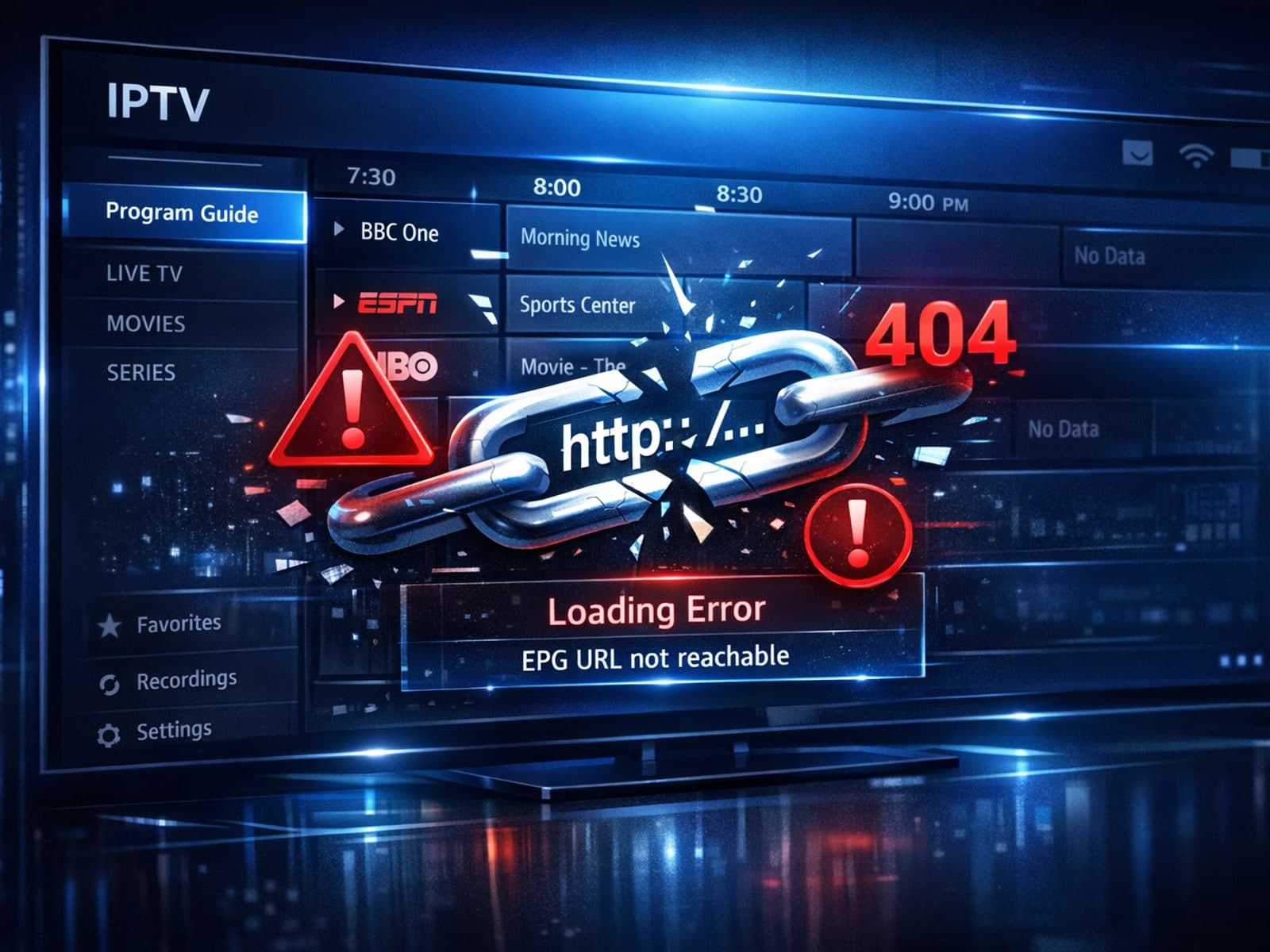
If your TiviMate app is failing to load or update the Electronic Program Guide (EPG) despite using a known EPG source URL, this article addresses the reasons behind this issue and practical steps to resolve it.
When choosing an IPTV setup, understanding how your playlist format handles Electronic Program Guide (EPG) data and content updates is crucial.
If your IPTV streams are frequently buffering on your Fire TV Stick, one common cause is low device storage. The Fire TV Stick uses available internal storage to cache streaming data briefly, helping ensure smooth video playback.
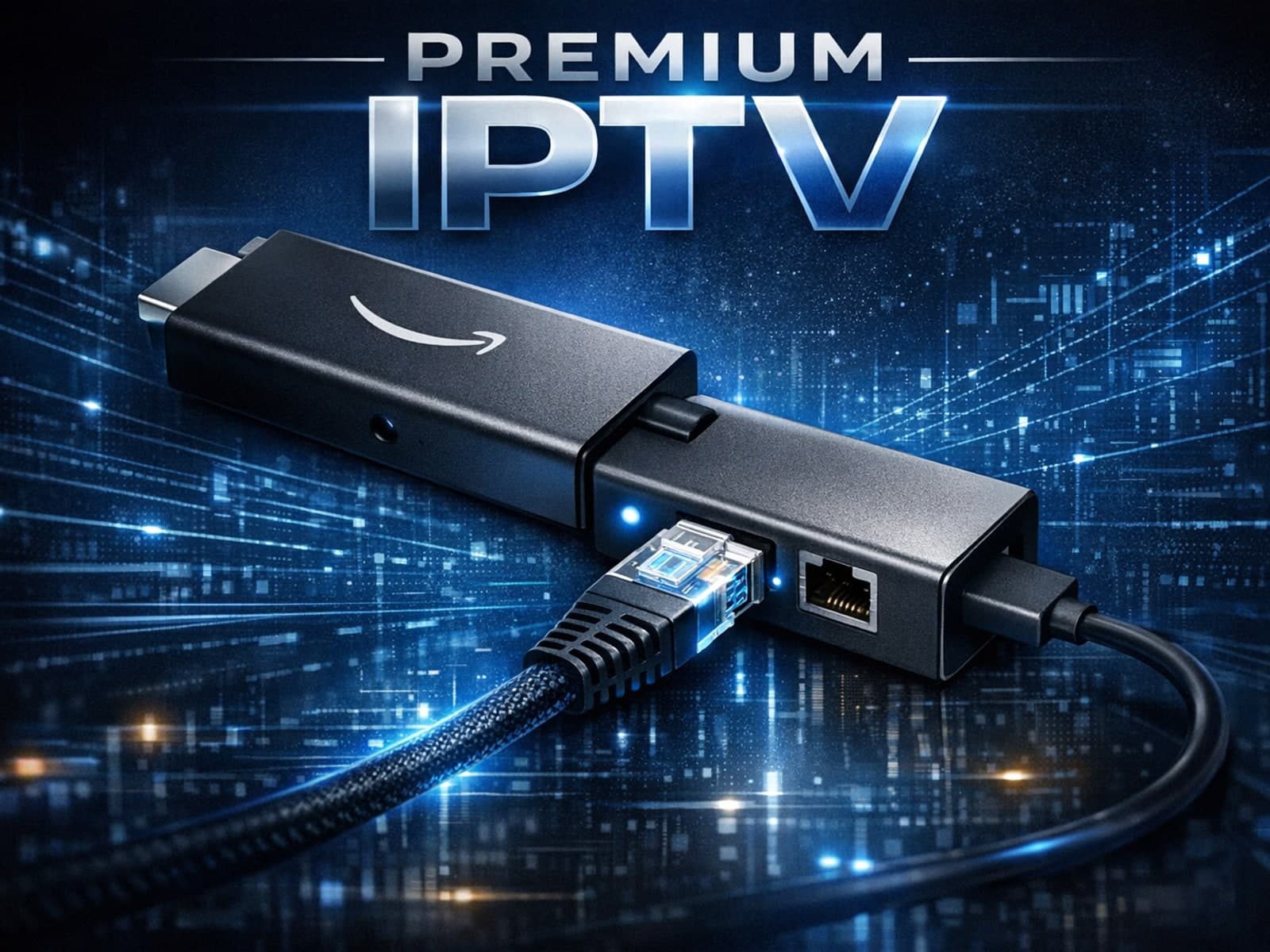
Using an Ethernet adapter with your Fire TV Stick is the most reliable way to ensure a stable, wired internet connection for streaming.
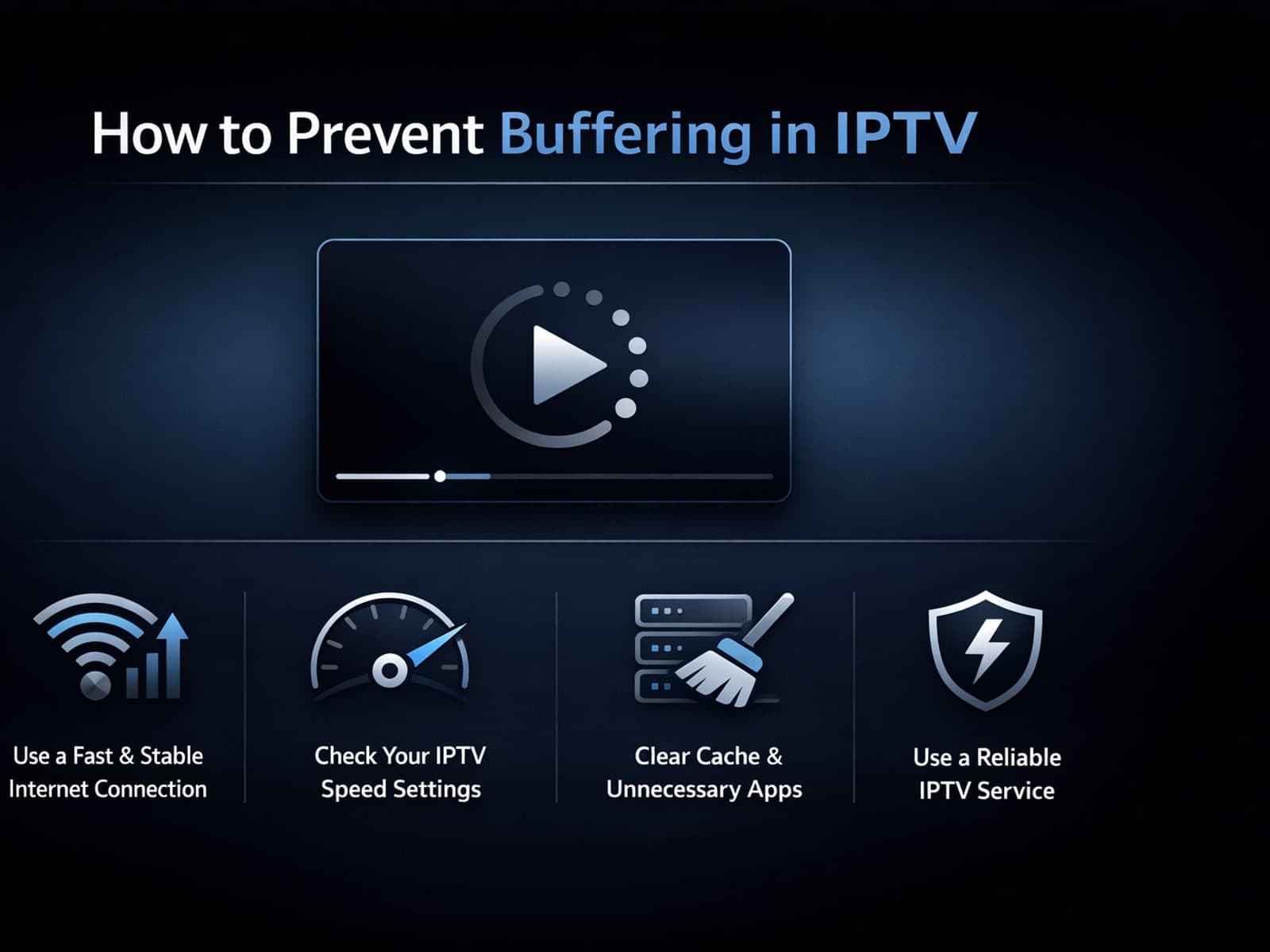
Buffering interrupting your IPTV (Internet Protocol Television) viewing is frustrating. Simply put, buffering is when playback pauses to load more video data, causing annoying delays.