
TiviMate EPG Source URL Not Working: Causes, Fixes, and Troubleshoot

Quick answer
If your TiviMate Electronic Program Guide (EPG) source URL isn't working, it means the app cannot retrieve or parse the TV schedule data from the provided link. This stops program listings from appearing correctly in the app. The issue usually arises from an invalid, inactive,...
Reviewed Against
• TiviMate playlist, EPG, and player-setting workflows
• XMLTV guide imports, refresh timing, and channel-guide matching
• Server-URL formatting, HTTP response handling, and account-entry failure patterns
Applies To
• TiviMate setups on Android TV, Google TV, or Fire OS style streaming devices
• Guide data issues such as missing listings, stale guide refreshes, or wrong time offsets
• Errors caused by malformed URLs, wrong credentials, expired tokens, or unreachable playlist endpoints
Does not apply when
• Your app uses a different menu layout or naming scheme than TiviMate.
• The stream itself will not play at all and you still need to verify login or playlist access.
• The provider confirms the service is down or the account has been deliberately blocked upstream.
Corroborating Resources
XMLTV file format referenceUseful when the issue comes from guide-source formatting, channel mapping, or XMLTV data freshness.
HTTP response status codesUseful when an IPTV app surfaces 401, 403, 404, or 5xx style errors during login or playlist refreshes.
URL structure referenceHelpful for checking server URLs, source links, and path/query mistakes in portal or playlist setups.
Topic Cluster
Part of the EPG cluster
Guide data problems, XMLTV and playlist matching, time-offset fixes, and TiviMate EPG recovery paths. This page sits in troubleshoot and fix for that topic path.
Start here in this topic
On this page
TiviMate EPG Source URL Not Working: Causes, Fixes, and Troubleshoot
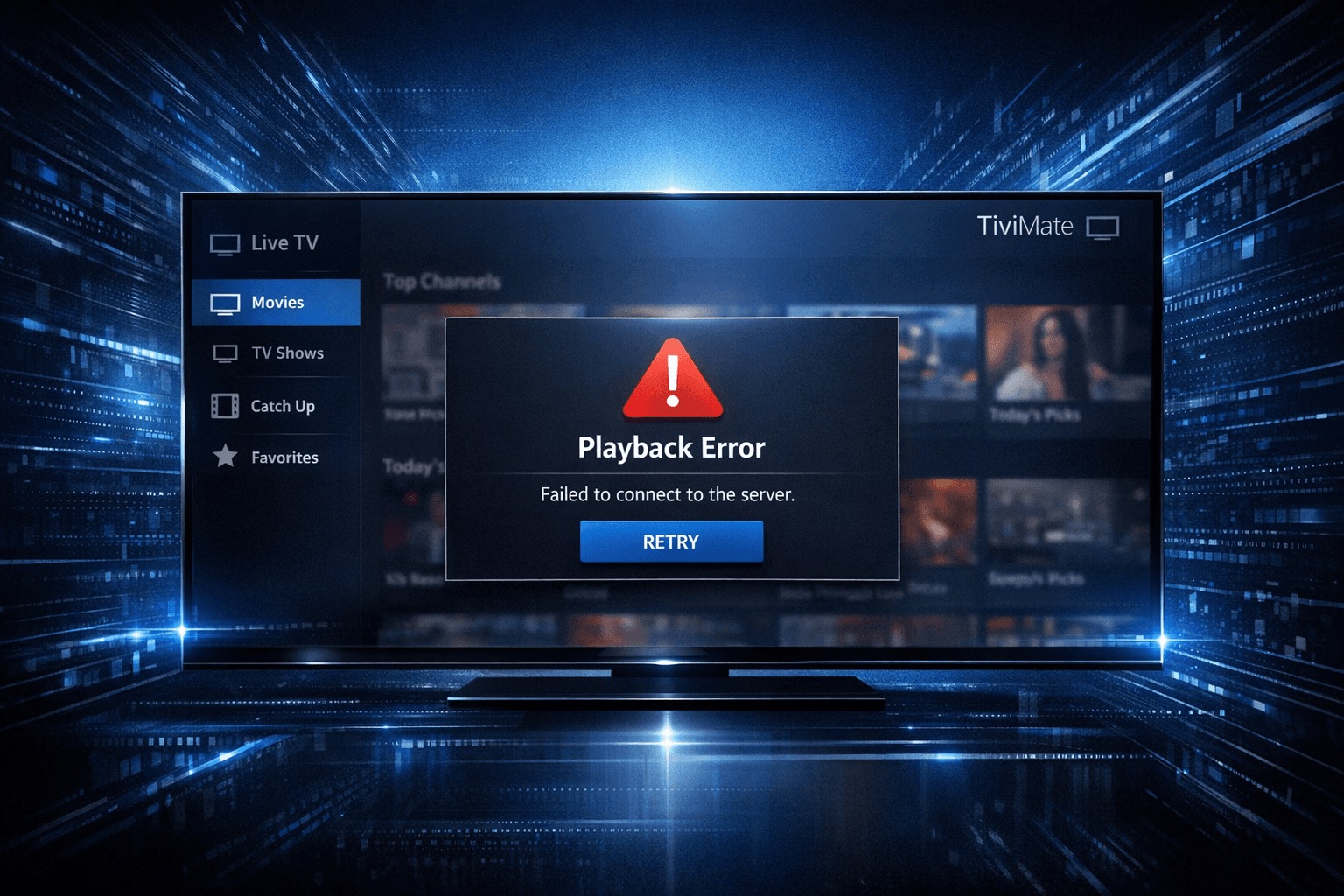
If your TiviMate Electronic Program Guide (EPG) source URL isn't working, it means the app cannot retrieve or parse the TV schedule data from the provided link. This stops program listings from appearing correctly in the app. The issue usually arises from an invalid, inactive, or improperly formatted URL, server outages on the provider's side, or issues within the TiviMate app itself.
By checking your EPG URL validity, internet connection, and app setup, you can often restore EPG functionality promptly.
What you'll learn
- What an EPG source URL is and why TiviMate needs it
- Common causes for EPG URL failures
- How to verify and troubleshoot your EPG URL
- When to check network and app-specific issues
- Steps to fix or replace a non-working EPG source URL
Understanding EPG Source URLs in TiviMate
The Electronic Program Guide (EPG) is a digital schedule showing the lineup of channels and their current and upcoming programs. TiviMate requires an EPG source URL that points to an XMLTV-format file or feed online. This feed contains the raw data of channel IDs, program start and end times, titles, and descriptions.
Without a valid EPG URL, TiviMate cannot display schedules or detailed program info. Unlike IPTV playlist URLs, which provide streaming links, the EPG URL focuses solely on metadata.
Common EPG URL Formats
- XMLTV .xml files: The most common standard for IPTV EPG data.
- Compressed XML files: Sometimes providers use zipped XML files (.xml.gz).
- Sometimes custom JSON or other proprietary formats, though TiviMate works best with XMLTV.
Make sure your URL matches the expected format because incorrect data formats cause loading errors.
Causes of TiviMate EPG Source URL Not Working
Several factors can result in an EPG source URL not functioning in TiviMate:
- Expired or changed URL: Many EPG sources require renewals or change URLs periodically.
- Server outages: The provider’s EPG server may be down or undergoing maintenance.
- Incorrect URL: Typos, missing HTTPS prefix, or using a playlist URL instead of an EPG URL.
- Unsupported format: Providing a non-XMLTV URL or compressed file not handled well.
- Internet connection problems: Poor or unstable internet access causing failed downloads.
- TiviMate app bugs: Glitches or corrupted cache obstructing proper URL loading.
Understanding these causes helps target your troubleshooting.
Checking and Verifying Your EPG Source URL
Before trying complex fixes, confirm your EPG URL is correct and accessible.
Steps to validate an EPG URL
- Verify URL syntax: Paste the URL in a text editor to confirm no accidental characters or spaces.
- Test in a browser or XML viewer: Open the URL in a web browser or an XMLTV viewer tool. You should see a structured XML file or prompt to download it.
- Check file format: The content should be XML data, not HTML error pages or unsupported formats.
- Confirm URL accessibility: If the URL returns an error page (404, 403, 512), the source may be down or restricted.
If these checks fail, contact your EPG source provider or switch to an alternate EPG URL.
Troubleshooting Network and App Issues
If your EPG URL appears valid but still does not work in TiviMate, consider network or app-related problems.
Internet and Network Checks
- Ensure your device has an active, stable internet connection.
- Run a speed test to confirm sufficient bandwidth.
- Disable VPN or proxy services that might block access to the URL.
TiviMate App Checks
- Restart TiviMate to clear temporary glitches.
- Clear the app cache/data via device settings to remove corrupted data.
- Check for TiviMate updates in your app store and install the latest version.
If network and app resets don’t help, the issue likely lies in the EPG URL provider’s server.
Common Mistakes When Adding EPG Source URLs
Misunderstandings in the setup process can lead to issues.
- Using IPTV playlist URL instead of a dedicated EPG URL.
- Missing or misconfigured parameters in URLs, such as user tokens or API keys.
- Not selecting the EPG source properly in TiviMate settings after adding.
- Ignoring the need to refresh or reload the EPG source after changes.
Take care to follow your EPG provider’s exact instructions for URL usage.
Step-by-Step Fix: Refreshing and Replacing Your EPG Source URL
When your EPG source URL is not working, try this practical fix sequence:
- Confirm the current EPG URL correctness and format.
- Remove the existing EPG source in TiviMate.
- Re-add the EPG source URL carefully, ensuring no typos.
- Manually refresh the EPG source in app settings.
- Clear TiviMate cache and restart the app if data doesn’t update.
- Check internet connectivity and disable VPNs as needed.
- Contact your EPG provider for server status or updated URLs.
- Switch to an alternate verified EPG source if problems persist.
This order progresses from easiest and fastest to more involved, minimizing downtime.
When to Use Device or App-Specific Guides
This troubleshooting applies specifically to TiviMate on Android or Android TV devices. If you use TiviMate on Fire TV or other platforms, you may need device-tailored steps for cache clearing or connectivity.
If your problem relates to IPTV playlist URLs instead of EPG sources, or if you’re having issues with other apps (like IPTV Smarters), consult specialized guides for those contexts.
Summary Checklist for Fixing TiviMate EPG Source URL Problems
| Step | Action | Status |
|---|---|---|
| Check URL syntax | Verify no typos or missing parts | ☐ |
| Test URL accessibility | Open in browser or XML viewer | ☐ |
| Confirm format | Ensure XMLTV or supported data format | ☐ |
| Restart TiviMate | Clear temporary glitches | ☐ |
| Clear cache | Remove corrupted app data | ☐ |
| Refresh EPG source | Manually reload in settings | ☐ |
| Check internet | Verify stable connection, disable VPN | ☐ |
| Contact provider | Ask about server outages or URL changes | ☐ |
| Use alternate URL | Switch to a verified EPG source | ☐ |
Frequently Asked Questions
What is an EPG source URL in TiviMate?
An EPG source URL is a web address pointing to an electronic program guide data file, typically in XMLTV format, that TiviMate uses to display TV schedules.
Why does my TiviMate EPG source URL stop working?
Common reasons include the URL expiring or changing, server downtime, internet issues, or app misconfiguration.
Can I use any EPG source URL with TiviMate?
TiviMate requires EPG URLs in supported formats like XMLTV. Not all URLs are compatible, so verify format compatibility.
How often should I refresh the EPG source in TiviMate?
Refreshing daily or when you notice outdated program guide info helps maintain up-to-date listings.
Does clearing cache in TiviMate help fix EPG URL errors?
Yes, clearing app cache can resolve glitches or outdated data preventing EPG loading.
Conclusion
TiviMate EPG source URL not working is a common issue usually caused by URL invalidity, server downtime, or connection problems. By verifying your URL, checking network status, refreshing the app, and clearing cache, you can often restore EPG service swiftly. When these steps fail, contacting your EPG provider or switching to an alternate source ensures uninterrupted program guide access. Following this guide’s logical troubleshooting approach will keep your TiviMate EPG running smoothly.
For related issues with TiviMate playlists and timing errors, see TiviMate Playlist Not Updating After Refresh: Causes and Fixes and EPG Time Offset Wrong in TiviMate: How to Fix Guide Timing Errors. For app error details, consult the Authorization Error topic.
Tags
TiviMate, EPG, IPTV, Troubleshooting, XMLTV, Program Guide, IPTV App, EPG URL
Frequently Asked Questions
What is an EPG source URL in TiviMate?
An EPG source URL is a web address pointing to an electronic program guide data file, typically in XMLTV format, that TiviMate uses to display TV schedules.
Why does my TiviMate EPG source URL stop working?
Common reasons include the URL expiring or changing, server downtime, internet issues, or app misconfiguration.
Can I use any EPG source URL with TiviMate?
TiviMate requires EPG URLs in supported formats like XMLTV. Not all URLs are compatible, so verify format compatibility.
How often should I refresh the EPG source in TiviMate?
Refreshing daily or when you notice outdated program guide info helps maintain up-to-date listings.
Does clearing cache in TiviMate help fix EPG URL errors?
Yes, clearing app cache can resolve glitches or outdated data preventing EPG loading.
Keep exploring
More explainers that connect naturally to this setup, workflow, or troubleshooting path.
TiviMate is a popular IPTV player app for Android TV and similar devices, known for its advanced channel management options. Organizing favorites and groups in TiviMate lets you customize your IPTV watching experience by categorizing.

When you switch channels on your IPTV service and the screen freezes or lags, it’s frustrating and disrupts your viewing experience. IPTV freezing during channel switching is most often caused by network delays, buffering, or the IPTV.

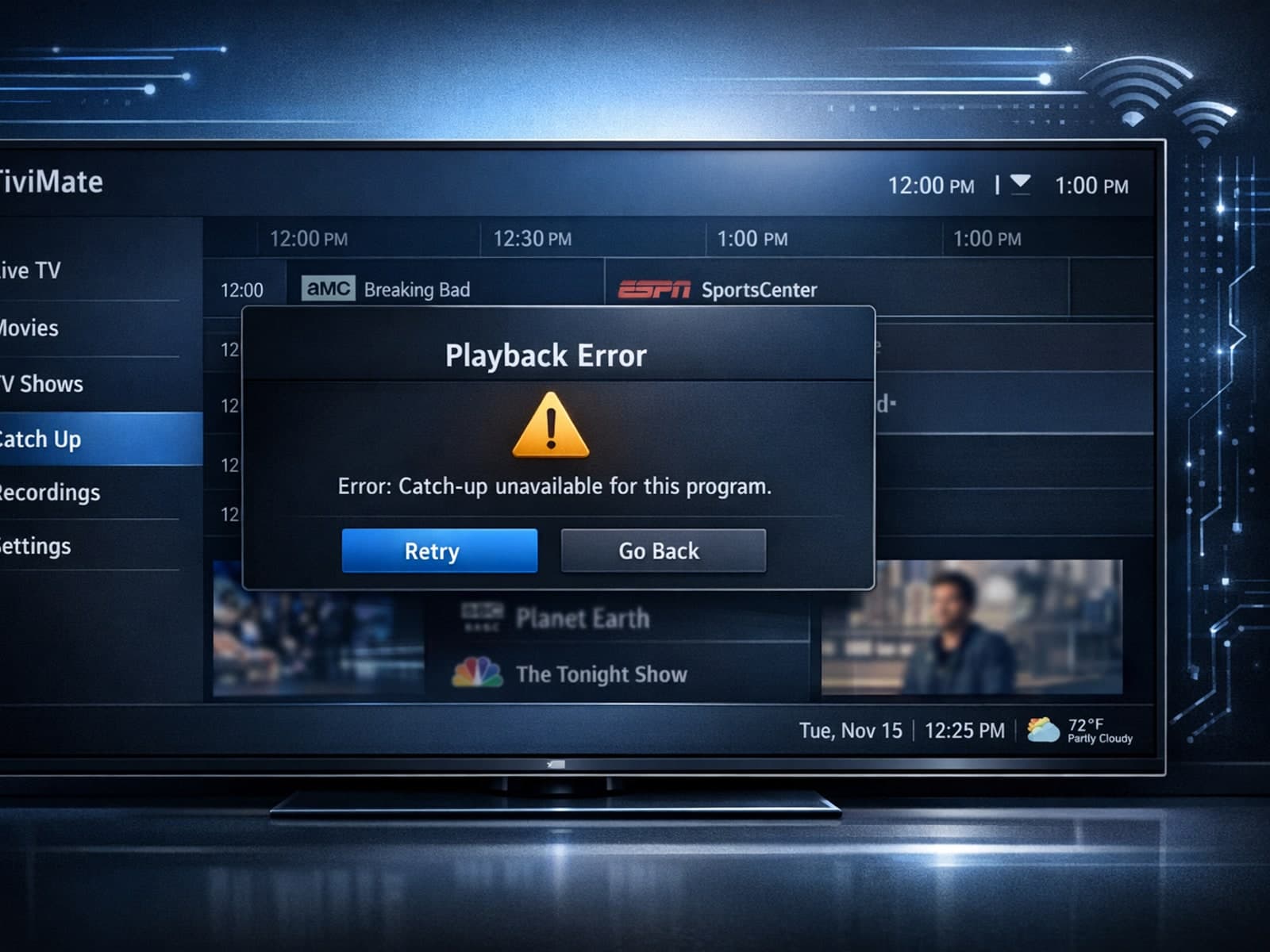
If your catch-up feature in TiviMate isn’t working, the fundamental reasons often lie in your IPTV playlist source or server configuration rather than the app itself.
