
Contributor profile
Elena Navarro
IPTV Setup Specialist | Player Configuration & Playlist Hygiene Guru
Elena Navarro specializes in optimizing IPTV player setups, maintaining clean M3U playlists, and streamlining EPG data to improve user experience and channel organization across platforms like TiviMate.

Elena Navarro has dedicated her career to enhancing IPTV usability through meticulous player configurations and playlist management. With years of hands-on experience, she understands the intricacies of IPTV player workflows and data hygiene.
Her expertise lies notably in TiviMate workflows, where she refines setup processes for end users and technicians alike. Elena's practical approach to M3U upkeep ensures playlists are streamlined, reducing buffering and improving stability.
Focused on guide data cleanup, she works to eliminate clutter and errors in EPG feeds, facilitating easier navigation and more accurate channel lineups for IPTV users.
- Expert in TiviMate setup workflows and player configuration
- Skilled at maintaining clean and efficient M3U playlists
- Proficient in EPG cleanup and channel organization techniques
Articles by Elena Navarro
Published explainers currently attributed to this contributor.
IPTV, or Internet Protocol Television, is a method of delivering TV content over the internet rather than through traditional satellite or cable systems. For first-time users, understanding what IPTV is and how it works can seem complex.

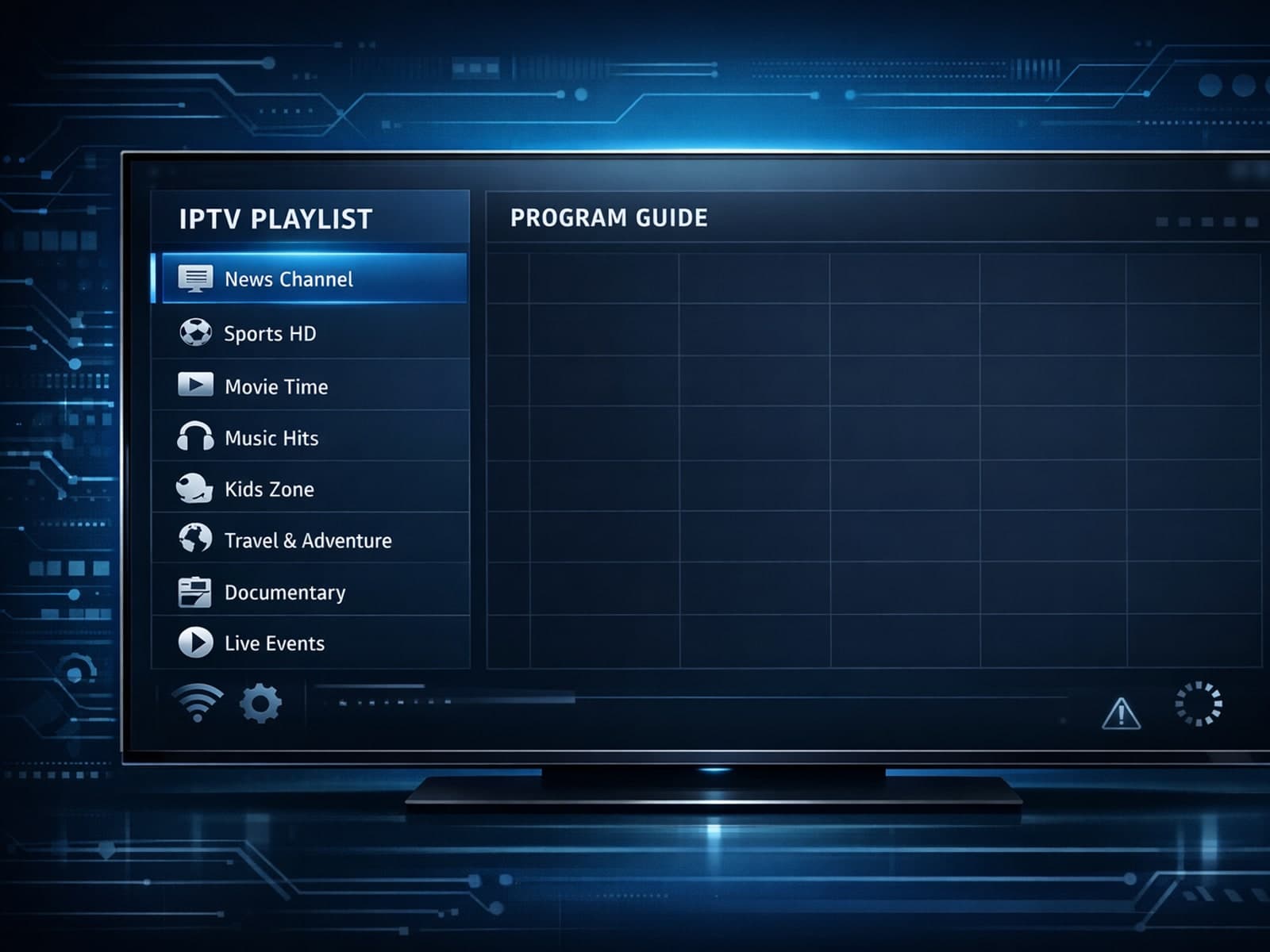
If you open TiviMate and notice that your IPTV playlist loads correctly but the Electronic Program Guide (EPG) data is missing or not showing, this indicates a disconnect between your channel list and the program guide data.
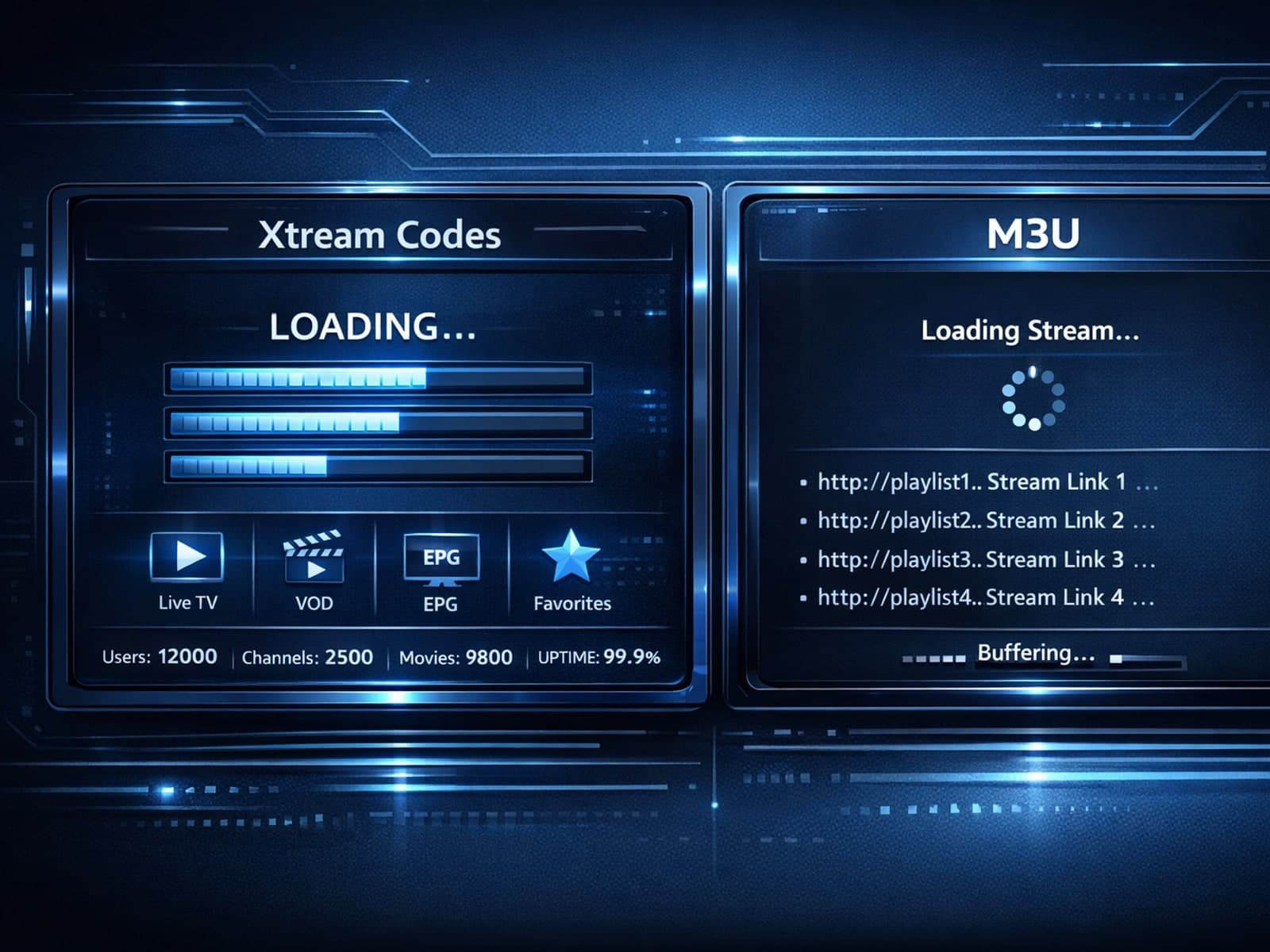
Xtream Codes login can outperform M3U playlists by providing faster channel loading, better playlist management, and improved metadata support in IPTV apps.
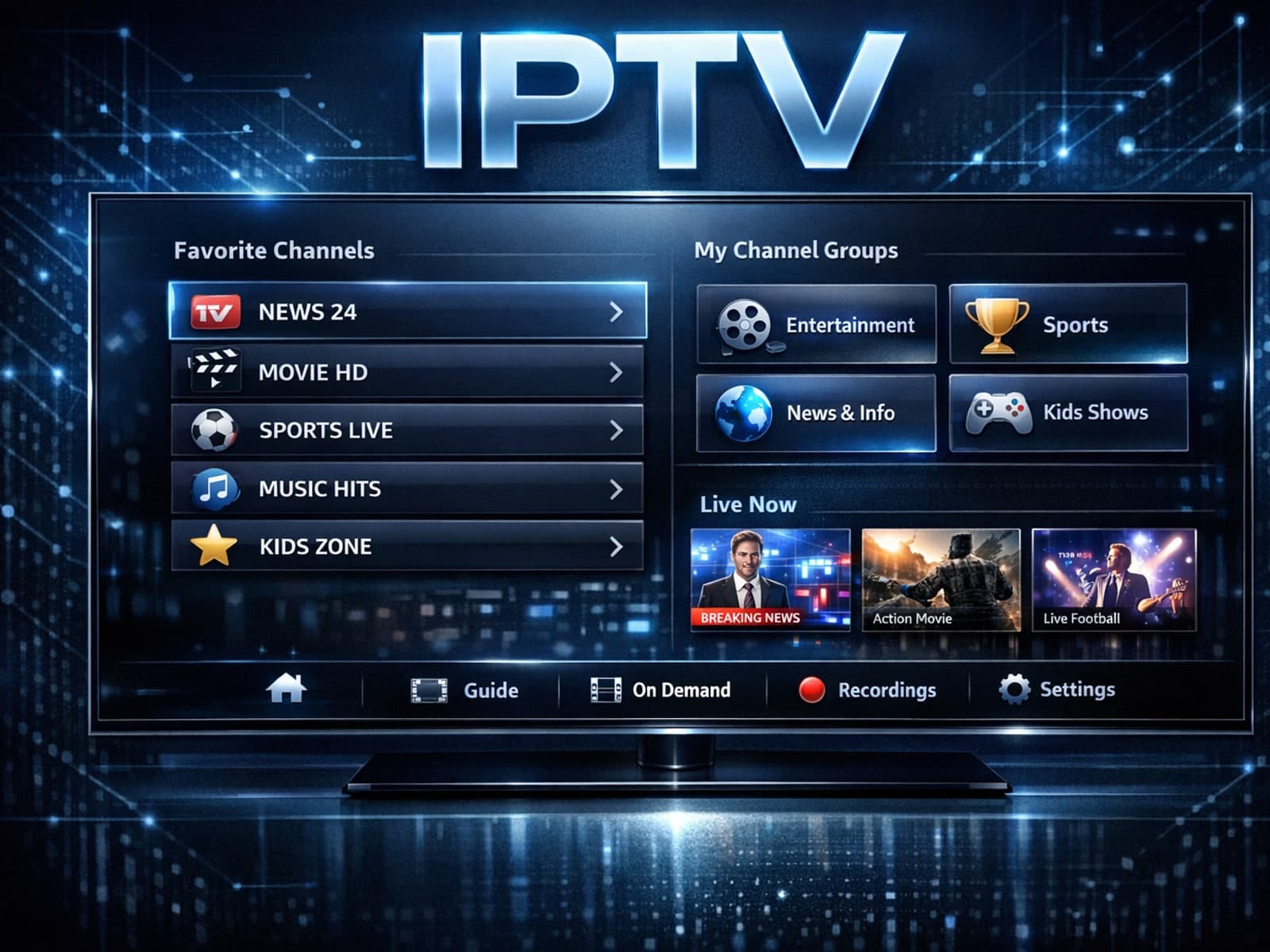
Organizing favorites and groups in TiviMate makes navigating large IPTV channel lists more intuitive and personalized. TiviMate, a popular IPTV player app for Android TV and Fire TV devices, provides features that let you categorize.
If your IPTV streams on a Fire TV Stick frequently buffer, stutter, or lag, one common but often overlooked cause is insufficient device storage. The Fire TV Stick uses its internal storage to cache streaming data and run apps smoothly.
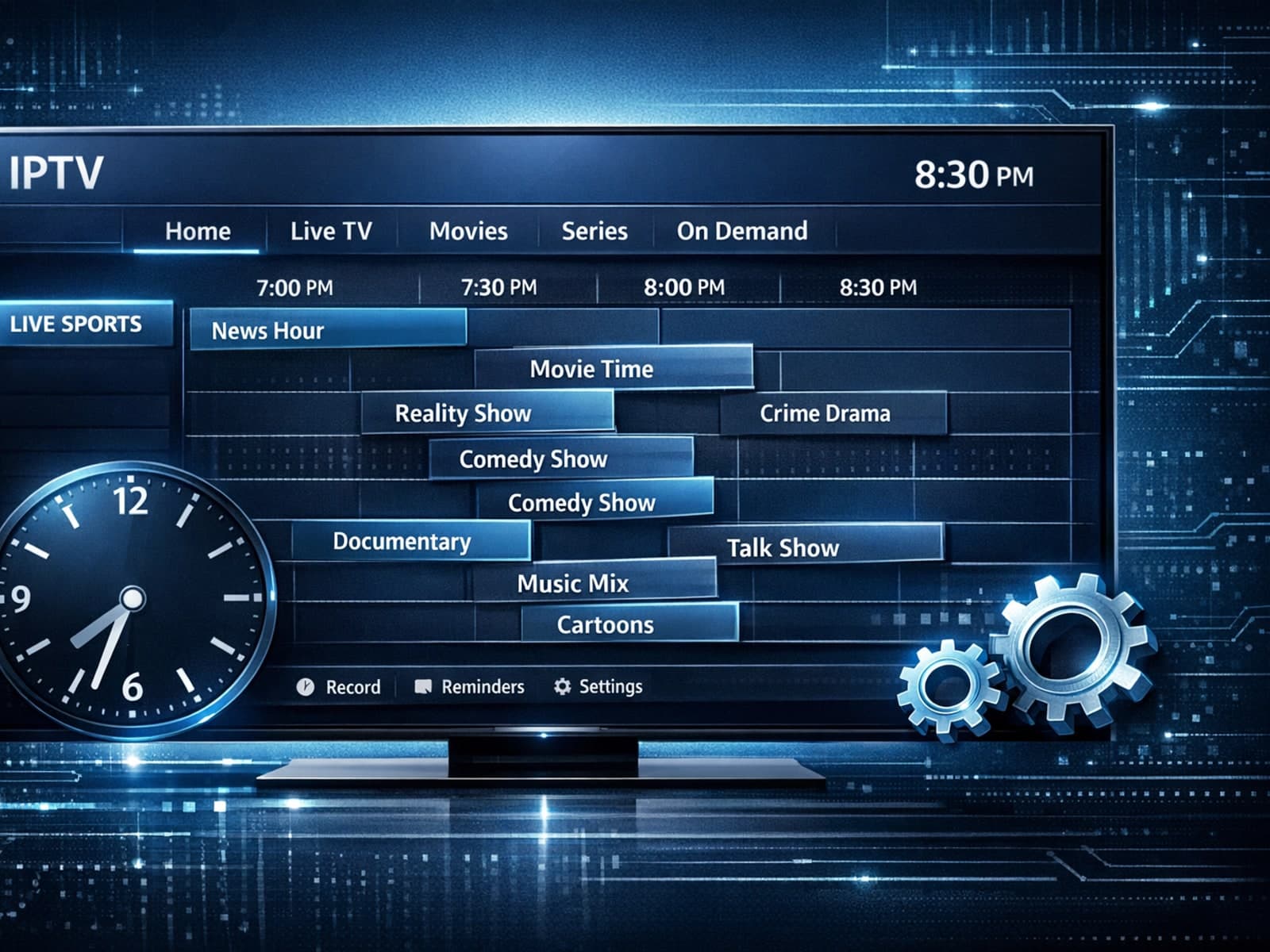
If your TiviMate app's Electronic Program Guide (EPG) shows program times that are ahead or behind your local time by a consistent offset, you're encountering an EPG time offset issue.
If your TiviMate playlist is not updating after you press refresh, it usually means the app is unable to retrieve or load the updated channel list from your IPTV source.
The "xtream codes username password incorrect" error is a common issue encountered when logging into IPTV services that use the Xtream Codes API or portal.
Using a VPN (Virtual Private Network) on your Amazon Firestick can sometimes slow down IPTV streaming, resulting in frustrating buffering issues.
If your TiviMate EPG (Electronic Program Guide) source URL is not working, it means TiviMate cannot retrieve the program guide data from the specified web address. This usually results in missing or empty channel grids inside the app.
If you are experiencing lag or buffering while watching IPTV on your Fire TV Stick, one common culprit is limited device storage. When the Fire TV Stick's internal memory fills up or gets fragmented, the IPTV app performance can degrade.
If your TiviMate playlist does not update after hitting the refresh button, it's usually due to issues like playlist URL problems, app cache conflicts, or network connectivity failures.
If you've encountered the "Invalid Details" error when trying to log in to the IPTV Smarters app, this guide will help you understand exactly why it happens and how to fix it quickly.
If you're choosing between the Fire TV Cube and Fire TV Stick 4K Max specifically for IPTV streaming, you need to understand how these devices handle IPTV apps, network connections, voice control, and overall performance.
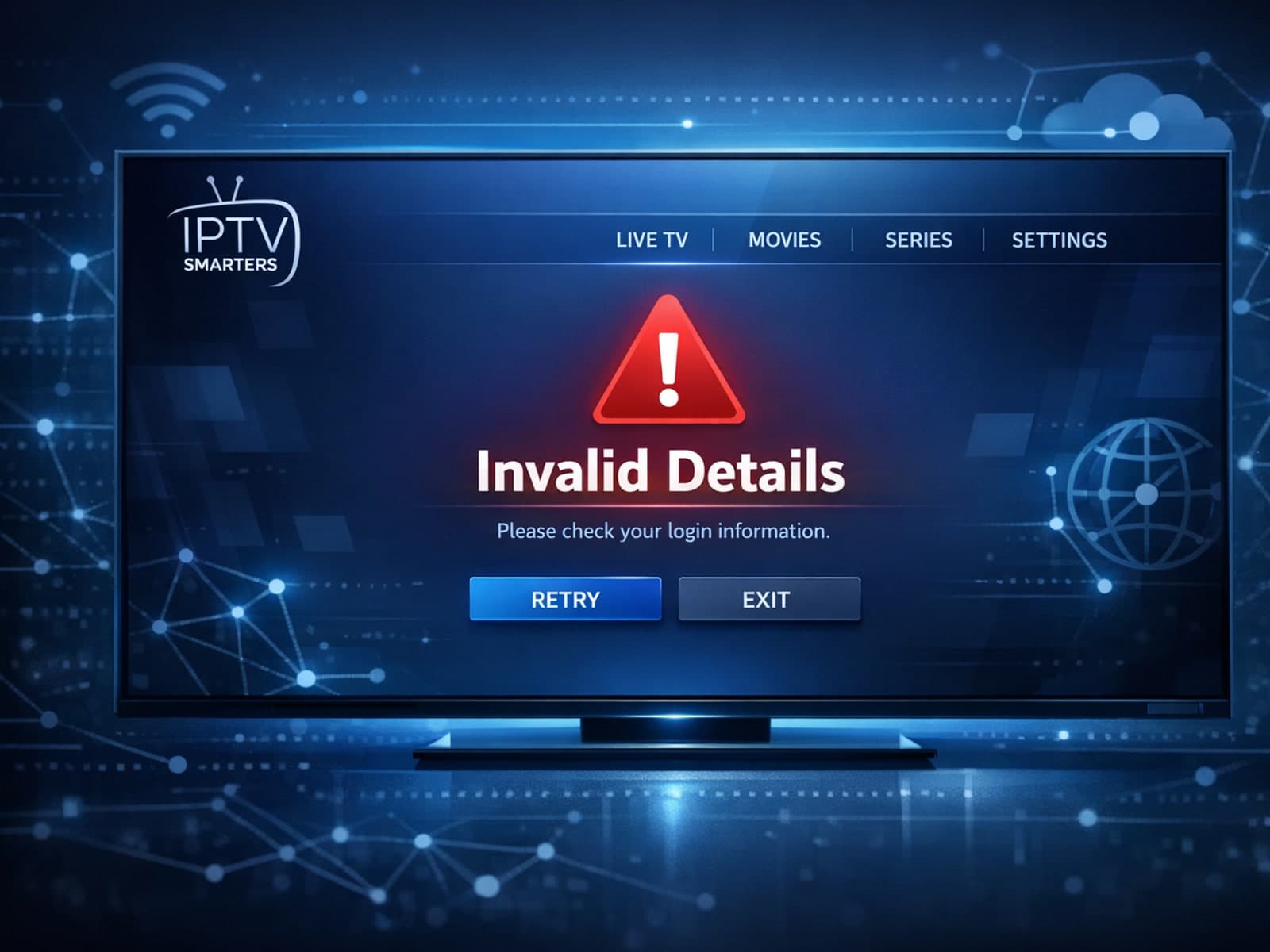
The "Invalid Details" error in the IPTV Smarters app most often means the login information you entered is not accepted by the IPTV service server.
To get the best IPTV streaming experience on your Fire TV Stick, optimizing your WiFi settings is essential. The Fire TV Stick relies on your home wireless network to stream content smoothly.
If your IPTV streams on Fire TV Stick lag, buffering often or stuttering, a common but overlooked cause is storage-related performance issues.
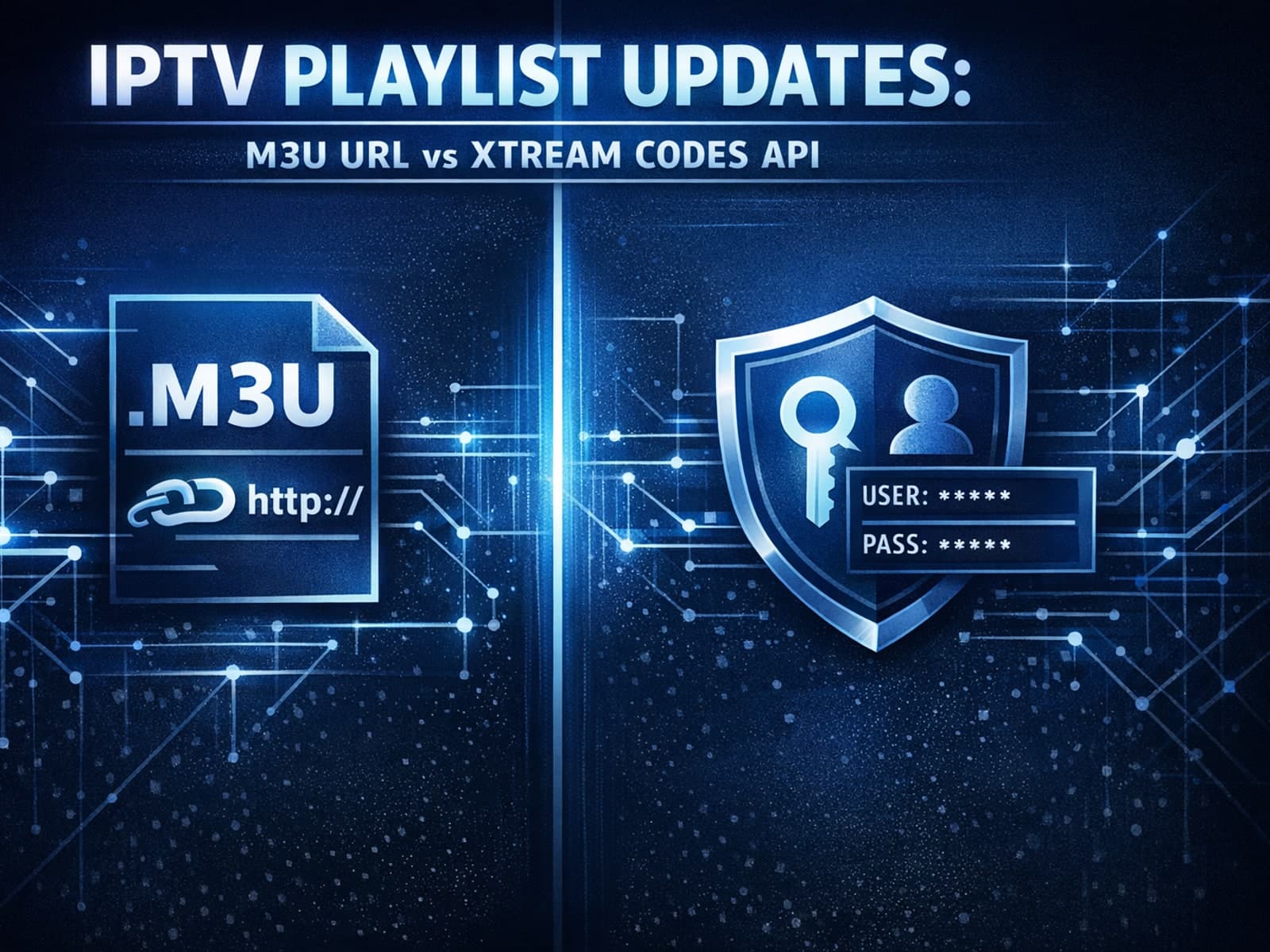
When updating IPTV playlists, the two main methods you will encounter are M3U Plus and Xtream Codes API. Both serve to refresh your channel and on-demand content listings, but they operate differently, require different inputs, and offer.
If your IPTV streams on Fire TV Stick frequently freeze, buffer, or lag, limited device storage is a common culprit. Fire TV Stick models come with fixed internal storage (typically 8 GB or 16 GB), which fills up quickly with installed.
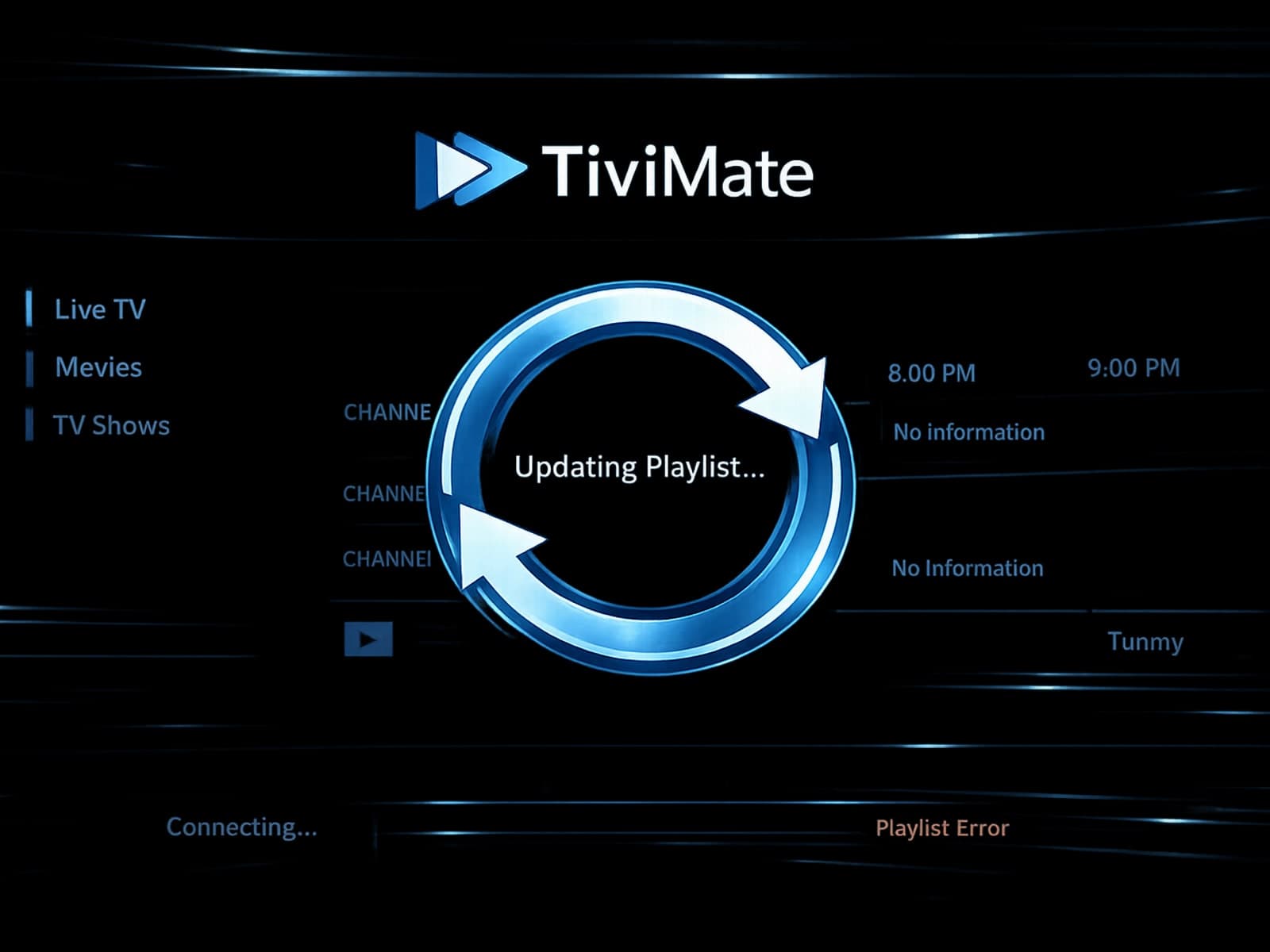
When your TiviMate playlist doesn't update after hitting refresh, it means the app is failing to download new or updated channel data from your playlist source.
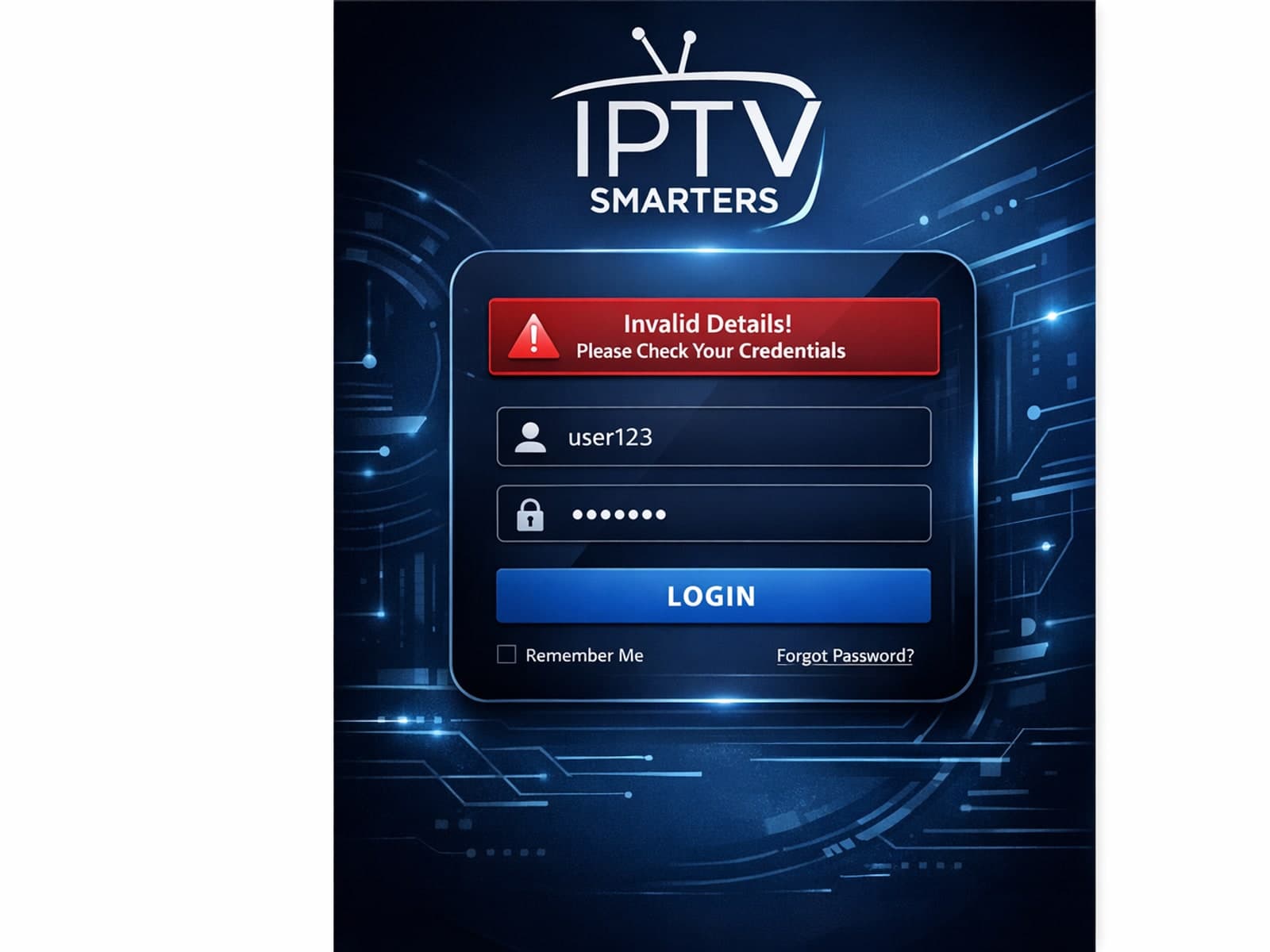
If you're using IPTV Smarters and encounter the "Invalid Details" error when trying to log in, it's a clear signal that something is wrong with your login information or server setup.
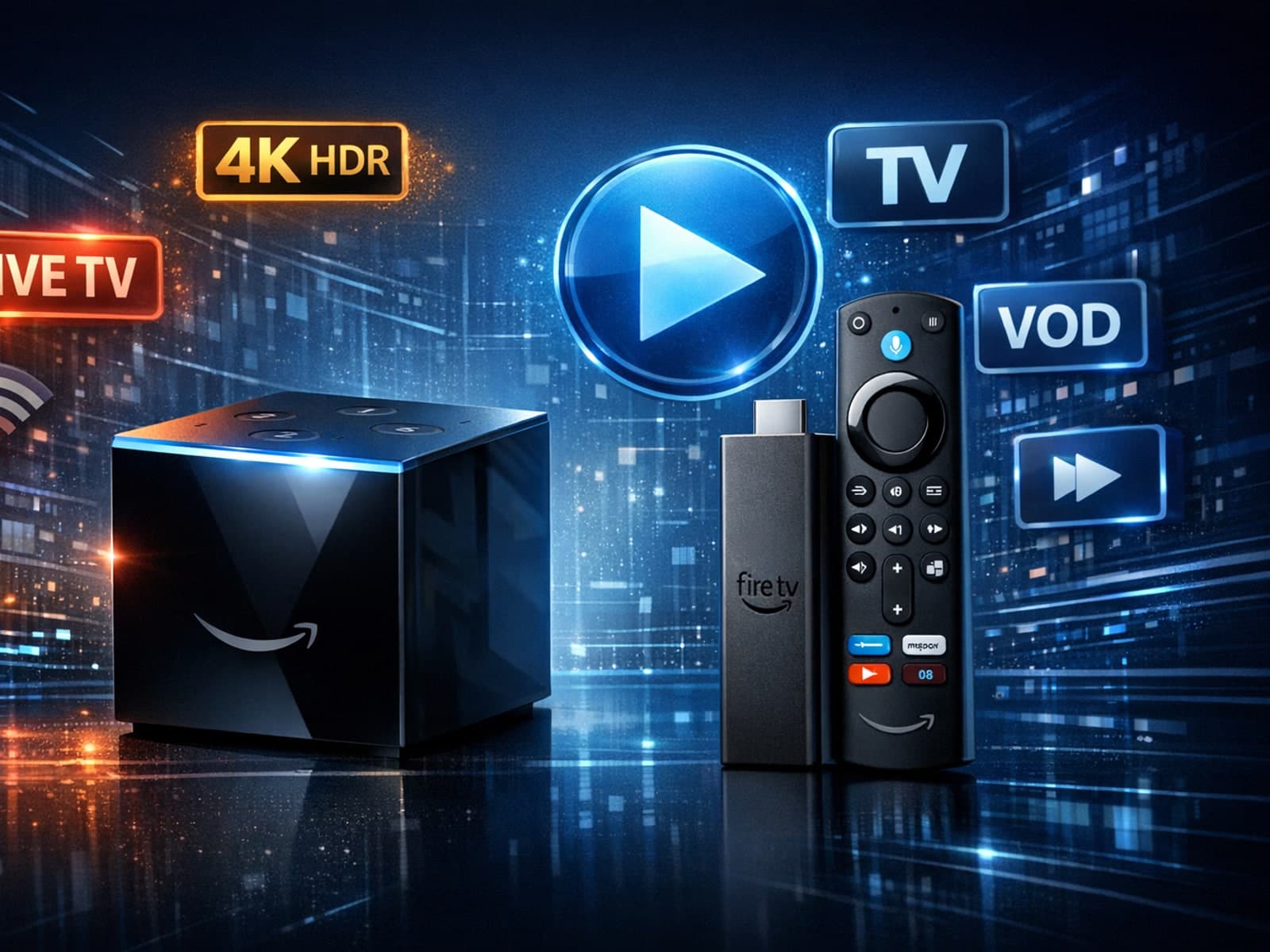
When choosing between the Fire TV Cube and the Fire TV Stick 4K Max for IPTV, both devices support 4K streaming and run Fire OS, making them compatible with popular IPTV apps.
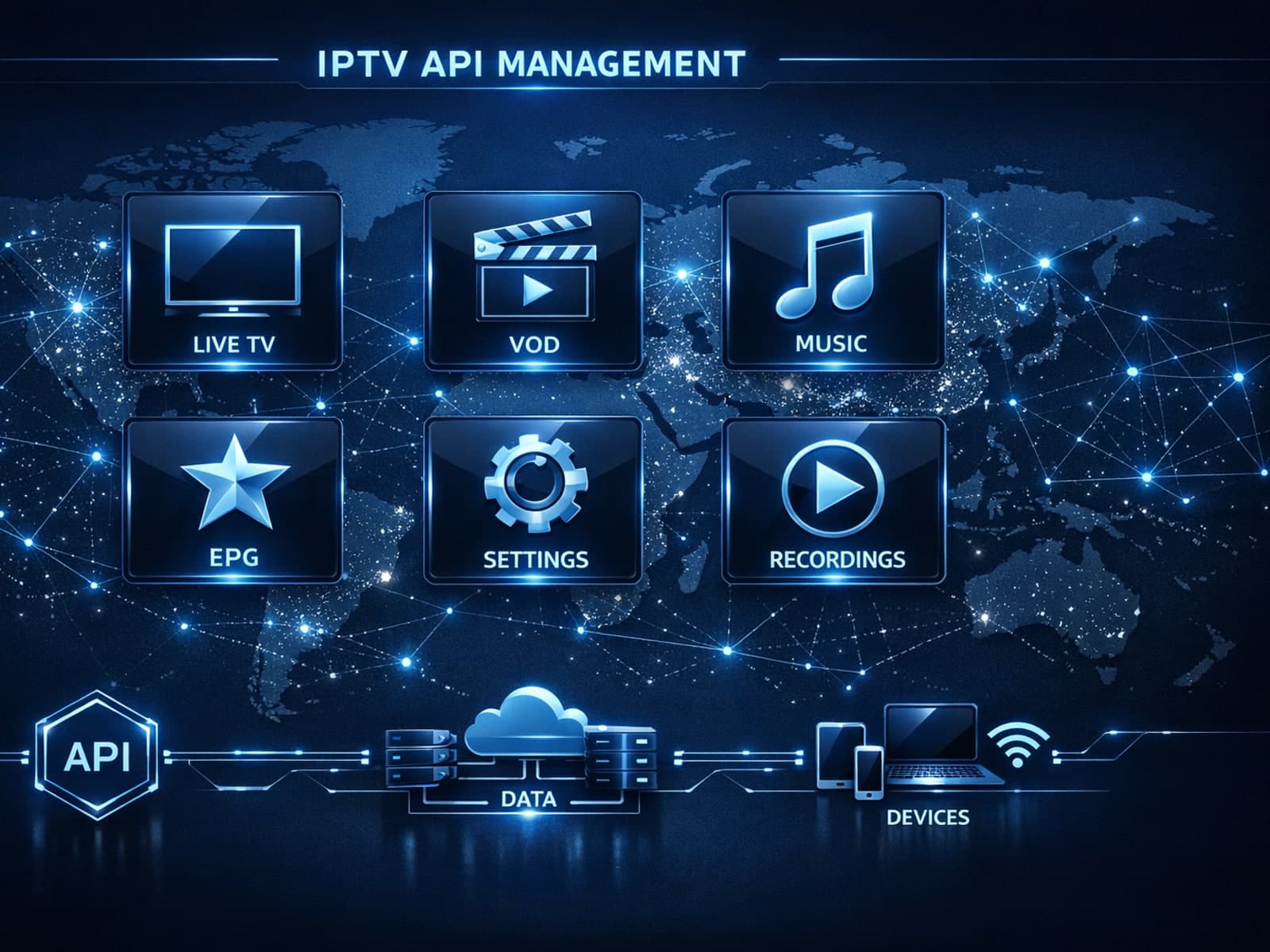
Xtream Codes works better than M3U playlists in IPTV streaming contexts where dynamic playlist management, faster updates, and user authentication are important.
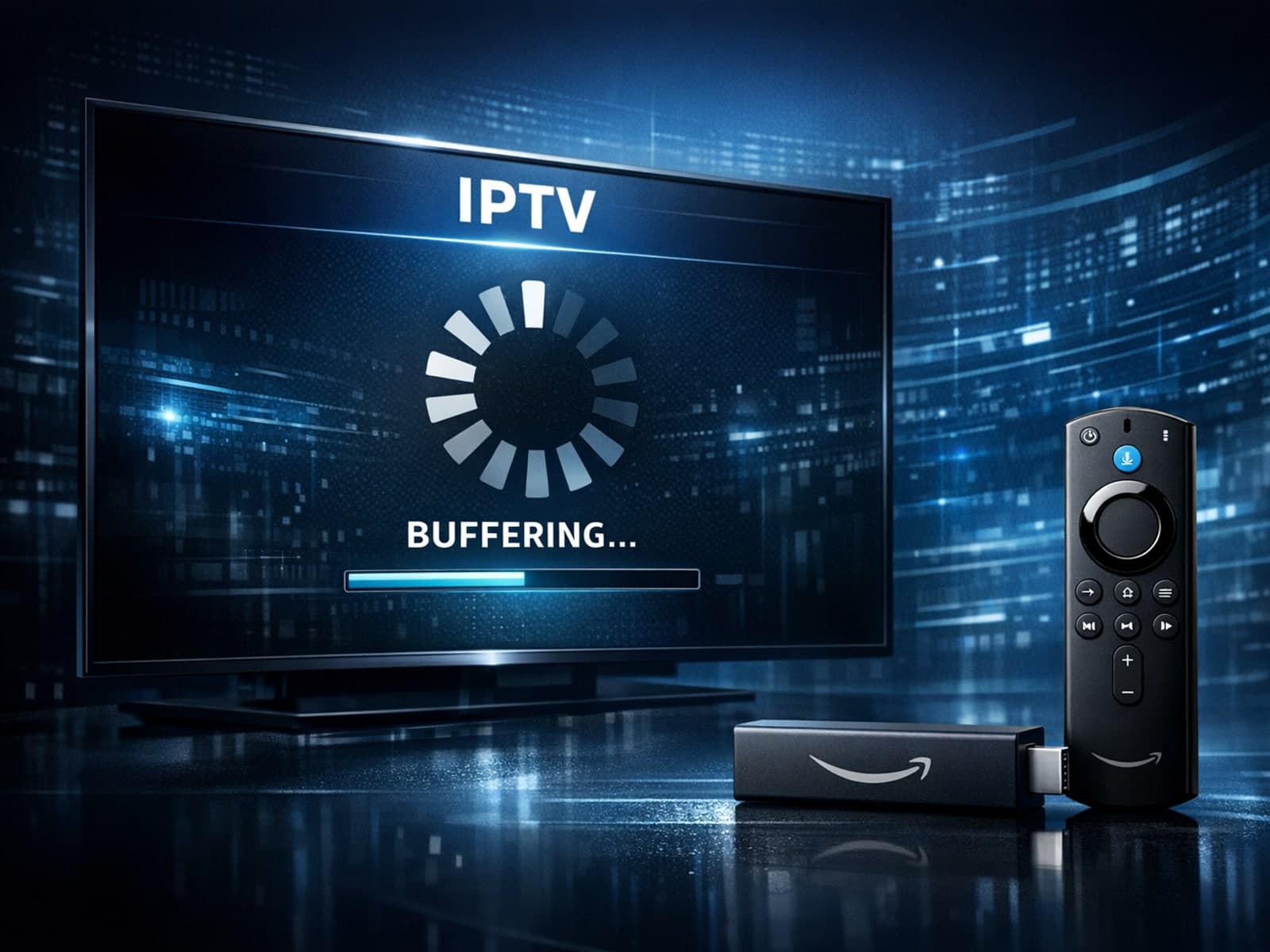
If your IPTV streams lag on your Fire TV Stick, limited device storage might be a culprit. When the Fire TV Stick runs low on storage, it struggles to manage app cache and data efficiently, causing buffering and delayed response in IPTV.
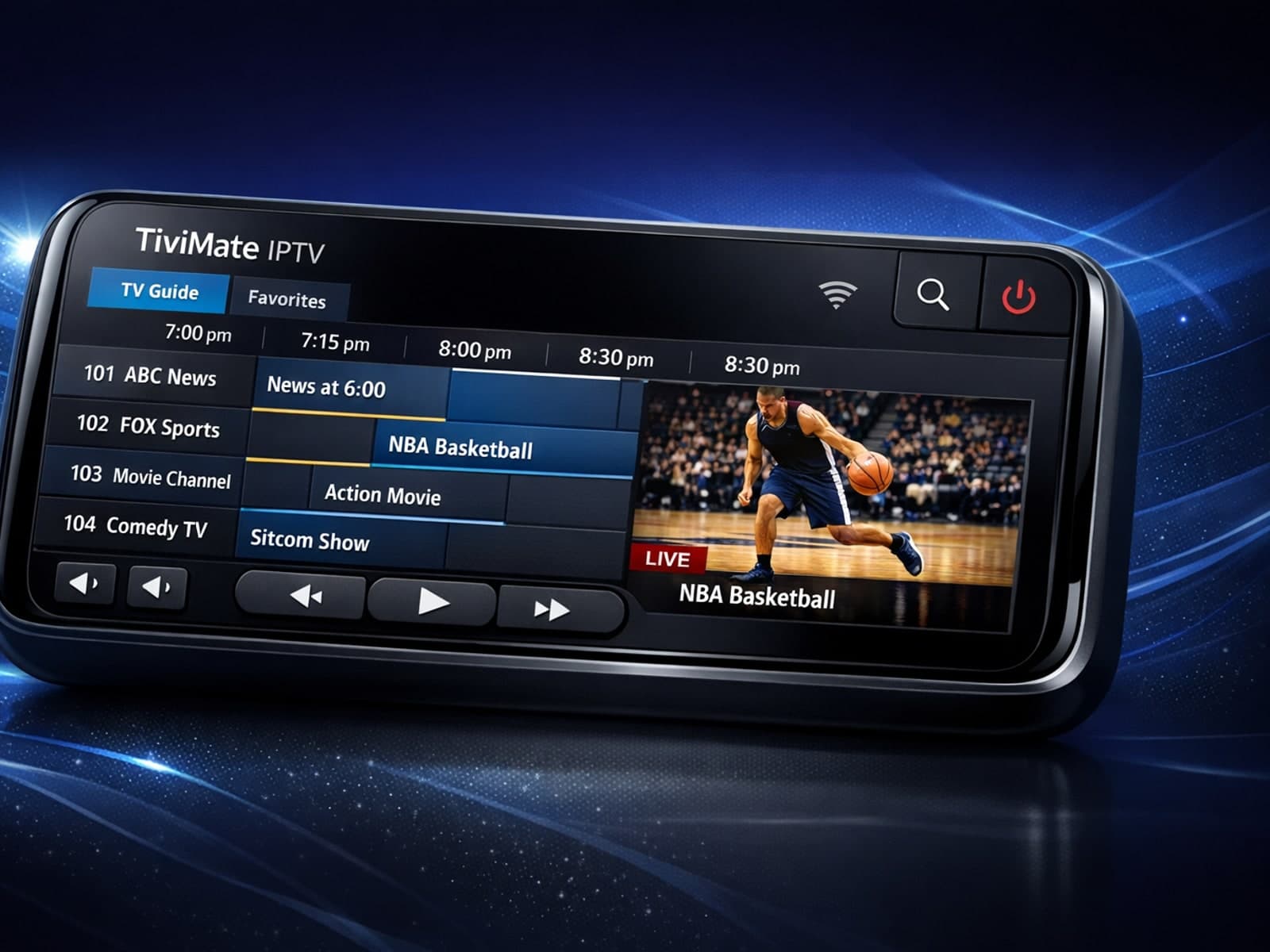
If you notice that the electronic program guide (EPG) times in TiviMate are misaligned—for example, shows appear to start early or late compared to the actual broadcast schedule—this is usually caused by the EPG time offset setting not.
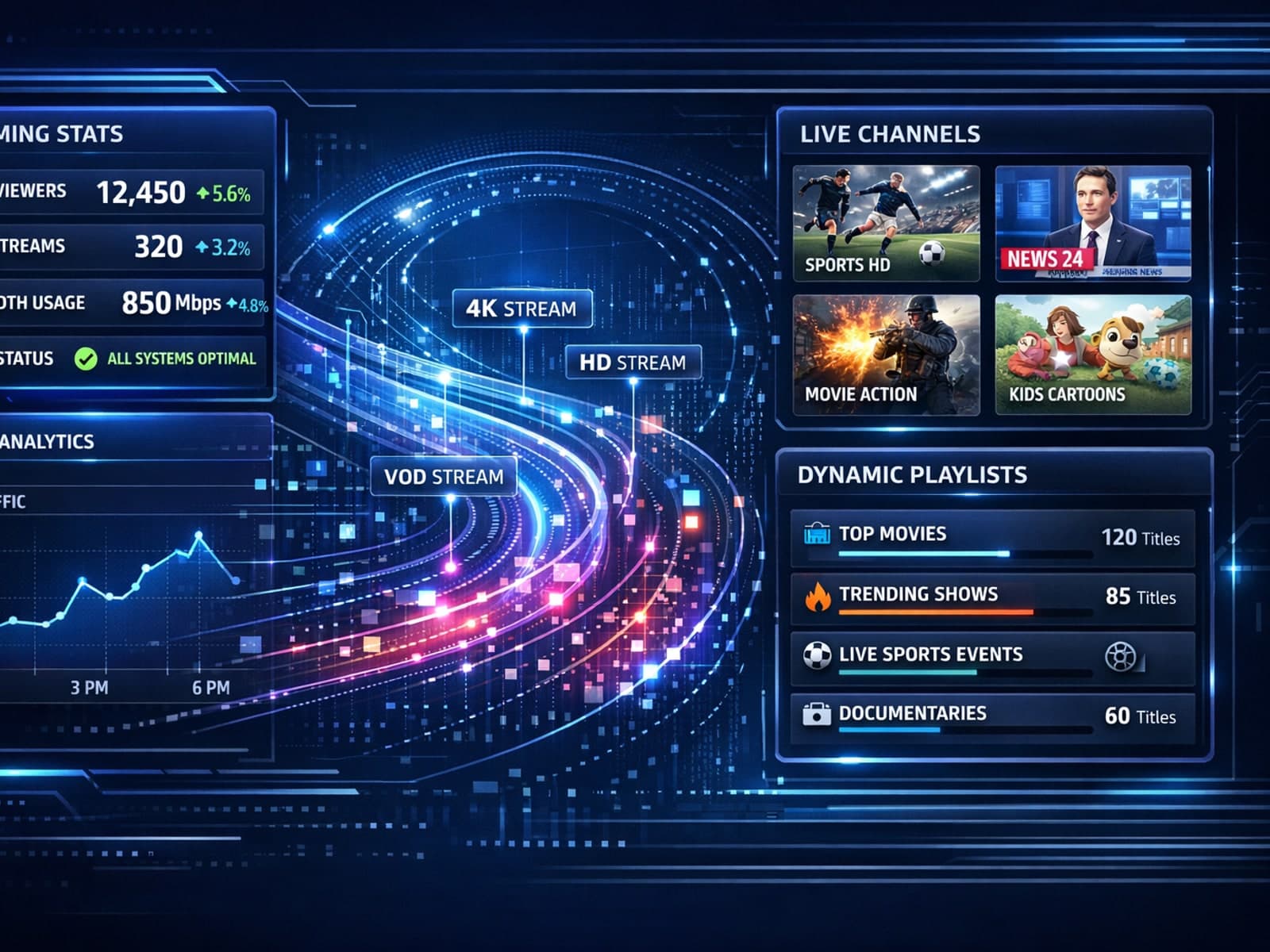
Xtream Codes works better than M3U when you require real-time IPTV features such as dynamic channel list updates, user authentication, and enriched metadata integration.
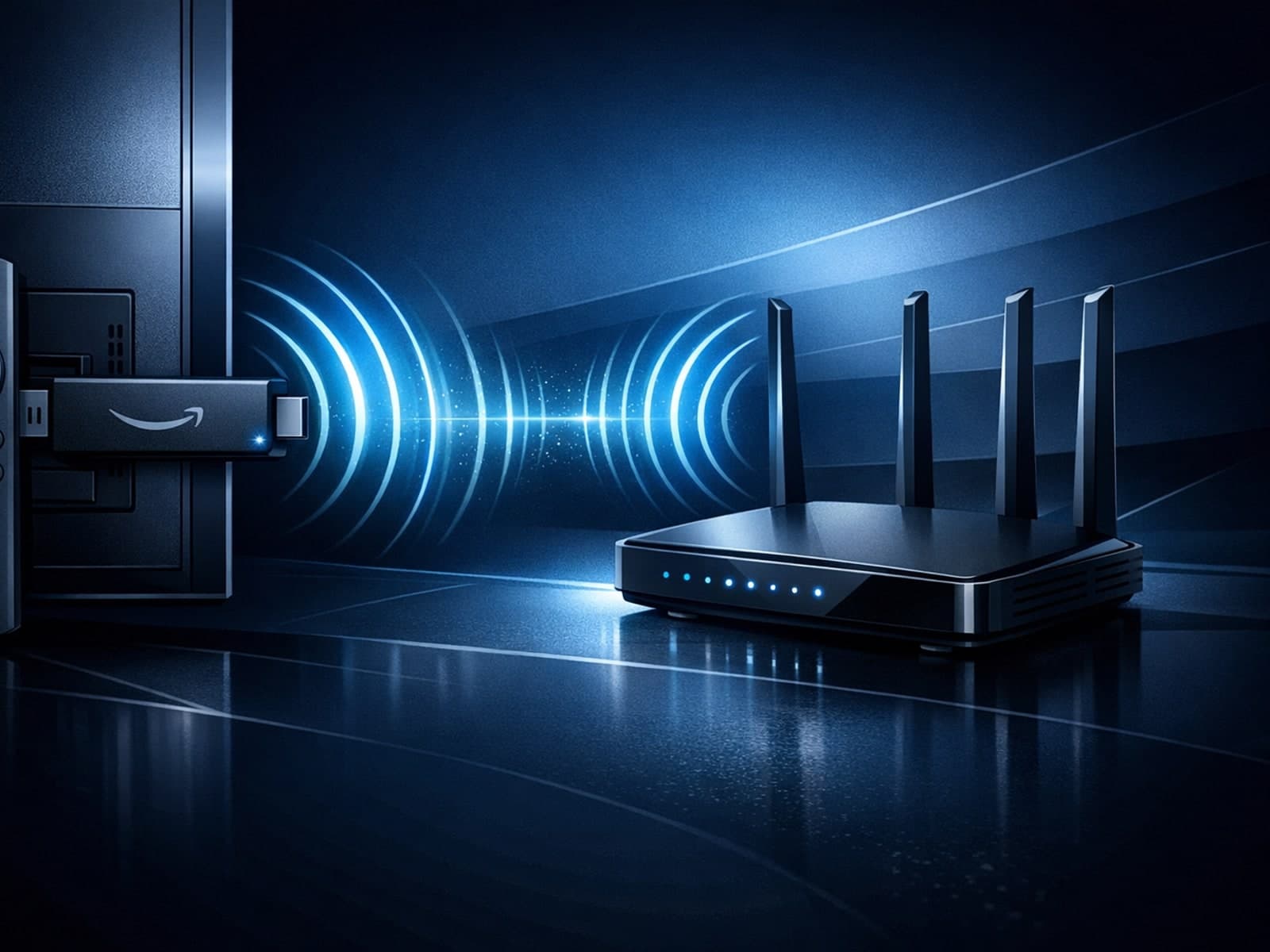
When streaming IPTV (Internet Protocol Television) on a Fire TV Stick, having optimal WiFi settings is crucial to minimize buffering, latency, and improve video quality.
When you see an "Invalid Details" error while trying to log into IPTV Smarters, it means the app is rejecting the credentials you entered.
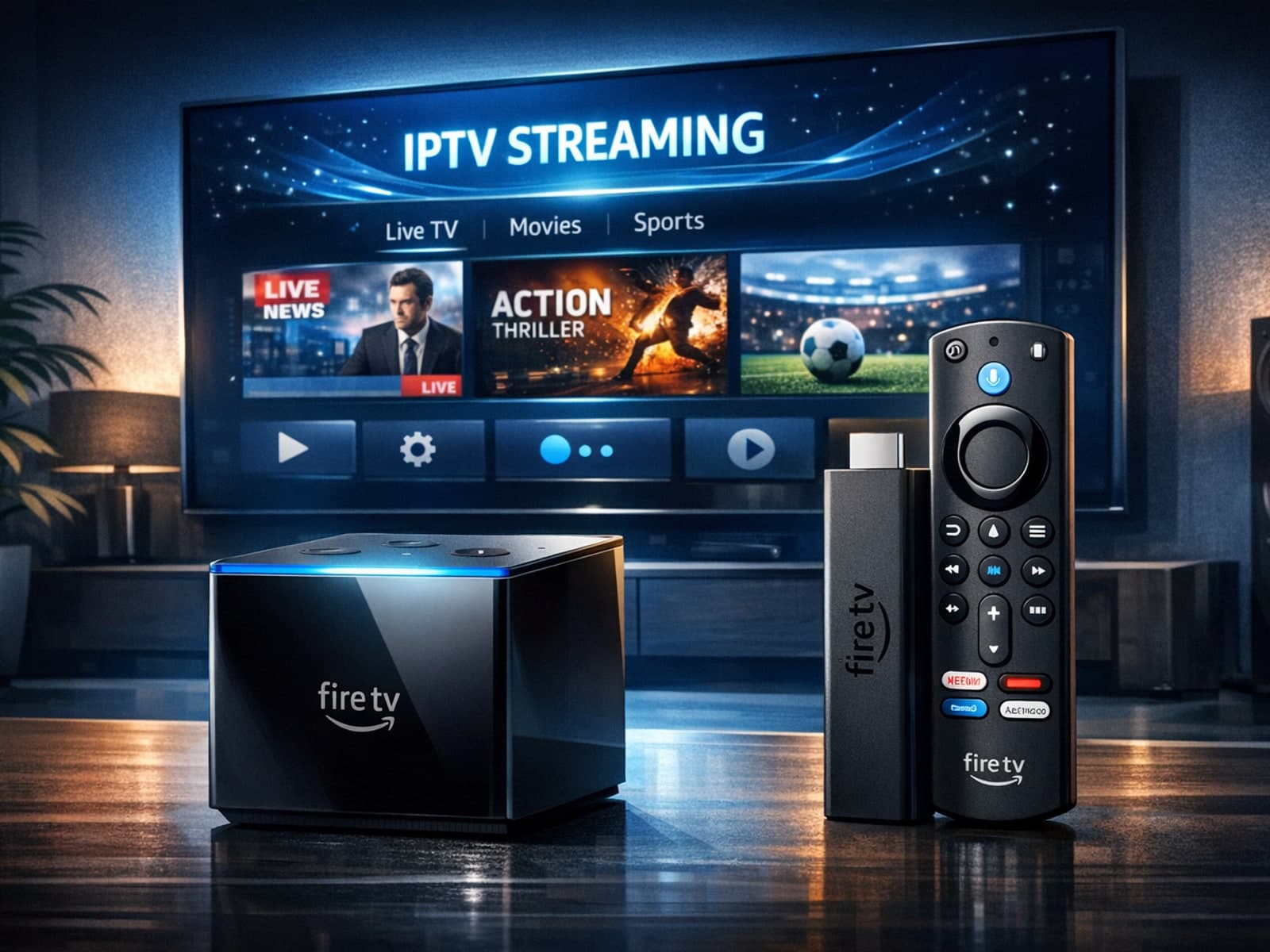
If you are considering streaming IPTV content through Amazon's Fire TV lineup, the two standout candidates are the Fire TV Cube and the Fire TV Stick 4K Max.
If you're noticing that the channel logos are missing or not displaying correctly in your TiviMate app, you're not alone. This commonly occurs due to issues with the playlist sources, app settings, or cached data.
If you are experiencing lag or buffering issues while streaming IPTV on your Fire TV Stick, one common but often overlooked cause is storage limitations on the device.
When managing IPTV playlists, the two most common methods for updating content are M3U Plus URLs and the Xtream Codes API. M3U Plus uses enhanced playlist files with extended metadata, while Xtream Codes API relies on a dynamic backend.
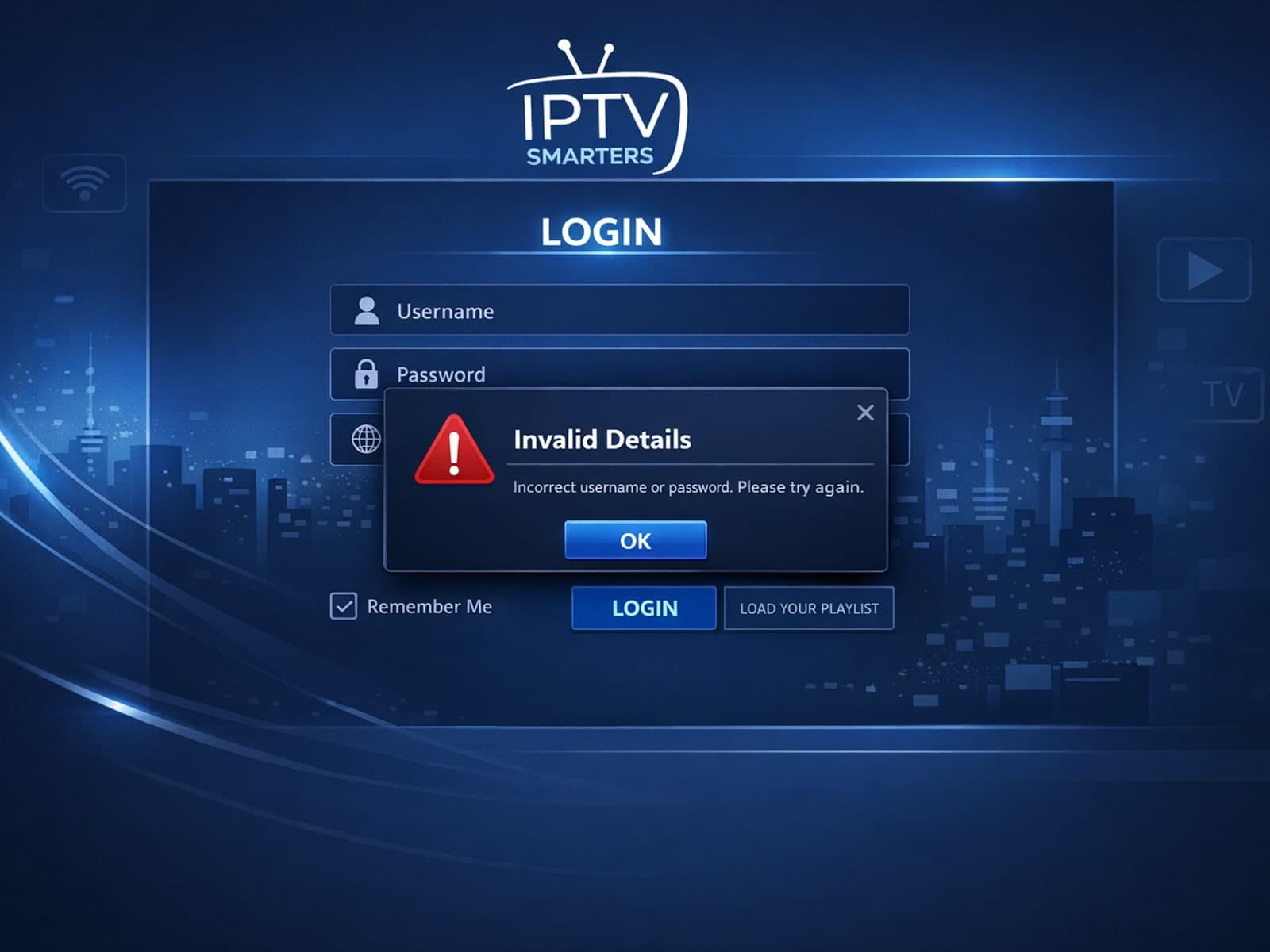
If you encounter the "Invalid Details" error message when trying to log into the IPTV Smarters app, it means the app is unable to authenticate your credentials against the IPTV service.
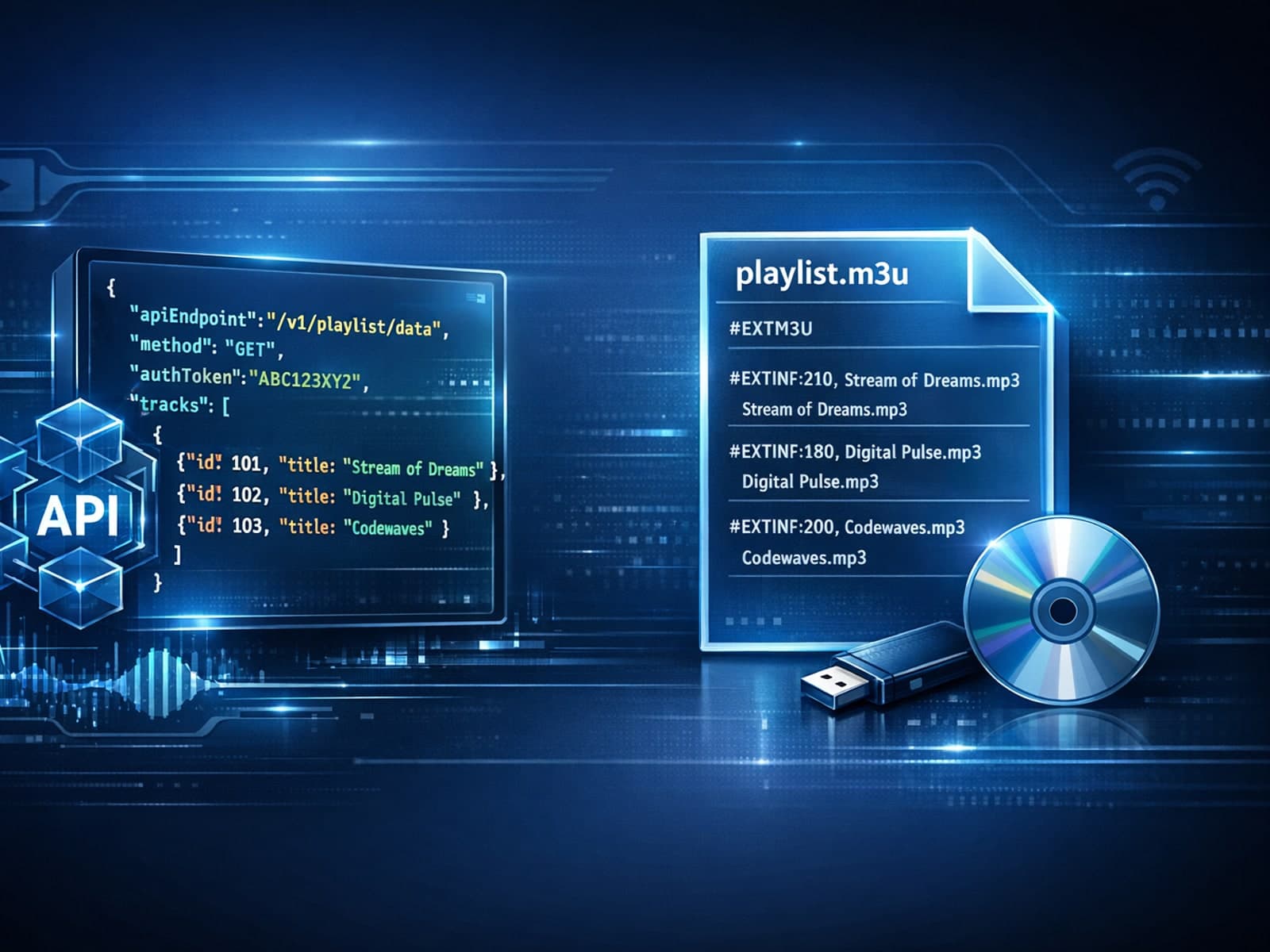
When updating IPTV playlists, M3U Plus and Xtream Codes API are two common methods used to access channels and metadata. M3U Plus typically involves a direct URL pointing to a playlist file, often updated manually or on a scheduled basis.
If your IPTV service frequently freezes when you switch channels, the cause is usually buffering delays triggered by network performance, streaming server responses, or your device's ability to handle data quickly.
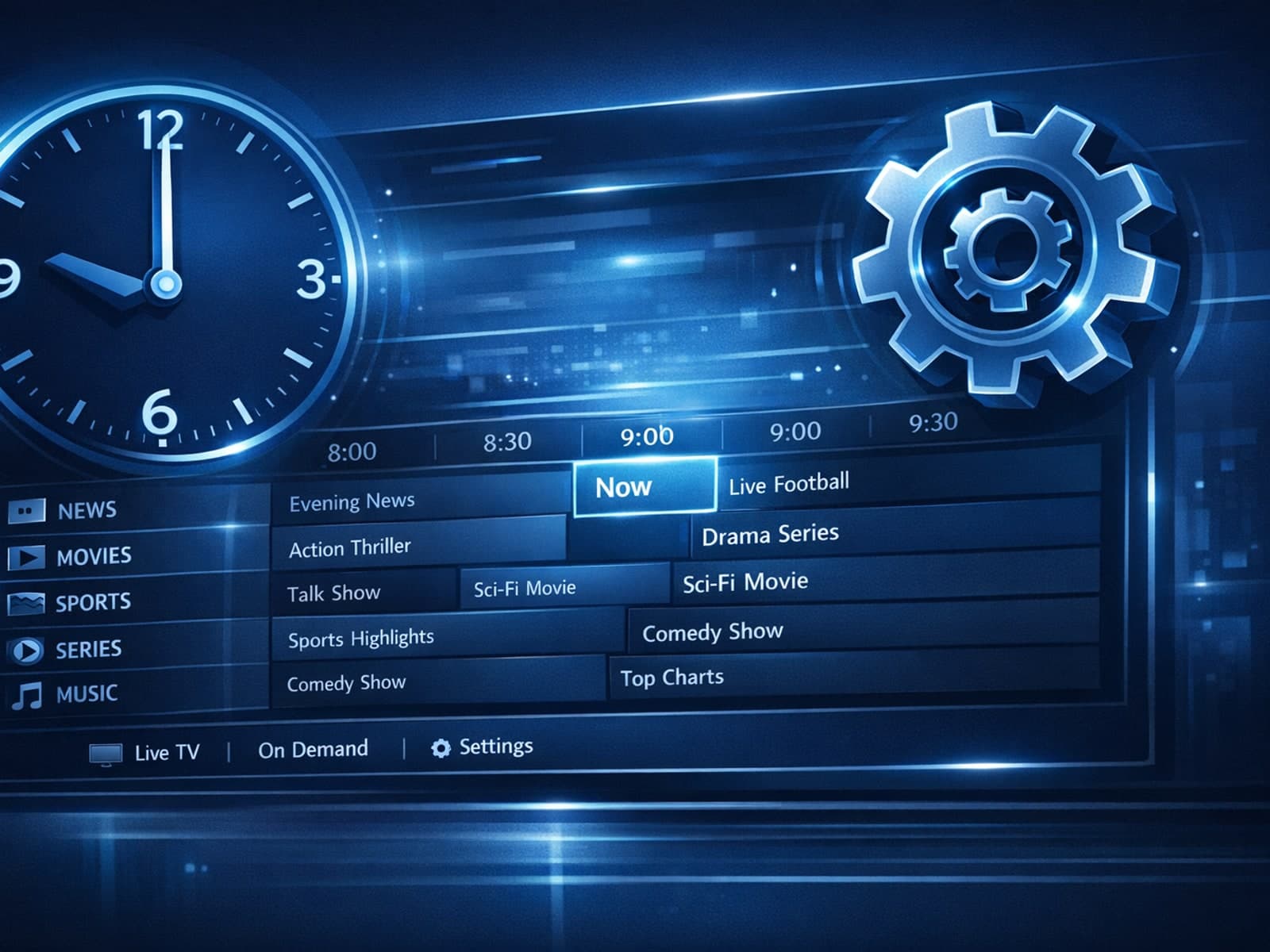
When the Electronic Program Guide (EPG) times in your TiviMate IPTV player don’t align with actual broadcasts, the program schedule appears offset — showing start times earlier or later than they actually occur.
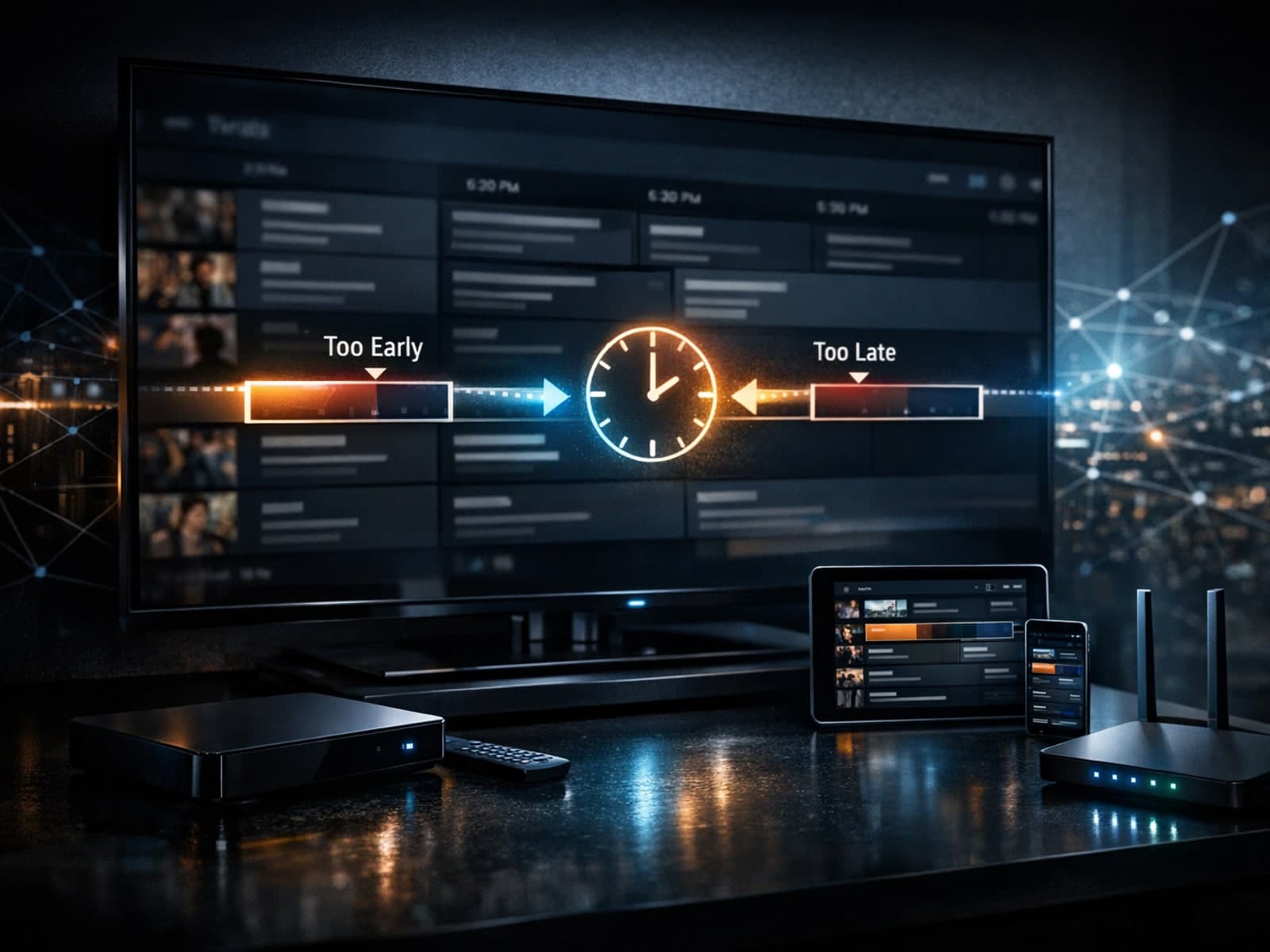
If the program guide (EPG) in your TiviMate app shows incorrect times—programs starting earlier or later than the actual broadcast—the cause is usually an inaccurate EPG time offset.
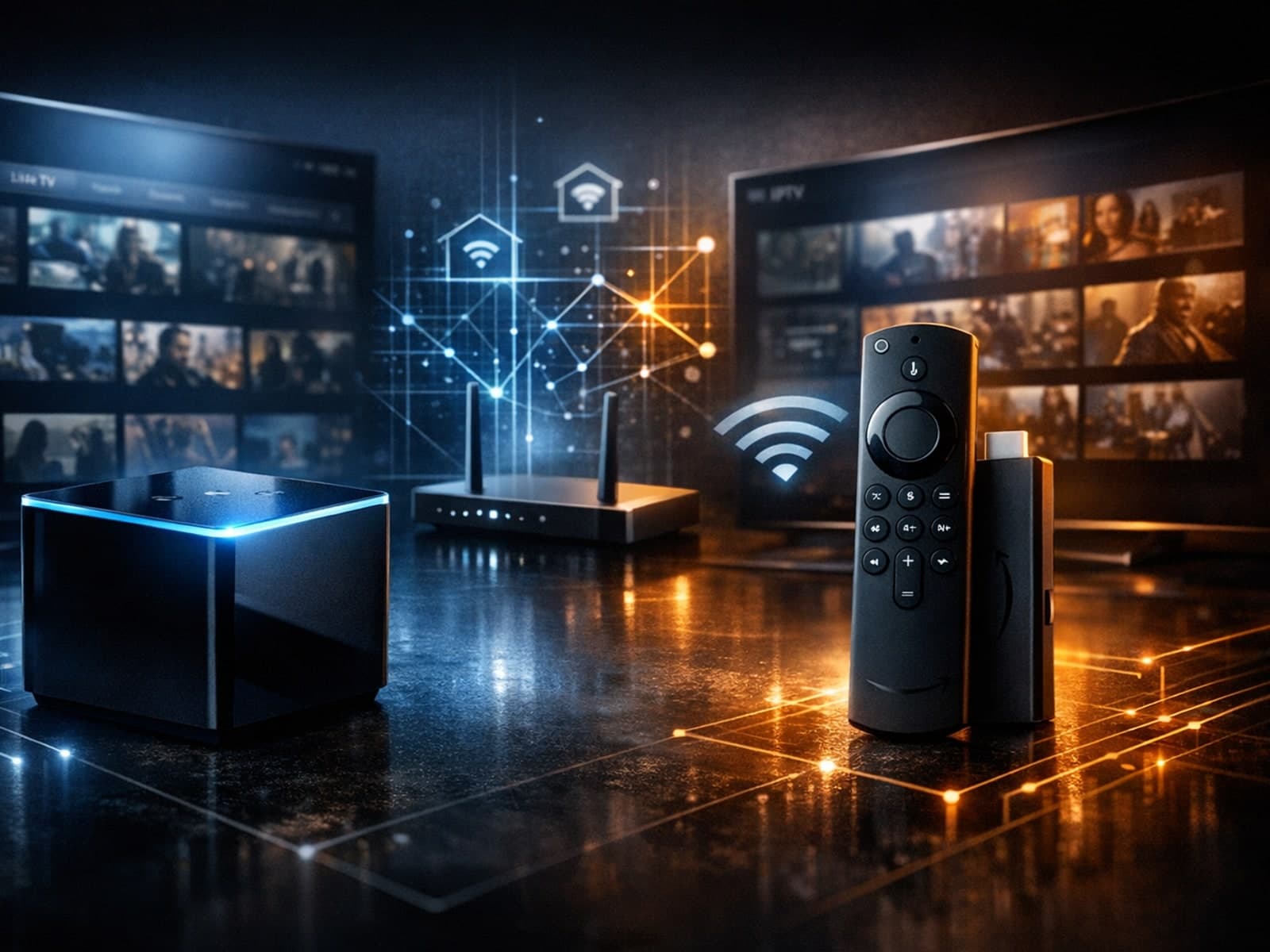
When deciding between the Fire TV Cube and the Fire TV Stick 4K Max for IPTV streaming, understanding their differences in hardware and network capabilities is crucial.
IPTV freezing during channel switching happens when the video abruptly pauses or the interface becomes unresponsive just as you change channels.
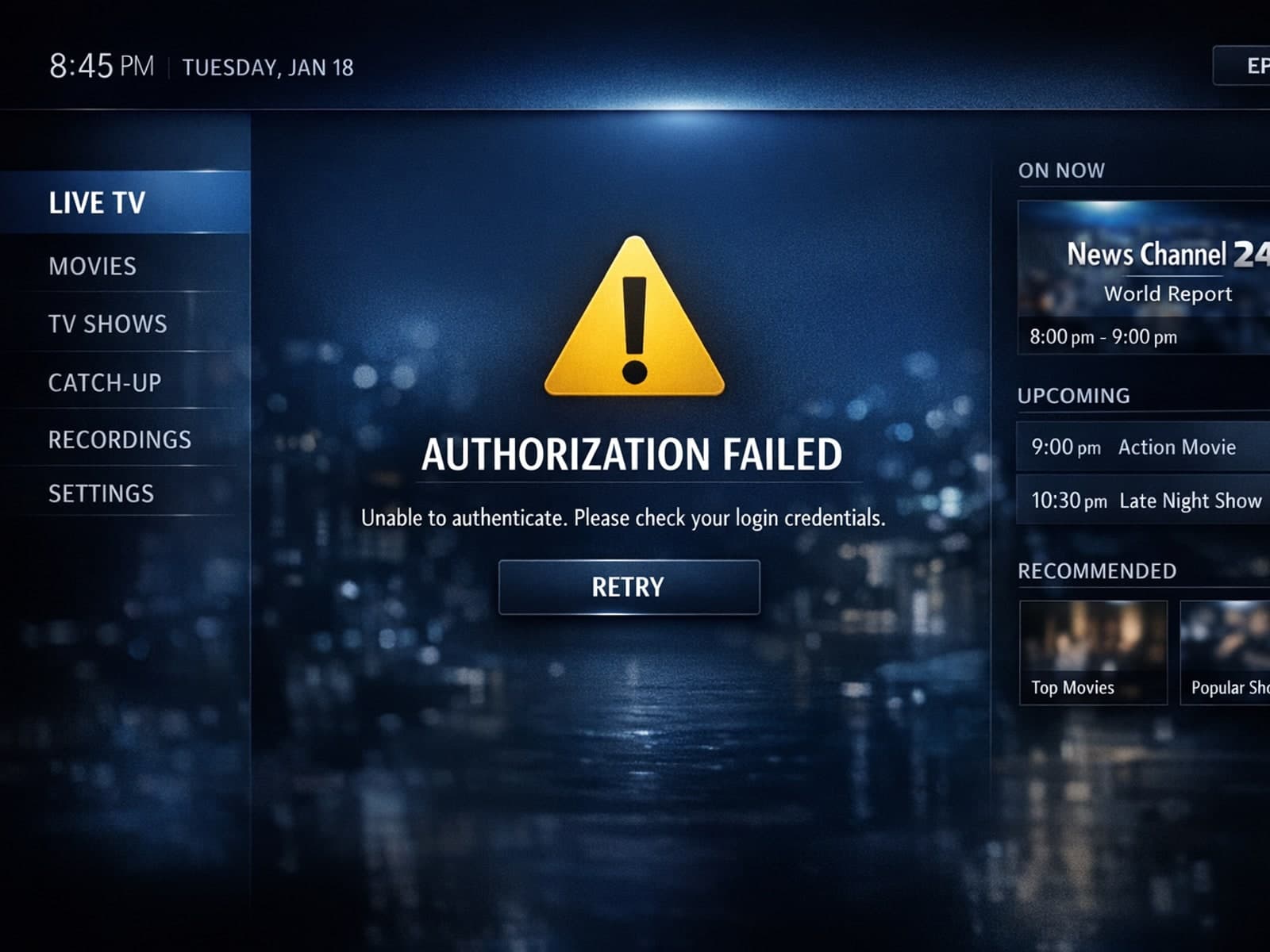
If you've encountered an "Xtream Codes authorization failed" error in the TiviMate app, it means the app cannot successfully verify your IPTV service login credentials against the IPTV provider's server.
Experiencing buffering when streaming IPTV on your Firestick can be frustrating. Buffering is the delay or pause that occurs when video streams pause to load.
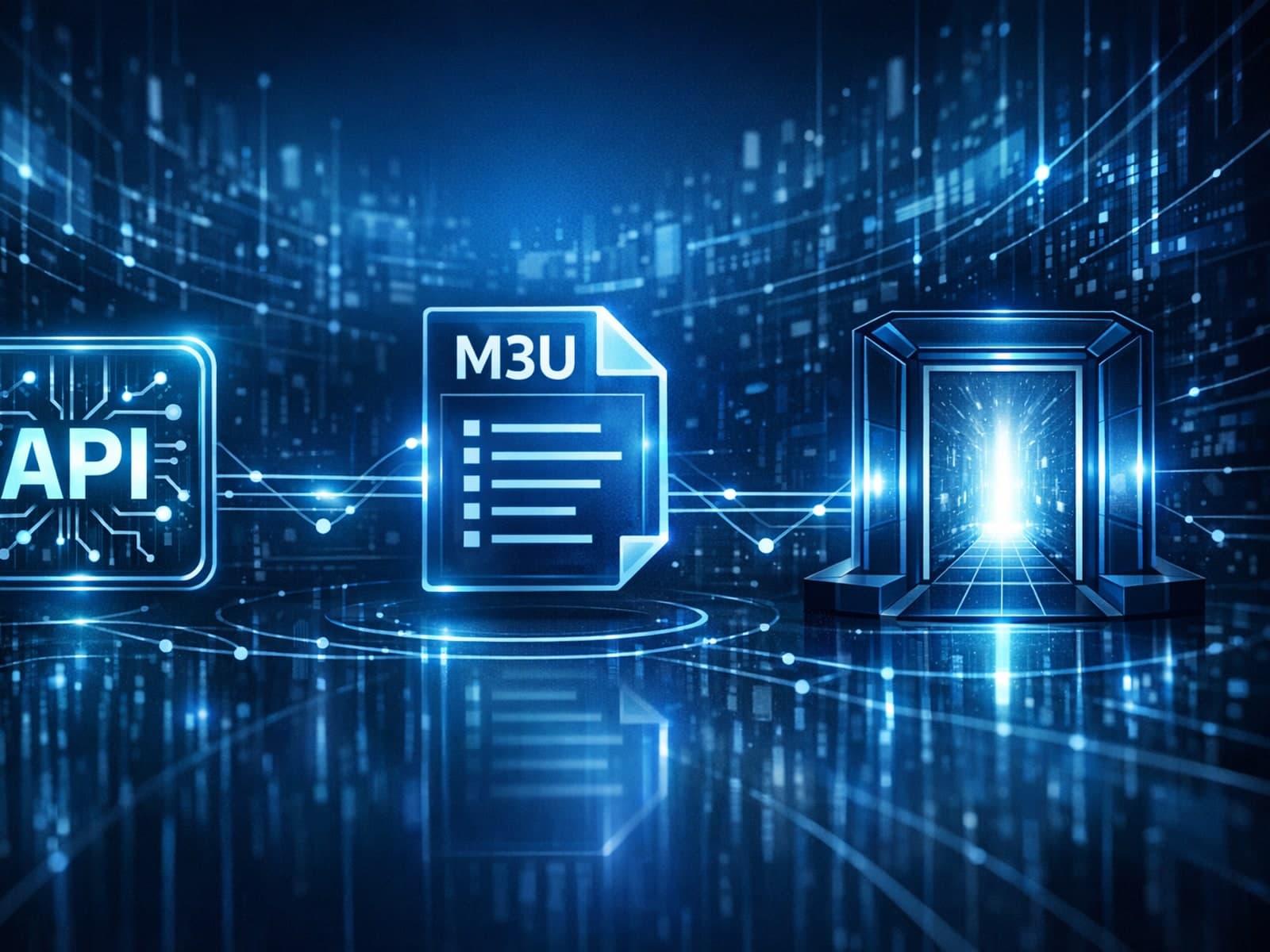
IPTV services commonly use different methods to provide access to video streams. Among the popular ones are Xtream Codes, M3U playlists, and Stalker Portal.
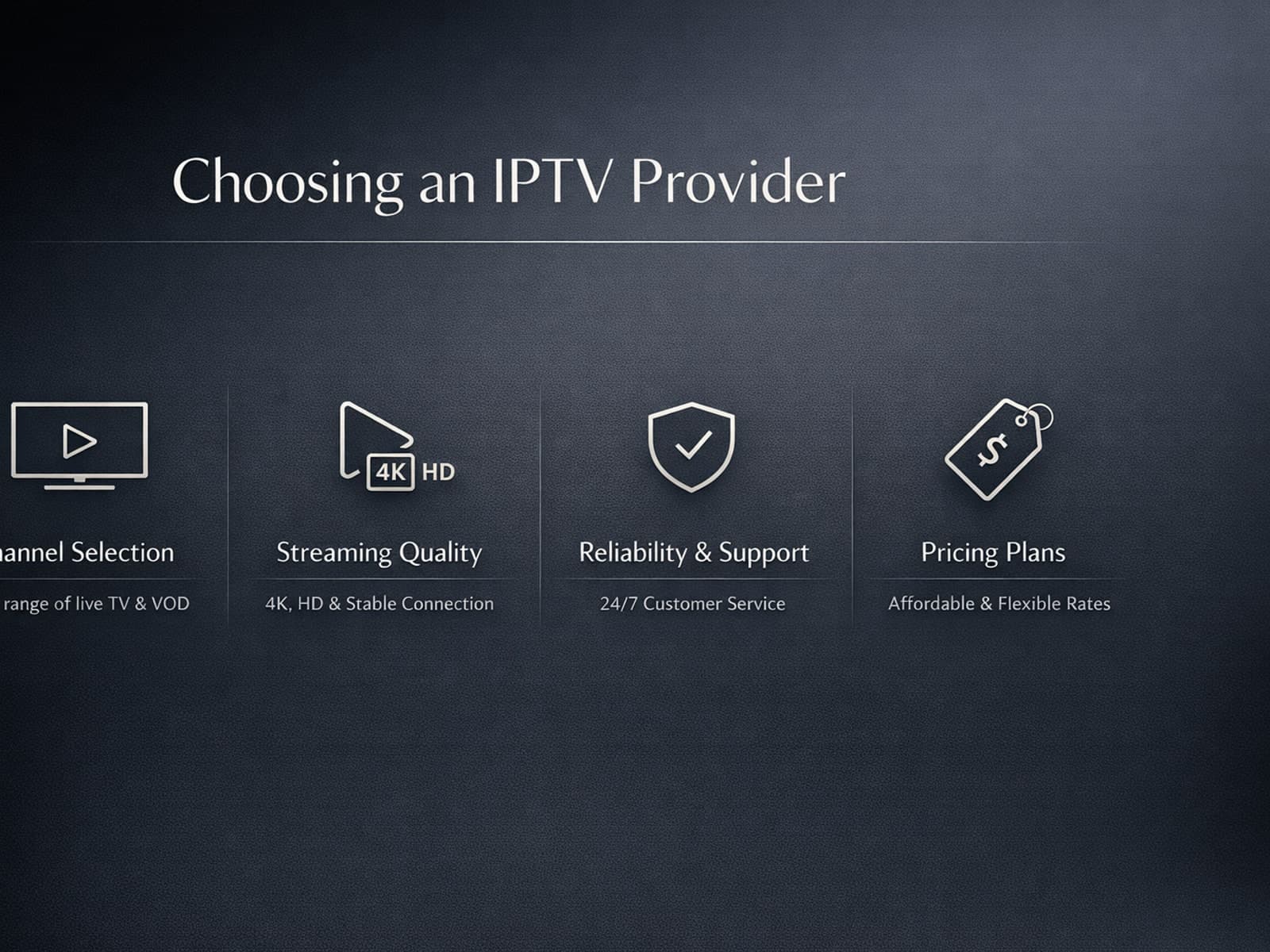
If you're looking to stream television through the internet, choosing the right IPTV provider is a foundational step for a seamless viewing experience.