
M3U Plus vs Xtream Codes API for IPTV Playlist Updates Compared

Quick answer
When managing IPTV playlists, choosing between M3U Plus and Xtream Codes API for playlist updates often shapes your viewing experience. M3U Plus offers a straightforward playlist format with URLs and some basic metadata, while Xtream Codes API delivers a dynamic method with co...
Reviewed Against
• Xtream Codes username, password, and server-URL login flows
• M3U and M3U Plus playlist URLs, refreshes, and import behavior
• Server-URL formatting, HTTP response handling, and account-entry failure patterns
Applies To
• Portal-style logins that need a server URL plus account credentials
• Playlist-based IPTV setups that rely on M3U or M3U Plus links for channel data
• Errors caused by malformed URLs, wrong credentials, expired tokens, or unreachable playlist endpoints
Does not apply when
• You are using only an M3U playlist URL with no Xtream-style portal login at all.
• Your app is using a portal or stalker-style workflow instead of a playlist URL.
• The provider confirms the service is down or the account has been deliberately blocked upstream.
Corroborating Resources
HTTP response status codesUseful when an IPTV app surfaces 401, 403, 404, or 5xx style errors during login or playlist refreshes.
URL structure referenceHelpful for checking server URLs, source links, and path/query mistakes in portal or playlist setups.
Topic Cluster
Part of the IPTV cluster
Browse practical IPTV articles about IPTV, including setup choices, troubleshooting paths, and follow-on guides. This page sits in compare options for that topic path.
On this page
M3U Plus vs Xtream Codes API for IPTV Playlist Updates Compared
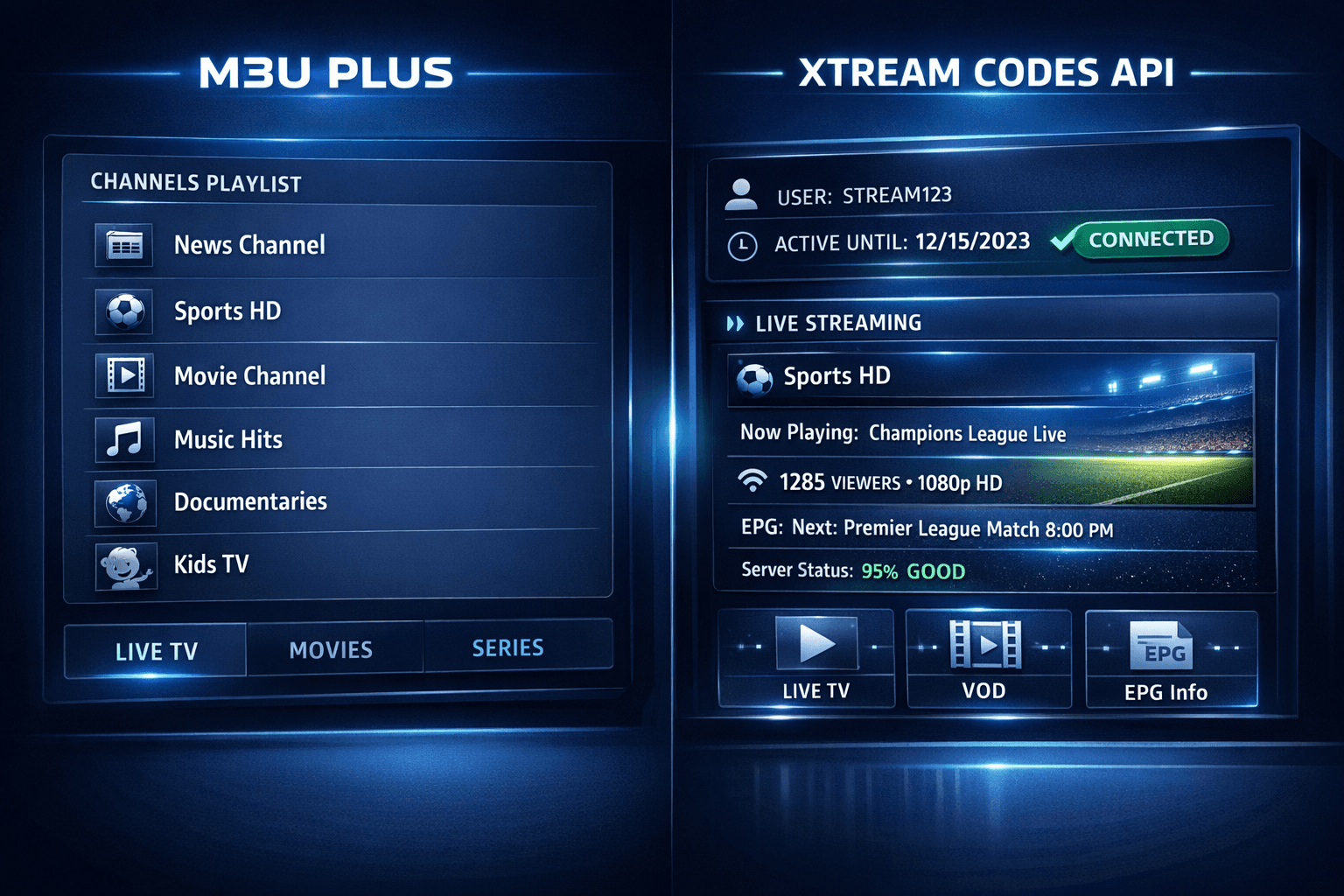
When managing IPTV playlists, choosing between M3U Plus and Xtream Codes API for playlist updates often shapes your viewing experience. M3U Plus offers a straightforward playlist format with URLs and some basic metadata, while Xtream Codes API delivers a dynamic method with continuous authentication and enriched metadata.
This article compares these two approaches specifically for updating IPTV playlists, helping IPTV users decide which method suits their device, app, and streaming habits best.
What you'll learn
- The technical differences between M3U Plus and Xtream Codes API
- Setup requirements for each playlist update method
- Strengths and limitations related to update speed and content freshness
- Use cases where one method clearly outperforms the other
- Common issues encountered with playlist updates and how to resolve them
Understanding M3U Plus for IPTV Playlist Updates
What is M3U Plus?
M3U Plus is an advanced form of the M3U playlist file that includes IPTV entries supplemented by extended metadata such as channel logos, EPG data URLs, and category tags. This format exists as a URL or file you load into an IPTV app to access streaming channels.
How Does M3U Plus Handle Playlist Updates?
Updates occur by replacing the playlist file or URL on the server side. The IPTV app refreshes this resource either manually by the user or automatically via a refresh feature. Because the playlist is essentially static text, updates depend on how frequently the provider updates the M3U.
Setup and Use
- You typically enter a single M3U Plus URL into the IPTV app.
- Updates happen by the app fetching the latest file from this URL.
- Extended M3U Plus fields allow some channel categorization and logos but rely on periodic playlist replacement.
Understanding Xtream Codes API for IPTV Playlist Updates
What is Xtream Codes API?
Xtream Codes API is a more sophisticated interface allowing IPTV apps to interact with a server via an API (application programming interface). It requires login credentials (username, password, and server URL) and provides dynamic access to live channel lists, EPG, and video-on-demand content.
How Does Xtream Codes API Handle Playlist Updates?
The API supports real-time playlist and metadata synchronization. IPTV applications query the API each time they update to retrieve the latest channel lists, EPG, and other content information dynamically.
Setup and Use
- You input username, password, and portal or API URL into the IPTV app.
- The app authenticates and retrieves data using API calls.
- Updates are automatic and more granular, including EPG and on-demand changes without reloading a whole static playlist.
Comparing Setup and User Experience
| Feature | M3U Plus | Xtream Codes API |
|---|---|---|
| Input Required | Single playlist URL | Username, password, and API URL |
| Update Method | Reload static file at URL | Dynamic API calls with authenticated session |
| Metadata Support | Basic metadata in text file | Full metadata including live updates and VOD data |
| Automatic Refresh | Limited, depends on playlist update | Frequent, near real-time |
| Device Compatibility | Very broad, works in most IPTV apps | Supported only in apps with API integration |
| Security | Low (playlist URL visible) | Higher (requires authenticated login) |
Strengths and Limitations Unpacked
M3U Plus Strengths
- Extremely simple to implement and use.
- Supported by almost every IPTV app.
- Ideal for users needing just a basic static playlist.
M3U Plus Limitations
- Updates depend entirely on provider refresh frequency.
- Limited interactivity and no dynamic content.
- Potentially outdated channel info between updates.
Xtream Codes API Strengths
- Provides constantly up-to-date channel and EPG data.
- Supports integration of VOD and catch-up TV.
- Offers a secure authentication-based access.
Xtream Codes API Limitations
- Requires IPTV app support for API.
- Setup is more complex, needing credentials.
- May not be compatible with some older or simpler IPTV players.
Troubleshooting Playlist Update Issues
Common Problems with M3U Plus
- Playlist not updating: Provider has not refreshed the M3U file recently.
- Missing channels or logos: Metadata fields incomplete or unsupported by app.
- Playback errors: URL in playlist is broken or expired.
Troubleshooting Steps for M3U Plus
- Verify the playlist URL is accurate and active.
- Manually refresh or reload the playlist in the IPTV app.
- Check with the provider for playlist update frequency.
Common Problems with Xtream Codes API
- Authentication fails: Incorrect credentials or API URL.
- Playlist fails to load: Server-side issues or network problems.
- Missing channels or metadata: API permissions or app bug.
Troubleshooting Steps for Xtream Codes API
- Double-check user credentials and API URL for typos.
- Ensure network connectivity and server uptime.
- Update IPTV app to latest version supporting the API.
- Contact IPTV provider to confirm API access and permissions.
When to Use Different Troubleshooting Paths
If your IPTV app only accepts M3U URLs and does not support Xtream Codes login format, focus on M3U troubleshooting. Conversely, if you use an app like IPTV Smarters or TiviMate that supports Xtream Codes API, follow the API-specific troubleshooting guide.
Who Should Choose M3U Plus or Xtream Codes API?
Choose M3U Plus if:
- Your IPTV app does not support Xtream Codes login credentials.
- You prefer simpler, less frequent playlist updates.
- You use generic or older devices with broad compatibility needs.
Choose Xtream Codes API if:
- You want real-time updates to channels, EPG, and VOD.
- Your IPTV app supports usernames, passwords, and API URLs.
- You require a more secure and integrated IPTV experience.
Summary Table: Choosing Based on Your Needs
| Criteria | M3U Plus | Xtream Codes API |
|---|---|---|
| Application | Simple IPTV apps, broad compatibility | Advanced IPTV apps like IPTV Smarters, TiviMate |
| Update frequency necessity | Low to medium | High (real-time updates) |
| Security importance | Lower | Higher (authentication required) |
| Content type | Live streams and basic EPG | Live, VOD, EPG, catch-up TV |
Frequently Asked Questions
What is the main difference between M3U Plus and Xtream Codes API?
M3U Plus is a static playlist format with text-based metadata, whereas Xtream Codes API uses an authenticated dynamic API allowing real-time playlist and metadata updates.
Which playlist update method is better for automatic refreshes?
Xtream Codes API usually offers smoother and more frequent automatic updates.
Can all IPTV players support both M3U Plus and Xtream Codes API?
No, player support varies. Many support M3U Plus universally, but only select apps support Xtream Codes API authentication.
Is one method more secure than the other?
Yes, Xtream Codes API requires credentials, enhancing security compared to openly accessible M3U URLs.
Conclusion
Choosing between M3U Plus and Xtream Codes API for IPTV playlist updates depends largely on your device compatibility, desired update frequency, and security needs. M3U Plus remains a dependable choice for wide compatibility and simple setups, while Xtream Codes API suits users seeking dynamic, authenticated, and feature-rich playlist management. Assess your IPTV app's capabilities and your personal viewing preferences to select the best method.
For related troubleshooting, see articles on TiviMate Playlist Not Updating After Refresh and IPTV Smarters Invalid Details Error.
Keep exploring
More explainers that connect naturally to this setup, workflow, or troubleshooting path.
TiviMate is a popular IPTV player app for Android TV and similar devices, known for its advanced channel management options. Organizing favorites and groups in TiviMate lets you customize your IPTV watching experience by categorizing.


When you switch channels on your IPTV service and the screen freezes or lags, it’s frustrating and disrupts your viewing experience. IPTV freezing during channel switching is most often caused by network delays, buffering, or the IPTV.

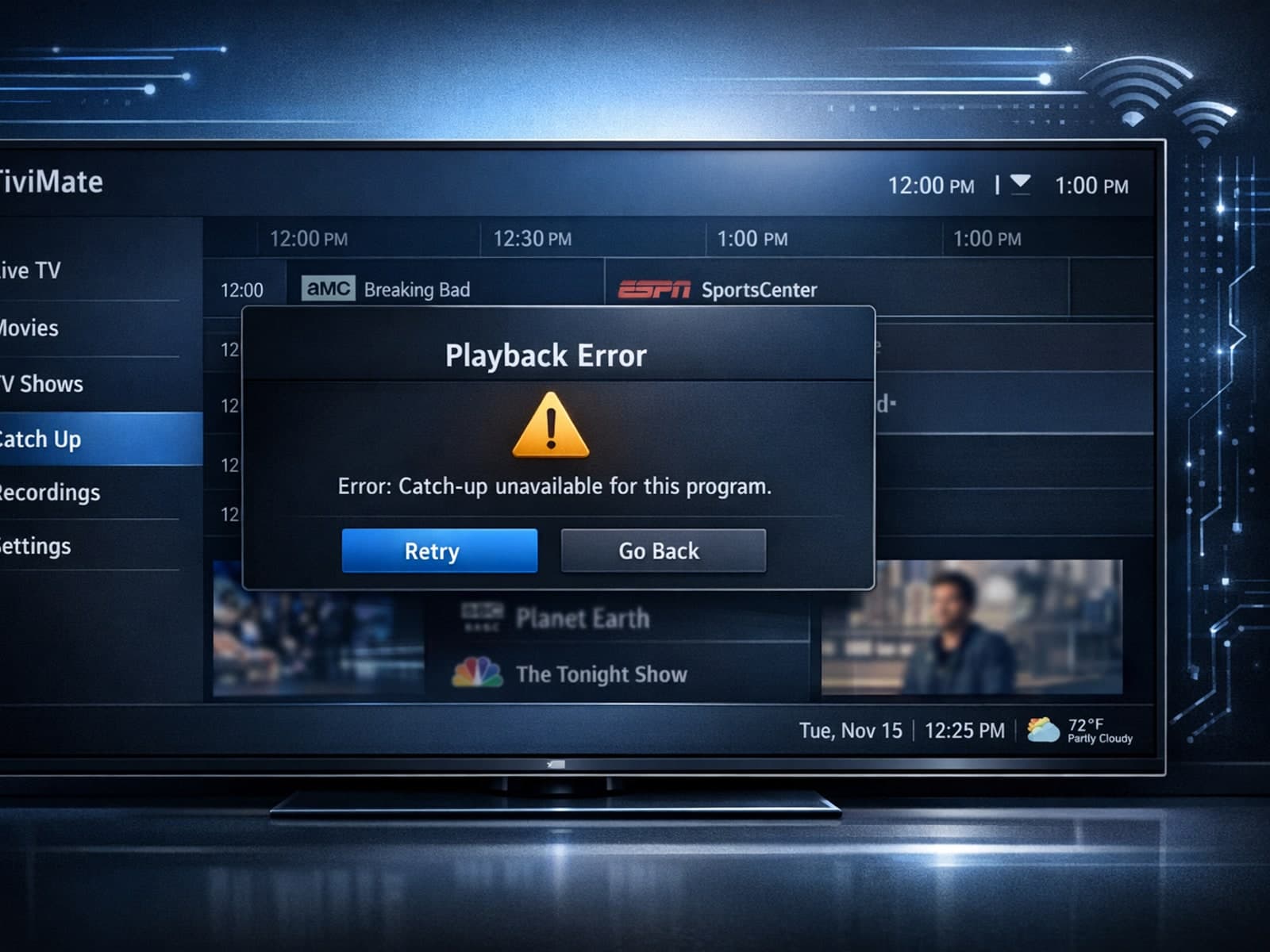
If your catch-up feature in TiviMate isn’t working, the fundamental reasons often lie in your IPTV playlist source or server configuration rather than the app itself.
