
IPTV Hardware Considerations for Stable Playback

Quick answer
Stable IPTV playback hinges largely on the hardware you use. Whether you're streaming through a smart TV, a set-top box, or a streaming stick, certain hardware characteristics significantly affect your viewing experience. This article breaks down the key hardware consideration...
Reviewed Against
• Home-network checks such as Wi-Fi strength, Ethernet fallback, DNS changes, congestion, and local storage pressure
Applies To
• Playback problems that change with connection quality, device load, app cache state, or time of day
Does not apply when
• Only one channel, event, or provider-side endpoint is failing while the rest of the service stays stable.
Corroborating Resources
Android TV video and game troubleshootingUseful for Wi-Fi, updates, app cache, and playback troubleshooting steps that also mirror IPTV failure paths.
Android TV storage helpHelpful when playback issues point to low storage, cache pressure, or app-data cleanup decisions.
Topic Cluster
Part of the IPTV cluster
Browse practical IPTV articles about IPTV, including setup choices, troubleshooting paths, and follow-on guides. This page sits in devices and network gear for that topic path.
On this page
Introduction
Stable IPTV playback hinges largely on the hardware you use. Whether you're streaming through a smart TV, a set-top box, or a streaming stick, certain hardware characteristics significantly affect your viewing experience. This article breaks down the key hardware considerations to help you minimize buffering and optimize playback quality.
What you'll learn
- Different types of IPTV-compatible devices
- Network connectivity options and their impact
- Processor and memory requirements
- Common hardware-related playback issues
- Troubleshooting tips for stable streaming
Understanding IPTV Devices
IPTV (Internet Protocol Television) delivers television content over internet networks rather than through traditional terrestrial, satellite, or cable formats. This means your receiving device plays a central role in handling the stream effectively.
Types of IPTV Hardware
- Smart TVs: Modern televisions with built-in internet capabilities and pre-installed or downloadable IPTV apps.
- Set-Top Boxes (STBs): Dedicated hardware designed for IPTV streaming with optimized processing power.
- Streaming Sticks: Compact devices (like Firestick, Chromecast) plugged into HDMI ports that run IPTV apps.
- Computers and Mobile Devices: PCs, laptops, tablets, and smartphones can run IPTV applications with appropriate software.
Network Connectivity and Stability
Your internet connection type dramatically influences IPTV playback quality.
Wired vs. Wireless Connections
| Connection Type | Advantages | Disadvantages |
|---|---|---|
| Ethernet (Wired) | Stable, consistent bandwidth, lower latency | Requires physical cables, less flexible |
| Wi-Fi (Wireless) | Convenient, flexible placement | Prone to interference, signal drops, and fluctuations |
Recommendation: Use a wired Ethernet connection whenever possible for the most stable streaming experience.
Network Speed and Bandwidth
IPTV streaming often requires consistent bandwidth. For standard definition, 3-5 Mbps per stream is typical, and high definition (HD) streams require around 5-10 Mbps or more. Ensure your internet plan can handle your streaming needs, especially if multiple devices are online simultaneously.
Processor and Memory Requirements
Smooth IPTV playback involves decoding and rendering video streams efficiently.
CPU Considerations
- A quad-core processor (around 1.5 GHz or above) is generally sufficient for HD streaming.
- Higher resolutions like 4K may require more powerful CPUs or dedicated video decoding hardware.
RAM and Storage
- While RAM is less critical for streaming itself, having at least 2 GB of RAM helps ensure multitasking and app performance.
- Storage impacts app installation and cache but is rarely a bottleneck unless severely limited.
Common Hardware Issues Affecting IPTV Playback
- Insufficient processing power: Older devices may struggle with decoding high-quality streams.
- Poor network interfaces: Faulty or outdated Wi-Fi adapters can introduce instability.
- Overheating devices: Excessive heat can throttle performance and cause playback interruptions.
Troubleshooting Hardware for Stable IPTV Playback
Step 1: Check Device Specifications
Verify your device meets minimum CPU and RAM recommendations for IPTV streaming.
Step 2: Optimize Network Setup
- Prefer Ethernet over Wi-Fi.
- If using Wi-Fi, position your router and device to minimize interference.
- Consider upgrading your router or network adapter to support higher speeds.
Step 3: Manage Device Load
Close unnecessary applications that may consume system resources.
Step 4: Keep Firmware and Software Updated
Outdated firmware or application versions can cause compatibility issues.
Step 5: Monitor Device Temperature
Ensure adequate ventilation and avoid placing devices in hot environments.
Common Mistakes to Avoid
- Relying solely on Wi-Fi without checking signal strength.
- Using older devices that can’t handle modern streaming codecs.
- Ignoring firmware updates for your IPTV hardware.
- Overloading your home network with multiple simultaneous streams without sufficient bandwidth.
Quick Hardware Selection Checklist for IPTV
| Criteria | Minimum Recommendation | Notes |
|---|---|---|
| CPU | Quad-core ~1.5 GHz or better | Depends on resolution and codec |
| RAM | 2 GB or more | Helps with app stability |
| Network Interface | Gigabit Ethernet port or dual-band Wi-Fi | Wired Ethernet preferred |
| Video Decoding | Support for H.264 and/or H.265 hardware acceleration | Essential for efficient playback |
| Firmware Updates | Active manufacturer/app support | Security and compatibility improvements |
FAQ
Q: What happens if my device lacks hardware video decoding?
A: Software decoding uses more CPU resources, often causing lag or buffering, especially at higher resolutions.
Q: Can I improve IPTV playback on a smart TV?
A: Yes, by using a wired Ethernet connection, closing background apps, ensuring updates, or using an external set-top box.
Q: How does router quality influence IPTV?
A: A good router minimizes latency, handles multiple streams, and maintains consistent connection quality.
Conclusion
Selecting appropriate hardware is a foundational step for a reliable IPTV experience. Prioritizing devices with adequate processing power, ensuring a stable network connection—ideally wired—and keeping software updated can drastically reduce playback issues. With these considerations, informed users can enjoy smooth, uninterrupted IPTV streaming.
Related Resources
- How to Fix or Prevent Buffering with IPTV: A Practical Guide
- Choosing an IPTV Player for Android TV and Firestick
- Network Optimization topic
- Tech Basics topic
Frequently Asked Questions
What is the minimum processor requirement for smooth IPTV playback?
A processor with at least a quad-core CPU running at around 1.5 GHz or higher typically provides smooth IPTV playback, but requirements may vary based on streaming quality and device optimization.
Does using a wired network connection improve IPTV stability?
Yes, wired Ethernet connections generally offer more reliable and stable bandwidth than Wi-Fi, reducing buffering and playback interruptions in IPTV.
Can outdated hardware cause buffering in IPTV streams?
Absolutely. Older devices with limited processing power or outdated network adapters may struggle with high-definition IPTV streams, causing buffering and playback issues.
Are external set-top boxes better than smart TVs for IPTV?
It depends. Dedicated IPTV set-top boxes often have hardware optimized specifically for streaming, which can provide more stable playback compared to some smart TVs with less powerful internals.
Related guides on IPTV Explained
- How to Fix or Prevent Buffering with IPTV: A Practical Guide
- Choosing an IPTV Player for Android TV and Firestick
- Network Optimization topic
- Tech Basics topic
Step-by-step process
- Verify that your IPTV device meets minimum CPU and RAM requirements for smooth streaming.
- Choose a stable network connection, preferring wired Ethernet over Wi-Fi when possible.
- Close unnecessary applications to reduce system load on your streaming device.
- Keep your device firmware and IPTV apps updated to maintain compatibility and security.
- Monitor device temperature and ensure proper ventilation to prevent overheating-related interruptions.
Next articles worth reading
These related guides narrow hardware decisions into the device and network tradeoffs that most often affect playback stability:
Keep exploring
More explainers that connect naturally to this setup, workflow, or troubleshooting path.
TiviMate is a popular IPTV player app for Android TV and similar devices, known for its advanced channel management options. Organizing favorites and groups in TiviMate lets you customize your IPTV watching experience by categorizing.

When you switch channels on your IPTV service and the screen freezes or lags, it’s frustrating and disrupts your viewing experience. IPTV freezing during channel switching is most often caused by network delays, buffering, or the IPTV.

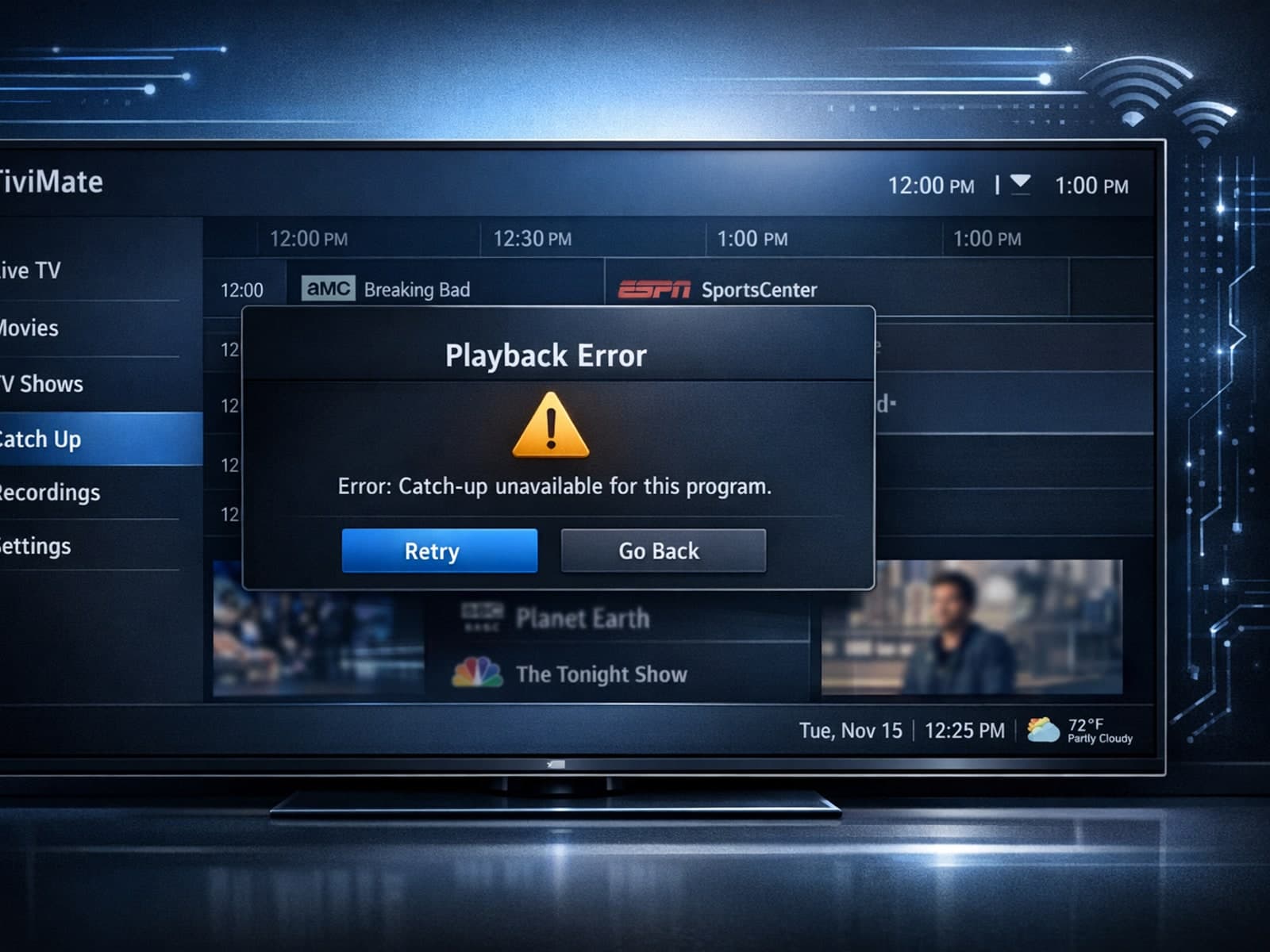
If your catch-up feature in TiviMate isn’t working, the fundamental reasons often lie in your IPTV playlist source or server configuration rather than the app itself.
