
Practical IPTV Guide: A Clear Introduction for Beginners and Intermediates
Learn what IPTV is, how it works, and practical steps to get started with IPTV streaming. Discover key terms, setup advice, common issues, and a helpful comparison guide.
On this page
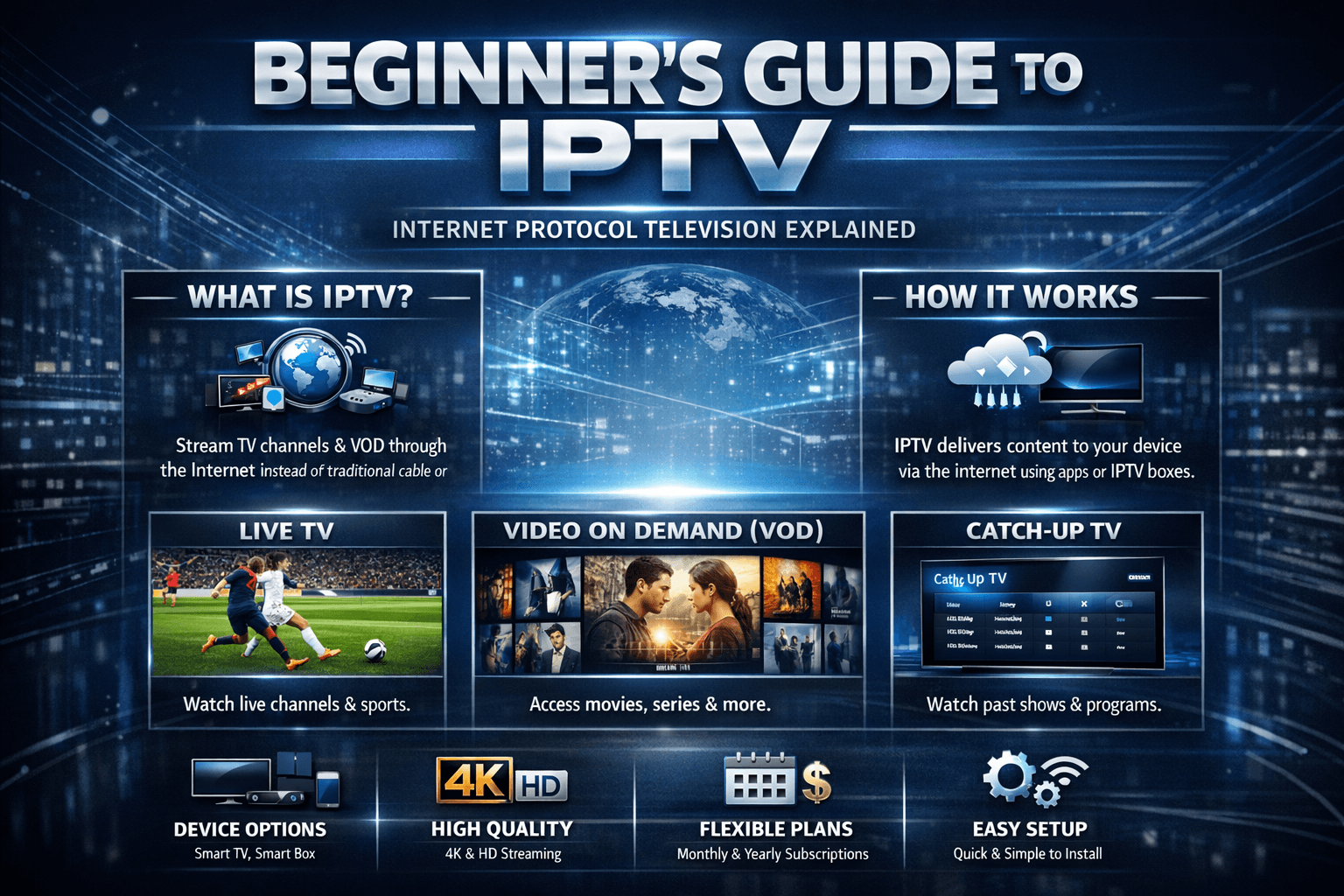
Practical IPTV Guide: A Clear Introduction for Beginners and Intermediates
IPTV, or Internet Protocol Television, is a method of delivering TV content over the internet rather than traditional satellite or cable. This approach enables users to stream live TV channels, on-demand videos, and other multimedia content via internet-connected devices. Unlike conventional broadcasting, IPTV uses your existing broadband connection to transmit television signals.
This guide offers a straightforward explanation of IPTV, highlights key terms, walks you through basic setup steps, and addresses common troubleshooting scenarios. It is designed for readers with some familiarity with streaming and internet technologies but who want practical knowledge to use IPTV effectively.
What you'll learn
- What IPTV is and how it differs from traditional TV broadcasting.
- Essential components and terminology related to IPTV.
- How to set up IPTV on various devices.
- Common problems and how to resolve them.
- Security and quality considerations.
- A comparison checklist to choose IPTV services or setups.
Understanding IPTV Basics
What is IPTV?
IPTV stands for Internet Protocol Television, where TV programming is delivered using the internet protocol suite rather than through cable, satellite, or terrestrial formats. IPTV lets users stream content in real time or on demand, provided a stable internet connection.
How IPTV Differs from Traditional TV
| Aspect | Traditional TV | IPTV |
|---|---|---|
| Delivery Method | Broadcast signals via cable, satellite, or antenna | Delivered through internet data packets |
| Content Access | Scheduled programming and limited on-demand | On-demand and live streaming with interactive features |
| Device Options | Television sets with specific tuners | Smart TVs, streaming boxes, computers, mobiles |
Key IPTV Terms
- Streaming: Continuous transmission of multimedia over the internet.
- Set-Top Box (STB): Device that decodes IPTV streams and displays content on TV.
- Middleware: Software controlling IPTV service features, user interface, and content management.
- M3U Playlist: A file format containing URLs of IPTV channels or streams.
Practical IPTV Setup
Choosing Your IPTV Source
IPTV content comes from various providers or sources, ranging from licensed services to independent playlists. Selecting a reliable source ensures better quality and legality.
Devices Compatible with IPTV
- Smart TVs: Many modern TVs have built-in IPTV apps or browsers.
- Streaming Devices: Roku, Amazon Fire TV, Apple TV, Android TV boxes.
- Computers: Running players like VLC Media Player.
- Mobile Devices: Smartphones and tablets using IPTV apps.
Installing IPTV Apps and Players
- Identify a reputable IPTV app compatible with your device.
- Download and install the app from official app stores or trusted websites.
- Load an IPTV playlist (such as an M3U file) into the app.
Using M3U Playlists
M3U playlists contain a list of IPTV channel URLs. They may be provided by IPTV services or generated from publicly available resources. To use:
- Obtain the M3U file or URL.
- Open it in the IPTV application.
- Browse and select channels or on-demand content.
Network Requirements
Stable internet connectivity is essential for smooth IPTV streaming:
- Minimum recommended speed: 10 Mbps for HD streaming, higher for 4K.
- Prefer wired Ethernet connection over Wi-Fi for stability.
- Check router settings for potential QoS (Quality of Service) to prioritize video traffic.
Troubleshooting Common IPTV Issues
Buffering and Playback Issues
- Cause: Insufficient bandwidth or network congestion.
- Fixes:
- Test internet speed and upgrade if necessary.
- Use a wired connection to reduce interference.
- Close background apps consuming bandwidth.
- Lower stream quality settings if available.
Unable to Load Playlist or Channels
- Cause: Invalid or expired playlist URL.
- Fixes:
- Verify the M3U URL or file source.
- Update playlists regularly, as channels change.
- Use reliable IPTV service sources.
Application Crashes or Freezing
- Cause: App bugs or device incompatibility.
- Fixes:
- Restart the device.
- Reinstall the IPTV app.
- Check device storage and close other apps.
- Update the app to the latest version.
Poor Video Quality
- Cause: Stream source quality or internet speed issues.
- Fixes:
- Choose better quality streams if options exist.
- Ensure sufficient bandwidth.
- Adjust app settings for better buffering.
Security and Service Considerations
- Only use IPTV services that comply with copyright and licensing laws.
- Avoid suspicious or unauthorized sources to prevent malware risks.
- Use VPNs cautiously with IPTV as they can affect streaming speeds.
- Regularly update apps and devices to patch vulnerabilities.
Comparing IPTV Setup Options
| Factor | Smart TV App | Set-Top Box | PC/Mobile Player |
|---|---|---|---|
| Ease of Setup | High; pre-installed or easily added | Moderate; requires device purchase | High; software installation needed |
| Portability | Low; fixed TV location | Moderate; generally portable | High; mobile access anywhere |
| Flexibility | Limited by TV OS | High; supports many apps | High; many customizable players |
| Cost | Usually none if using free apps | Additional upfront device cost | None or minimal (app cost) |
Frequently Asked Questions
Q: Do I need a special internet connection for IPTV?
A: No special internet connection is needed, but a stable broadband connection with adequate bandwidth (at least 10 Mbps) is recommended for smooth streaming.
Q: Can I use IPTV on multiple devices at once?
A: This depends on your IPTV service provider's policy. Some allow multiple device streams, but many restrict simultaneous access.
Q: Is IPTV legal?
A: IPTV itself is a legal technology. Legality depends on the content source and whether the provider has proper rights to distribute the content.
Q: Can I record IPTV content?
A: Some IPTV apps or middleware support recording features, but this varies by platform and service.
Q: How do I update my IPTV playlist?
A: Playlist updates are usually done by refreshing the M3U URL within your IPTV app or by downloading a new playlist file from the source.
Conclusion
IPTV offers a flexible alternative to traditional television by leveraging internet technologies to deliver diverse content on various devices. Understanding the basics of IPTV, selecting the right hardware and software, ensuring network stability, and being mindful of source legality are key to a successful IPTV experience. With careful setup and awareness of common pitfalls, users can enjoy a broad range of programming tailored to their preferences.
Related articles
More explainers that touch the same tools, workflows, and problems.
Discover how to select the right IPTV player for Android TV and Firestick devices. Learn key features, compatibility tips, and common pitfalls to avoid for an optimized streaming experience.
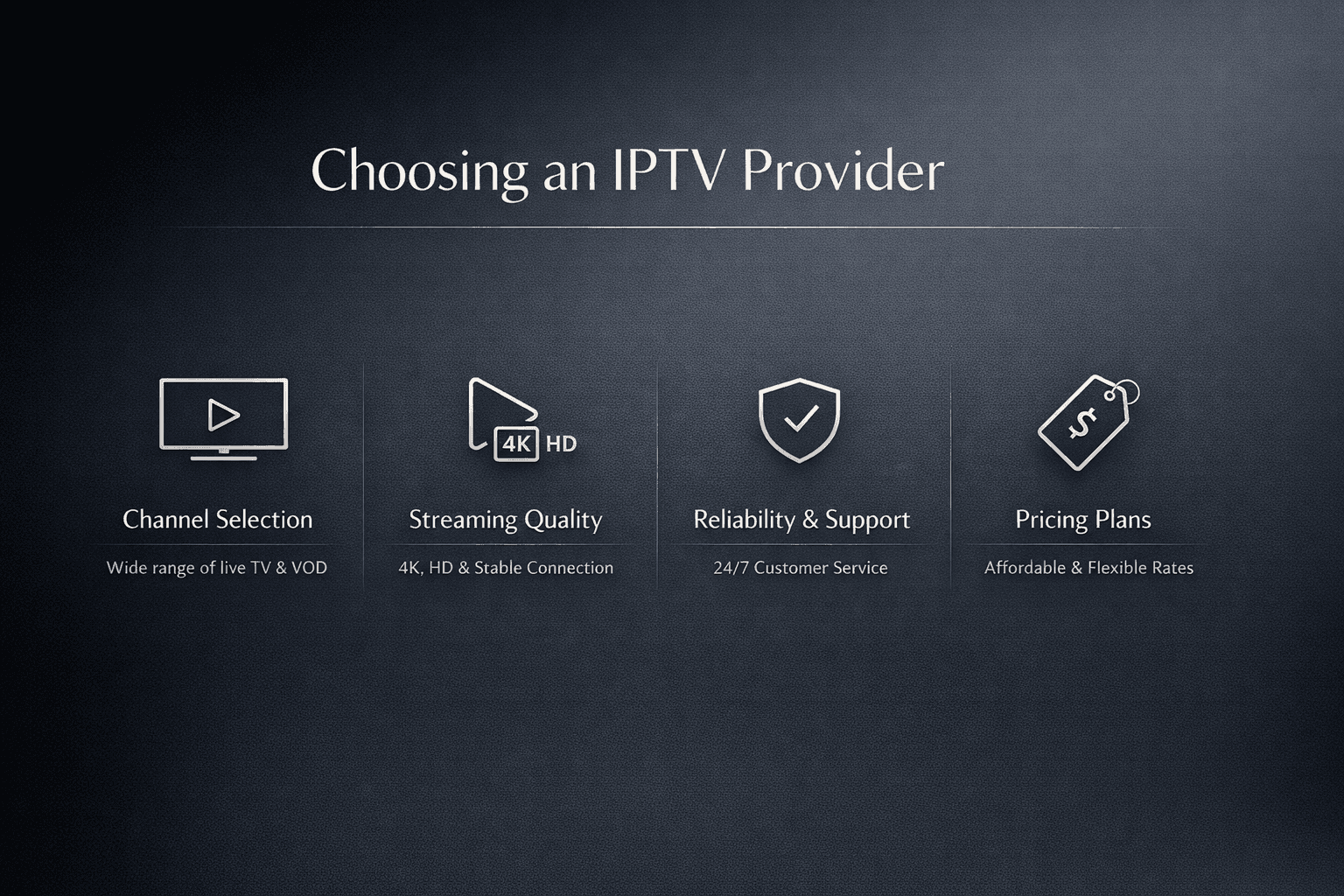
Selecting the right IPTV provider involves evaluating service quality, channel offerings, compatibility, and reliability. This guide breaks down key factors to help you make a well-informed choice.
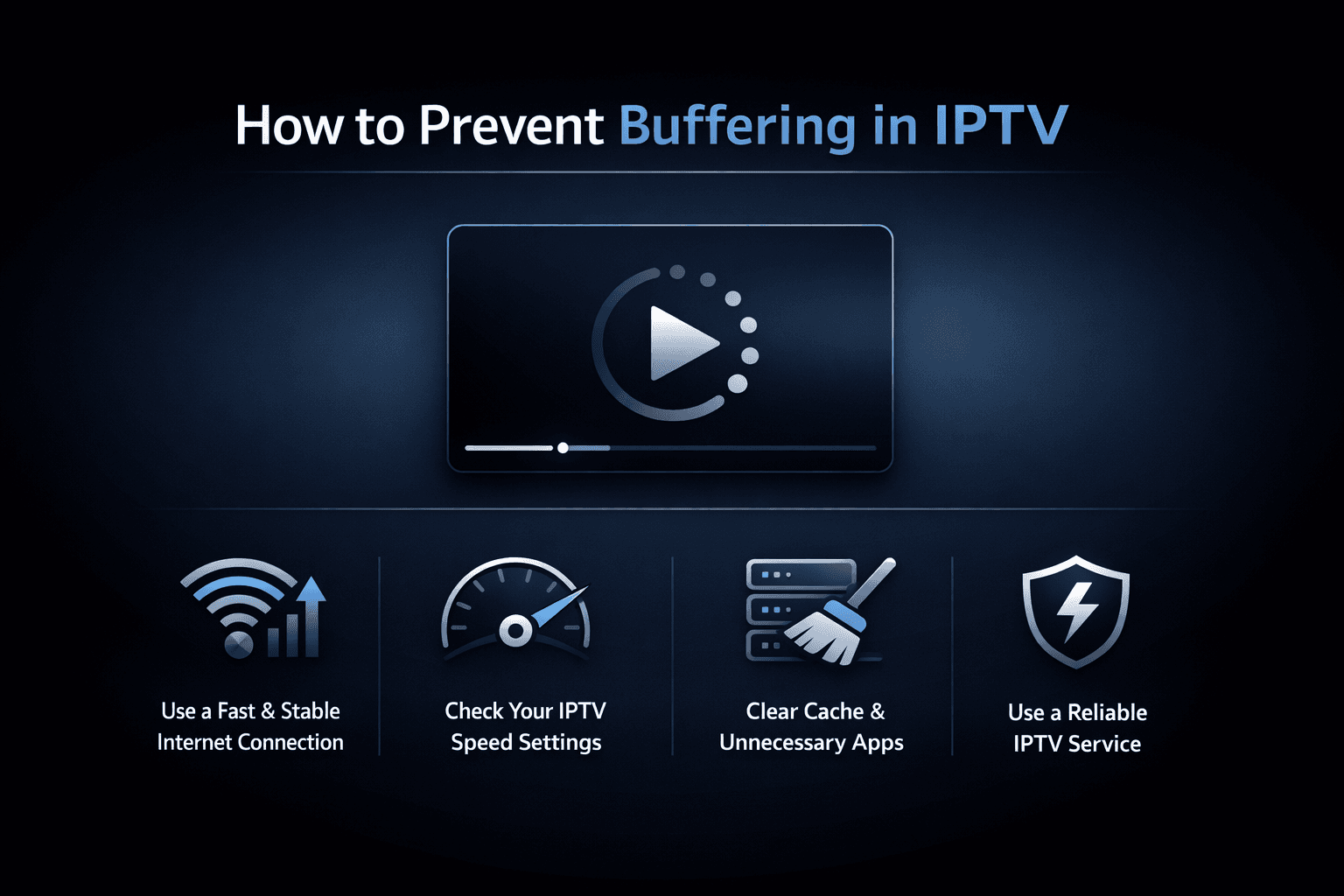
Buffering is a common frustration when streaming IPTV. This guide explains why buffering happens and offers clear steps to fix and prevent it, helping you enjoy smooth streaming.